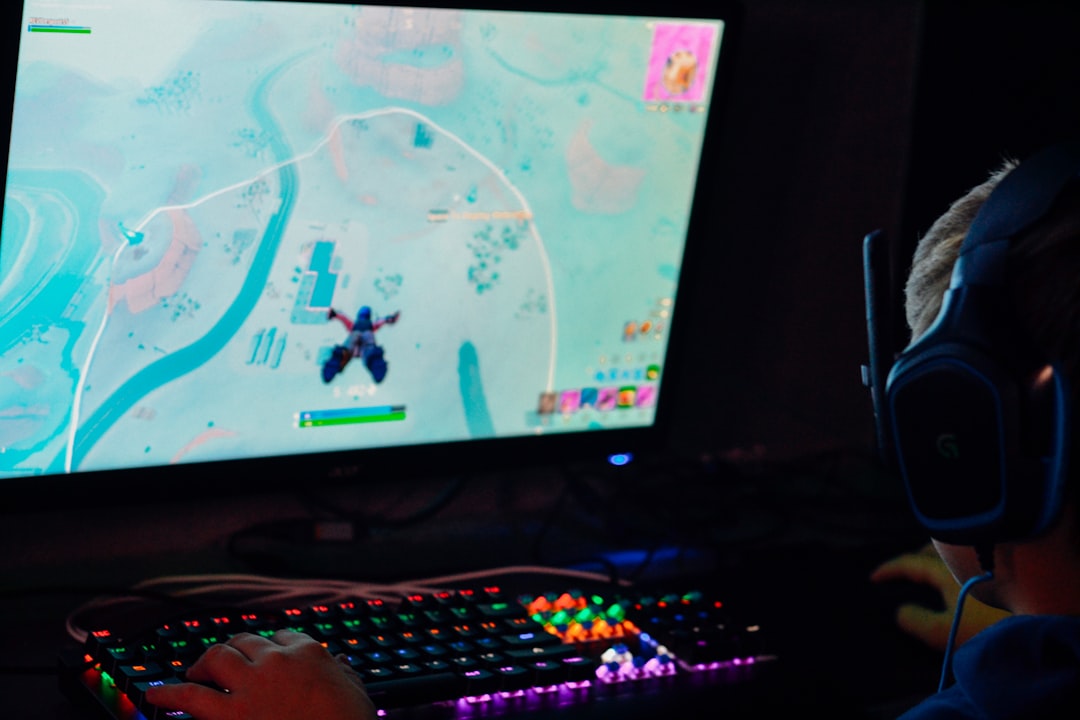
Fortnite is more than a game for many students: it is a social space, a creative sandbox, and a fast-moving competitive challenge. Because it is popular, searches for “Fortnite unblocked” often spike during school hours. But before trying to play, it is important to understand what “unblocked” should mean in a school setting: access that is allowed, safe, and respectful of school rules, not sneaky workarounds that could put your device, account, or school network at risk.
TLDR: Playing Fortnite at school should only happen if your school allows it, such as during an esports club, lunch period, technology class activity, or supervised event. Avoid sketchy “unblocked game” websites, VPNs, proxies, and downloads that promise easy access, because they can violate school rules and expose you to malware or account theft. The safest options are to ask for permission, use official Epic Games services on approved devices, protect your account, and save gaming for home if school access is restricted.
What Does “Fortnite Unblocked” Really Mean?
When students say they want Fortnite unblocked, they usually mean they want to play Fortnite on a school network, Chromebook, laptop, or classroom computer where gaming sites are blocked. Schools block game services for several reasons: to keep bandwidth available for learning, reduce distractions, protect students from unsafe websites, and comply with digital safety policies.
That does not mean every form of gaming is automatically bad. Many schools now run esports clubs, game design classes, digital media programs, and after-school tournaments. In those cases, Fortnite may be allowed under supervision, with clear rules and approved devices. The key difference is permission. Safe access means using Fortnite in a way that your school, parents, and teachers understand and approve.
Image not found in postmetaWhy You Should Avoid “Unblocked Fortnite” Websites
Search results for “Fortnite unblocked” can lead to websites that claim to let you play instantly in a browser. Many of these sites are not official, and some are designed to trick students. They may show fake play buttons, ask for your Epic Games login, push suspicious extensions, or redirect you to advertisements that are difficult to close.
Using these sites can create real problems, including:
- Malware risks: Fake game launchers and browser extensions can install harmful software.
- Account theft: Any page asking for your Epic Games email and password outside official Epic services should be treated as dangerous.
- Rule violations: Trying to bypass school filters may lead to lost device privileges or disciplinary action.
- Privacy issues: Unofficial sites may track your activity or collect personal information.
- Poor performance: Even if something loads, it may lag, crash, or be filled with ads.
If a site promises “free skins,” “instant unblocked Fortnite,” or “play without installing anything” while asking you to log in, download files, or disable security settings, it is a major red flag. Fortnite should be accessed only through official platforms and approved services.
The Safe Way to Play Fortnite at School
The safest way to play Fortnite at school is simple: ask first. That might sound boring, but it protects you from trouble and can actually create better opportunities. If enough students are interested, a teacher may be willing to sponsor an esports club, a lunchtime gaming group, or a supervised tournament.
Here are safer, school-friendly options to consider:
- Join or start an esports club. Many schools support competitive gaming when it is organized, supervised, and tied to teamwork or digital citizenship.
- Ask about approved gaming times. Some schools allow games during lunch, after school, or special reward periods.
- Use only approved devices. If your school provides devices, they may have strict rules about what can be installed or accessed.
- Keep gaming off academic time. Do not play during lessons, tests, group work, or study periods unless it is part of the assignment.
- Follow network rules. If Fortnite is blocked, do not try to bypass the filter. Ask a staff member what options are available.
Approaching the issue respectfully matters. Instead of saying, “How do I get around the block?” try asking, “Is there a way students can play Fortnite in a supervised club or event?” That changes the conversation from rule-breaking to responsible participation.
Why Schools Block Fortnite in the First Place
Fortnite is a large online game that can use significant bandwidth, especially during updates or when many players are streaming and playing at the same time. Schools need their networks to support learning platforms, video calls, research tools, online tests, and classroom software. If dozens of students are gaming at once, the network can slow down for everyone.
There is also the issue of focus. Fortnite matches are exciting, competitive, and often difficult to pause. A quick game can become a long session, especially if friends are online. Schools use filters not only to block harmful content but also to reduce distractions during the day.
Finally, online multiplayer games include communication features such as voice chat and text chat. While these tools can be fun with friends, they can also expose students to strangers, toxic behavior, or inappropriate language. Schools have a responsibility to manage that risk.
Account Safety: Protect Your Epic Games Login
If you are allowed to play Fortnite at school, account security should be a top priority. Your Fortnite account may include purchased skins, V-Bucks, linked payment methods, and years of progress. Losing access can be frustrating and sometimes expensive.
Follow these account safety tips:
- Enable two-factor authentication. This adds an extra layer of protection when signing in.
- Use a strong, unique password. Do not reuse your school password or email password.
- Never share your login. Friends, classmates, and “skin traders” should not have access to your account.
- Avoid public or shared computers. If you must use one with permission, always log out completely.
- Do not trust free V-Bucks offers. Most are scams designed to steal accounts or personal data.
Also, remember that your school account and your gaming account should stay separate. Do not use your school email for random signups unless your school specifically allows it. Keeping accounts separate can help protect your privacy.
Device Safety: Don’t Download Random Files
One of the biggest dangers in trying to play “unblocked” Fortnite is downloading fake launchers, APK files, browser extensions, or installers. These files can contain malware, spyware, or software that changes your browser settings. On a school device, installing unauthorized programs can also violate your acceptable use policy.
Only install Fortnite from official sources and only on devices where you have permission. If you are using a personal device, make sure a parent or guardian approves. If you are using a school device, ask a teacher or IT administrator. It is better to hear “not right now” than to risk damaging a device or losing access to school technology.
Playing Responsibly During School Hours
Even if Fortnite is allowed in a certain setting, responsible play is still important. Games are designed to be engaging, and Fortnite’s quests, battle pass rewards, limited-time events, and ranked modes can make it tempting to keep playing. At school, timing and self-control matter.
Use these habits to keep gaming balanced:
- Set a time limit before you start playing.
- Finish schoolwork first so gaming does not create stress later.
- Use headphones at a safe volume and stay aware of your surroundings.
- Keep voice chat respectful and avoid arguments, insults, or personal information.
- Stop when asked by a teacher, coach, librarian, or staff member.
Playing responsibly also means being a good teammate. Fortnite can teach communication, quick decision-making, strategy, and resilience, but only if players treat others with respect. If a match goes badly, take a breath and move on. Good sportsmanship matters in gaming just like it does in traditional sports.
Can Fortnite Be Educational?
Fortnite is mainly entertainment, but it can connect to learning in interesting ways when guided properly. Fortnite Creative allows players to build maps, design game modes, test mechanics, and think about level design. These activities can connect to coding concepts, architecture, storytelling, art, physics, and project management.
In an esports club, students might practice teamwork, analyze strategy, create event graphics, manage brackets, record commentary, or study streaming production. Those are real skills. The difference is structure: educational gaming has goals, supervision, and reflection, rather than simply playing during class time.

What to Do If Fortnite Is Blocked
If Fortnite is blocked at your school, do not panic and do not try to sneak around it. The mature response is to understand the rule and look for approved alternatives. You can ask whether there is an esports program, suggest an after-school gaming event, or save Fortnite for home.
If you want to make a case for a club or event, prepare a short proposal. Include details such as:
- When students would play, such as after school or during a supervised club period.
- Where the activity would happen, such as a computer lab or library media room.
- Who would supervise the group.
- What rules students would follow for chat, behavior, and time limits.
- Why the activity could benefit students, such as teamwork, leadership, or digital citizenship.
This approach shows responsibility. Even if the answer is no, you have handled the situation maturely and avoided risky shortcuts.
Final Thoughts
Fortnite unblocked should not mean “ignore the rules” or “use whatever website works.” It should mean finding a safe, approved way to enjoy the game without harming your account, your device, your school network, or your academic responsibilities. The best path is always permission first: ask about clubs, events, approved gaming times, and official platforms.
Fortnite can be fun, social, and even educational in the right setting. But school is still a place for learning, and digital freedom comes with digital responsibility. If your school allows Fortnite, play respectfully and protect your account. If it does not, avoid unsafe workarounds and enjoy the game later at home, where you can focus fully on the Battle Bus without risking school consequences.






Leave a Reply