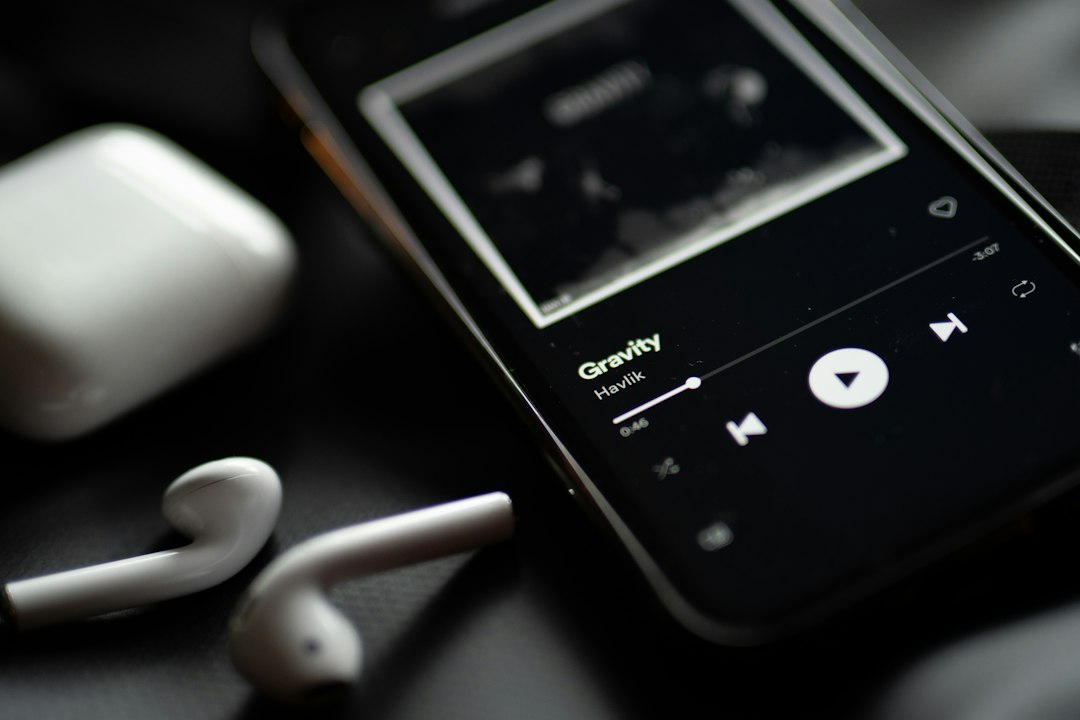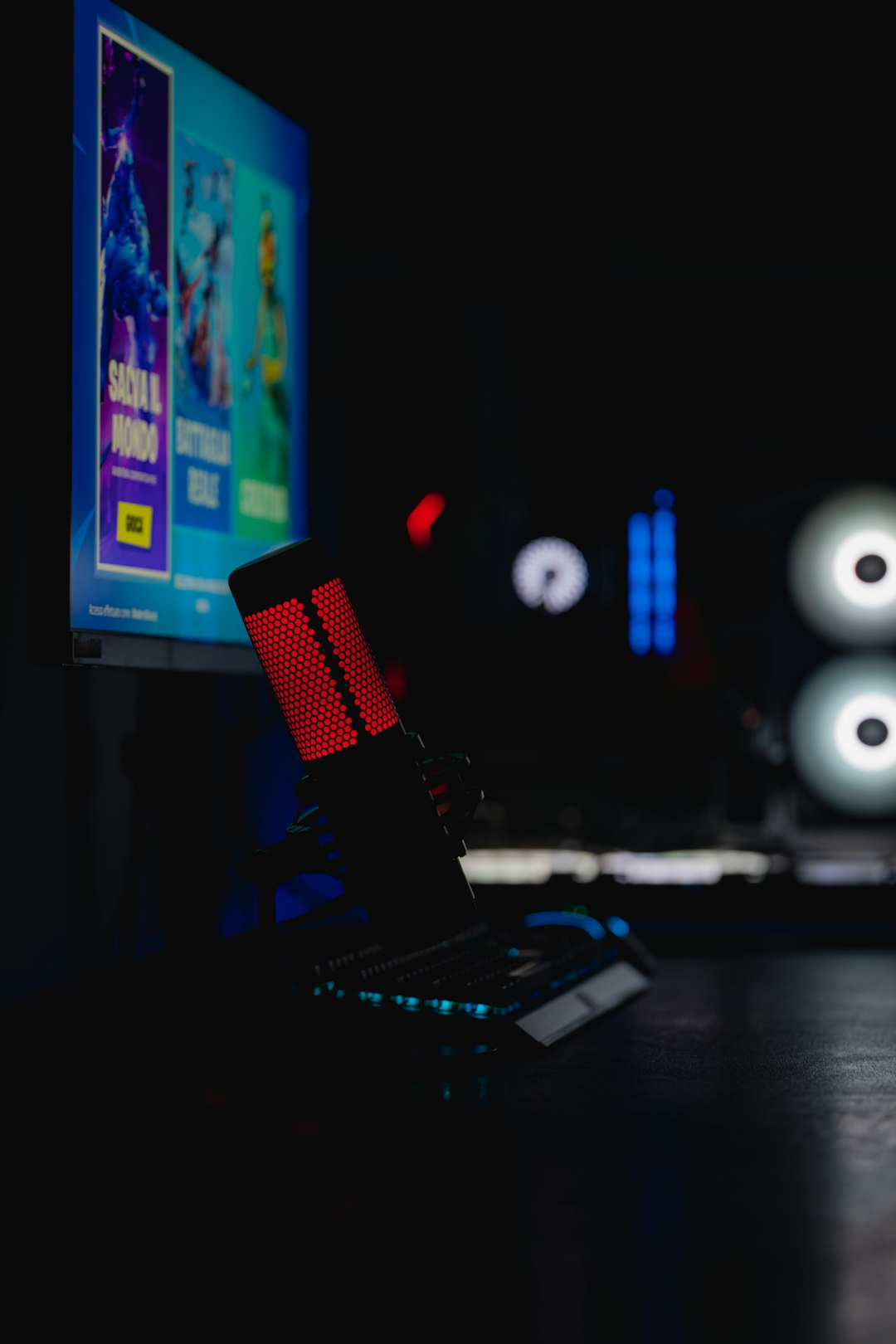
Music can change a moment fast. One second, a room feels quiet. Then the right track starts, and boom. People smile. Feet move. Energy rises. That is the magic behind Music on Cue. It is all about playing the right sound at the right time.
TLDR: Music on Cue means having music ready to play exactly when it is needed. It is useful for shows, events, games, classes, videos, and live streams. Good cue music tools make it easy to organize tracks, trigger sounds, fade audio, and avoid awkward silence. In short, it helps you sound smooth, prepared, and professional.
What Does “Music on Cue” Mean?
Music on Cue means music starts on command. It may start with a button. It may start with a keyboard shortcut. It may start from a timeline. It may even start from a remote control.
The key idea is simple. The music is ready. The moment arrives. You press play. The sound begins.
This is very different from searching through a playlist while everyone waits. Nobody wants that. It feels messy. It kills the mood. With music on cue, things feel clean and planned.
Think of a theater show. A spooky sound plays as the lights go dark. Think of a wedding. A romantic song begins as the couple walks in. Think of a podcast. A short music clip plays between sections. That is music on cue.
Why It Matters
Music is not just background noise. It gives shape to an experience. It tells people how to feel. It can make a scene funny, tense, calm, grand, or silly.
Using music on cue helps you control that feeling. You do not leave the moment to chance. You guide it.
It matters because timing matters. A joke needs the right sting. A dance needs the right beat. A big entrance needs the right swell. A game show needs the right buzzer. A haunted house needs the right creepy creak.
When music starts too late, the moment can fall flat. When it starts too soon, it can feel odd. But when it starts just right, people notice. Even if they do not know why.
Who Uses Music on Cue?
Lots of people use cue-based music. It is not only for sound engineers. It is for anyone who needs audio to behave.
- Theater teams use it for scenes, transitions, and effects.
- DJs use it for smooth sets and special moments.
- Teachers use it for games, timers, and class activities.
- Streamers use it for intros, alerts, and funny bits.
- Event hosts use it for walk-ons, awards, and breaks.
- Fitness instructors use it to match music with movement.
- Video creators use it to time music with visuals.
- Podcasters use it for theme songs and segment breaks.
Even small events can feel bigger with smart audio cues. A school play can feel more polished. A birthday party can feel more exciting. A trivia night can feel like a TV show.
Main Features of Music on Cue Tools
Music on cue can be as simple as a playlist. But modern cue tools offer much more. They are built for speed, control, and confidence.
1. Easy Cue Lists
A cue list is a list of sounds in order. Cue one plays first. Cue two plays next. Then cue three. Simple.
This is great for shows and events. You can build the whole audio plan ahead of time. Then you just follow the list.
A good cue list shows names clearly. It may show track length. It may show notes. It may show colors. This helps you stay calm during the action.
2. One-Button Playback
This is the big one. Press one button. The music plays.
No digging through folders. No tiny play button panic. No “wait, where did that song go?” drama.
One-button playback is great for live work. When the host says, “Please welcome our next guest,” you hit the cue. The track starts. Everyone thinks you are a wizard.
3. Fade In and Fade Out
Hard starts and stops can sound rough. Fades make music feel smooth.
Fade in means the song starts quietly and rises. Fade out means it slowly gets quieter. These tools are simple. But they make a huge difference.
Imagine ending a speech. Soft music fades in. The speaker leaves the stage. The mood stays warm. Nice.
Now imagine the same music blasting at full volume by accident. Not nice.
4. Volume Control for Each Track
Not all audio files are the same loudness. One song may be quiet. Another may roar like a dragon. Cue tools often let you set volume for each track.
This saves your audience from surprise volume jumps. It also saves speakers from squealing. That is always a win.

5. Hotkeys and Shortcuts
Hotkeys let you trigger sounds from a keyboard. This is fast. It is also fun.
You can set a key for applause. Another for a drum roll. Another for a funny “boing.” Suddenly, your laptop becomes a tiny sound effects machine.
Streamers love this. Teachers love this. Game hosts really love this.
6. Looping
Looping means a track repeats. It keeps going until you stop it.
This is useful for background music. It is also helpful for waiting rooms, lobbies, games, and practice sessions.
Looping keeps the mood alive. No awkward silence. No sudden dead air. Just steady sound.
7. Crossfades
A crossfade blends one track into another. One song fades down while the next fades up.
This feels smooth. It is common in DJ sets. It also helps in shows where scenes change fast.
Crossfades are like audio handshakes. One track leaves. The next track enters. Everyone is polite.
8. Sound Effects
Music on cue is not only music. It can include sound effects too.
- Thunder
- Doorbells
- Footsteps
- Cheers
- Buzzer sounds
- Magic sparkles
- Animal sounds
Sound effects can make a story pop. They can make games funnier. They can make a presentation less boring. A tiny sound can get a big laugh.
How Music on Cue Works
The basic setup is simple. You load audio files into a cue system. You arrange them. You set options. Then you play them when needed.
Most setups follow a pattern:
- Add audio files. These can be songs, loops, or effects.
- Name each cue. Clear names help a lot.
- Set timing. Choose starts, stops, fades, and loops.
- Arrange the order. Put cues where they belong.
- Test everything. Always test. Always.
- Run the show. Press the right cue at the right time.
That is the heart of it. Plan. Prepare. Play.
Great Places to Use Music on Cue
Music on cue fits many situations. Here are some easy examples.
Weddings
Weddings need careful timing. Music plays during the ceremony. Music plays during the entrance. Music plays for speeches, dances, and cake cutting.
With cue music, each moment can have its own track. No frantic playlist scrolling. No wrong song during the first dance. That is a very good thing.
School Events
School plays, talent shows, assemblies, and sports days all need sound. A simple cue list can help students and teachers stay organized.
It also makes the event feel special. A little music can turn a normal entrance into a grand entrance.
Live Streams
Streamers use audio to build personality. Intro music starts the show. Alert sounds celebrate new followers. Funny clips add flavor.
Music on cue makes streams feel lively. It also helps the host react fast.
Podcasts
Podcasts use music to guide listeners. A theme song says, “We are starting.” A short sting says, “New section.” An outro says, “See you next time.”
Audio cues keep the show moving. They make it sound neat and branded.
Games and Trivia Nights
Trivia is much better with sound. Correct answer? Play a happy chime. Wrong answer? Hit the buzzer. Final round? Start dramatic music.
People love it. It makes the game feel official. It also makes everyone a little more dramatic, which is excellent.

Benefits of Using Music on Cue
The benefits are easy to see. And hear.
- Better timing: Music starts when it should.
- Less stress: You know what comes next.
- More polish: Events feel planned and professional.
- Stronger emotion: Music supports the moment.
- Fewer mistakes: Clear cues help avoid chaos.
- More fun: Sound effects and music add energy.
Good audio cues are like stage magic. When they work well, nobody thinks about them. They just enjoy the moment.
Simple Tips for Better Cue Music
You do not need to be a sound expert. A few simple habits can help a lot.
- Use clear names. “Bride entrance” is better than “Track 07 final final 2.”
- Test the volume. Loud surprises are not fun.
- Keep backups. Save files in more than one place.
- Practice the order. Know what comes next.
- Use headphones when needed. Preview sounds before playing them.
- Mark important cues. Use colors or notes if possible.
- Stay calm. Mistakes happen. Breathe and keep going.
Also, do not overload every moment with sound. Silence can be powerful too. Music works best when it has space to shine.
What Makes a Good Music on Cue Setup?
A good setup should feel simple. You should not need a giant manual during a live event. You need big controls. Clear labels. Fast access. Stable playback.
Look for a setup that supports your style. If you run theater shows, cue lists are vital. If you stream, hotkeys are useful. If you host events, fades and volume control are key.
The best system is the one that helps you relax. It should make you feel ready. Not nervous.
Common Mistakes to Avoid
Even simple audio plans can go wrong. But most problems are easy to prevent.
- Do not wait until the event to test. Test early.
- Do not use messy file names. Clear names save time.
- Do not ignore volume levels. Balance matters.
- Do not rely on internet files only. Local copies are safer.
- Do not forget chargers and cables. Tiny things can stop a big show.
Think of your audio setup like packing for a trip. You want the right stuff ready before you leave.
Final Thoughts
Music on Cue is a simple idea with a big impact. It helps music arrive at the perfect moment. It makes events smoother. It makes stories stronger. It makes games funnier. It makes shows feel alive.
You do not need to be a pro to use it. Start small. Add your tracks. Name your cues. Test your levels. Then press play with confidence.
When the right music hits at the right time, people feel it. They may clap. They may laugh. They may cry. They may dance like nobody is watching. And that is the whole point.
Good timing turns sound into magic. Music on cue helps you make that magic happen.