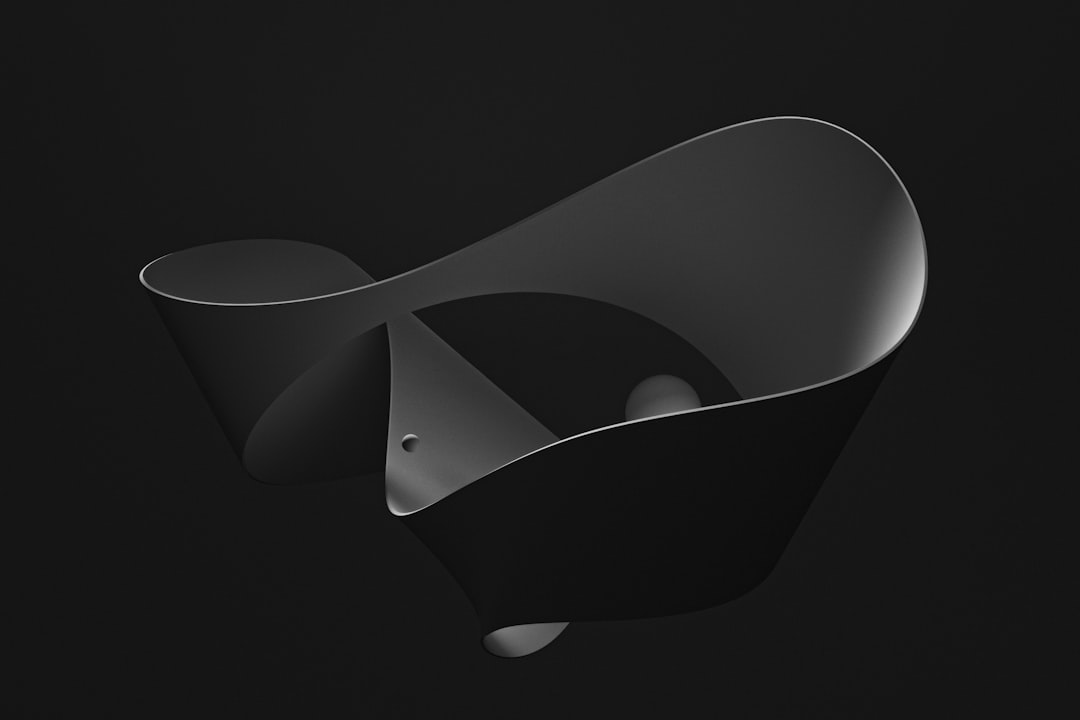
Blender is one of the most capable and widely used open-source tools for creating 3D content. It is used by independent artists, studios, educators, engineers, game developers, and hobbyists to model, animate, simulate, render, and edit visual projects. Because it is free, regularly updated, and supported by a large global community, Blender has become a serious alternative to expensive commercial 3D software.
TLDR: Blender is a free, professional 3D creation suite used for modeling, animation, rendering, visual effects, and game asset production. A beginner can start by learning basic navigation, simple modeling, materials, lighting, and rendering, then gradually move into animation or simulation. For example, a small product team could create a realistic 3D product render in Blender instead of arranging a costly photo shoot, potentially reducing visual production costs by 50% or more depending on the project. It is suitable for both learning and professional work, provided users are willing to invest time in practice.
What Is Blender?
Blender is a complete 3D production application available for Windows, macOS, and Linux. It allows users to create digital three-dimensional objects, scenes, characters, animations, simulations, and rendered images. Unlike many professional creative tools, Blender is open source, meaning its source code is publicly available and its development is supported by contributors around the world.
Blender is not only a modeling program. It combines many parts of a 3D pipeline into one application, including sculpting, rigging, animation, rendering, compositing, motion tracking, video editing, and scripting. This makes it especially useful for individuals or small teams that need a complete production environment without paying for multiple software licenses.
Key Features of Blender
Blender has a broad feature set, but several areas are especially important for new users to understand.
- 3D Modeling: Blender provides tools for creating objects from simple shapes, editing geometry, extruding surfaces, and building detailed models. It supports polygon modeling, subdivision surfaces, curves, and procedural workflows.
- Sculpting: Artists can use digital brushes to shape organic forms such as characters, creatures, fabric, terrain, or decorative details.
- Materials and Texturing: Blender includes a powerful node-based material system. Users can create realistic surfaces such as metal, glass, plastic, skin, wood, and fabric.
- Lighting and Rendering: Blender offers rendering engines such as Cycles for realistic ray-traced images and Eevee for faster real-time rendering.
- Animation: Users can animate objects, cameras, lights, and characters using keyframes, curves, constraints, and rigging tools.
- Simulation: Blender includes tools for smoke, fire, fluids, cloth, hair, particles, and rigid body physics.
- Compositing and Video Editing: Finished renders can be adjusted inside Blender using compositing nodes, and simple video edits can be completed without leaving the program.
- Python Scripting: Advanced users can automate tasks, build custom tools, or extend Blender’s functionality with Python.
Why Blender Is Popular
Blender’s popularity is not based only on the fact that it is free. Its value comes from the combination of accessibility, depth, and flexibility. Beginners can download it immediately and start learning, while professionals can use it for demanding projects. Many commercial studios use Blender for concept art, previs, animation, asset creation, and final rendering.
Another major advantage is the community. Blender has extensive documentation, tutorials, forums, add-ons, and educational resources. This lowers the barrier for beginners and helps experienced users solve technical problems faster. The software is also updated frequently, which means new features and performance improvements are added on a regular basis.
Beginner Guide: How to Start Learning Blender
Blender can feel complex at first because it contains many tools in one interface. A structured approach is the best way to avoid frustration. New users should not try to learn everything at once. Instead, focus on the fundamentals and build confidence step by step.
- Learn the Interface: Start with the 3D viewport, toolbar, properties panel, outliner, and timeline. Understanding where tools are located will make every later task easier.
- Practice Navigation: Learn how to orbit, pan, zoom, select objects, and switch between views. Good navigation is essential for efficient modeling.
- Create Simple Objects: Begin with cubes, spheres, cylinders, and planes. Practice moving, rotating, scaling, and combining them into basic shapes.
- Understand Edit Mode: Learn how to edit vertices, edges, and faces. This is the foundation of 3D modeling in Blender.
- Apply Materials: Add colors, roughness, metallic surfaces, and basic textures to understand how objects respond to light.
- Set Up Lighting: Experiment with area lights, sun lamps, and environment lighting. Lighting often determines whether a render looks amateur or professional.
- Render a Scene: Place a camera, adjust composition, choose a render engine, and create a final image.
A practical first project might be a simple desk scene: a table, laptop, coffee cup, lamp, and background wall. This type of project teaches modeling, scale, materials, lighting, and rendering without becoming too complicated.
What Can You Create With Blender?
Blender is used across many creative and technical fields. The same software can produce a stylized cartoon character, a photorealistic product image, an architectural walkthrough, or a short animated film.
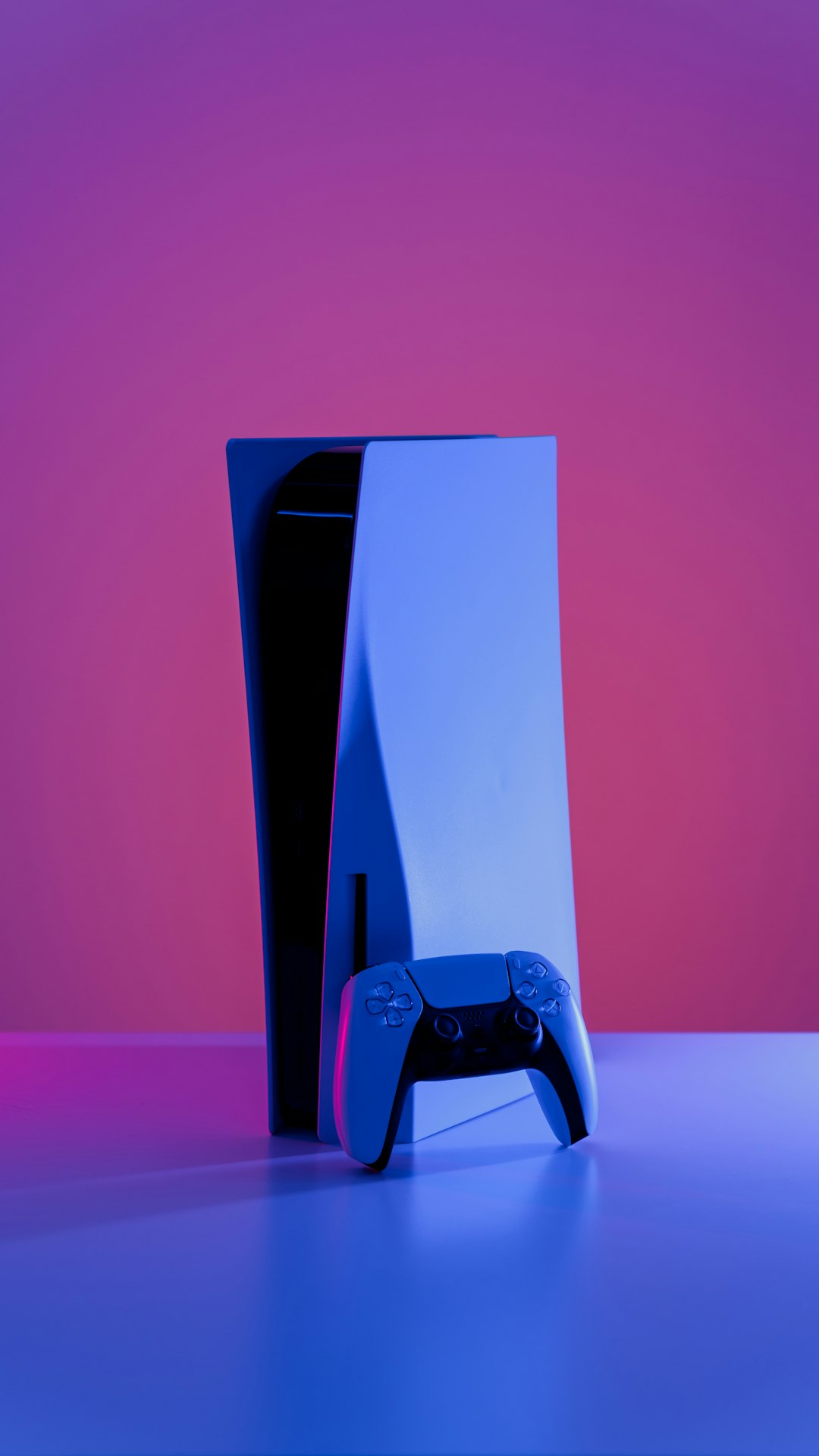
- Product Visualizations: Businesses can create realistic images of packaging, electronics, furniture, cosmetics, or industrial products before physical prototypes are available.
- Animated Films: Blender can handle character modeling, rigging, animation, lighting, rendering, and compositing for short films or series.
- Game Assets: Artists can create characters, props, weapons, vehicles, environments, and textures for game engines.
- Architectural Visualization: Designers can build interior and exterior scenes, add realistic materials, and create still images or camera walkthroughs.
- Visual Effects: Blender supports motion tracking, green screen compositing, explosions, smoke, fire, and other effects.
- Educational Models: Teachers and researchers can create scientific, medical, mechanical, or historical visualizations.
- 3D Printing Models: Blender can be used to design objects for 3D printing, provided the model is prepared with correct dimensions and clean geometry.
Blender for Professionals
Although Blender is beginner-friendly in terms of cost, it is not a lightweight or limited tool. Professionals use it because it can support serious production workflows. Its rendering quality, modeling tools, animation system, and extensibility make it suitable for commercial projects. The availability of add-ons also allows users to customize Blender for specialized tasks such as architectural modeling, procedural environments, asset management, and complex simulations.
However, professional results still depend on skill. Blender provides the tools, but users must learn design principles, anatomy, composition, lighting, topology, animation timing, and technical optimization. Like photography or filmmaking, the software is only one part of the process.
Common Challenges for Beginners
The most common beginner challenge is the learning curve. Blender’s interface may seem intimidating because so many functions are visible at once. Shortcuts are also important, and users may need time to become comfortable with them.
Another challenge is understanding 3D concepts such as scale, topology, UV mapping, normals, modifiers, and render settings. These terms are unfamiliar to many beginners, but they become manageable through repeated practice. It is better to complete several small projects than to start one large, unrealistic project too early.
Tips for Learning Blender Effectively
- Follow a structured beginner course rather than watching random tutorials without a plan.
- Use real references when modeling objects, characters, or environments.
- Practice daily or weekly, even if sessions are short. Consistency matters more than intensity.
- Save versions of your work so you can recover from mistakes and compare progress.
- Learn keyboard shortcuts gradually to improve speed without overwhelming yourself.
- Study finished projects by other artists to understand how professional scenes are built.
Final Thoughts
Blender is a powerful, serious, and accessible 3D creation platform. It is suitable for beginners who want to explore 3D art and for professionals who need a flexible production tool. Its combination of modeling, animation, rendering, simulation, and compositing makes it possible to create a wide range of visual content from a single application.
For new users, the best approach is to start small, learn the basics carefully, and complete practical projects. Over time, Blender can become not just a piece of software, but a complete creative environment for turning ideas into polished visual work.