For many retro gaming fans, the phrase Delta Emulator for Android sounds like the perfect shortcut: one app, multiple classic Nintendo systems, clean controls, save states, and a polished library interface. However, there is an important detail to know upfront: Delta is best known as an iOS emulator, and Android users should be careful when searching for “Delta APK” downloads. That does not mean Android gamers are out of luck—it simply means the best approach is to understand what Delta offers, how to create a similar setup on Android, and which alternatives are safer and more reliable.
TLDR: Delta is a popular emulator mainly associated with iPhone and iPad, while Android users generally rely on alternatives such as RetroArch, Lemuroid, Pizza Boy, or DraStic. If you want to play a Game Boy Advance title on a mid-range Android phone, for example, Lemuroid can usually be installed and configured in under 10 minutes. In practical use, features like save states, controller support, and cloud syncing matter more than the app name itself. Avoid random “Delta for Android APK” files unless you can verify the source, because unofficial emulator downloads are a common security risk.
What Is Delta Emulator?
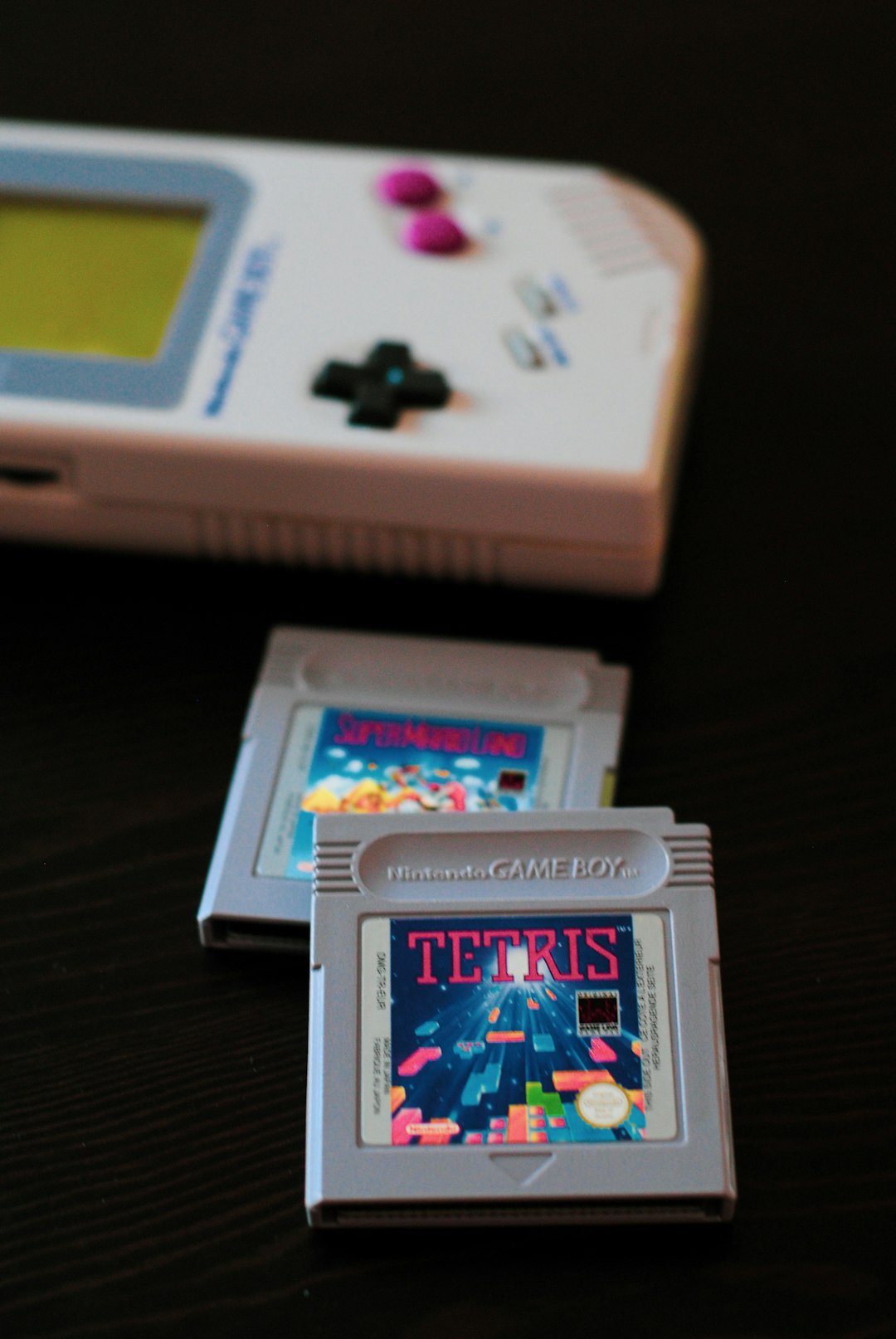
Delta Emulator is a multi-system emulator interface created by Riley Testut, widely recognized in the iOS community. It supports several classic Nintendo consoles, including systems such as the Game Boy, Game Boy Color, Game Boy Advance, Nintendo DS, NES, and SNES, depending on the version and configuration.
What makes Delta stand out is not just emulation accuracy, but the overall user experience. It presents games in a neat library, supports attractive controller skins, and provides modern conveniences like save states and fast-forwarding. On iOS, it feels like a polished media app for retro games rather than a technical tool.
On Android, though, the situation is different. There is no commonly accepted official Delta Android release from the original project in the same way Android users have official access to apps like RetroArch or Lemuroid. Because of this, many websites offering “Delta Emulator APK” files may be distributing unofficial builds, modified apps, or even unsafe downloads.
Key Features People Want from Delta
When Android users search for Delta, they are usually looking for a specific kind of experience. Fortunately, many of these features are available through Android alternatives.
- Multi-system support: One app can manage games from several classic consoles, reducing the need to install separate emulators.
- Save states: You can save your progress at any moment, even in games that originally had no save function.
- Fast forward: This is especially useful in RPGs, monster-catching games, and titles with repetitive grinding.
- Controller support: Many emulators support Bluetooth controllers, USB-C gamepads, and handheld Android gaming devices.
- Custom controls: Touchscreen layouts can often be resized, moved, or replaced with skins.
- Library organization: Box art, folders, and automatic scanning make large game collections easier to browse.
- Cheat support: Some emulators allow GameShark, Action Replay, or similar cheat code formats.
For most players, the best Android emulator is the one that combines these features with stability. A beautiful interface is nice, but accurate gameplay, low input delay, and dependable saves are more important in the long run.
Can You Install Delta Emulator on Android?
The short answer is: not in the same official, straightforward way associated with iOS. If you find a site claiming to offer the “official Delta Emulator for Android,” treat it with caution. Android allows sideloading APK files, which is powerful but also risky. A fake emulator APK can request unnecessary permissions, show intrusive ads, or contain malware.
If you still decide to test an unofficial APK, follow basic safety rules:
- Download only from a source with a strong reputation and clear version history.
- Scan the APK with a trusted security tool before installing.
- Check app permissions and avoid anything asking for access unrelated to emulation.
- Do not sign in with personal accounts inside suspicious apps.
- Back up your device before experimenting with unknown software.
For most users, however, the smarter option is to build a Delta-like experience using trusted Android emulators.
Setup Guide: Creating a Delta-Like Experience on Android
Here is a simple and safe setup process for Android users who want the convenience Delta is famous for.
- Choose a trusted emulator. For an all-in-one setup, start with Lemuroid or RetroArch. For specific systems, choose dedicated apps such as Pizza Boy GBA for Game Boy Advance or DraStic for Nintendo DS.
- Prepare your game files legally. Use ROMs from games you own and understand the laws in your region. Avoid downloading copyrighted games from random websites.
- Create organized folders. For example, make folders named “GBA,” “SNES,” “NES,” and “DS” on your phone or microSD card. This makes scanning and library management easier.
- Import your games. Open the emulator and select the folder where your files are stored. Many apps automatically detect supported formats.
- Configure controls. Adjust touchscreen buttons or connect a Bluetooth controller. A physical controller can dramatically improve platformers, racing games, and fighting games.
- Set up saves and sync. Enable save states and, if available, cloud backup. This protects progress if you switch phones or reinstall the app.
- Tune performance. If games stutter, lower visual filters, disable high-resolution rendering, or try a different emulator core.
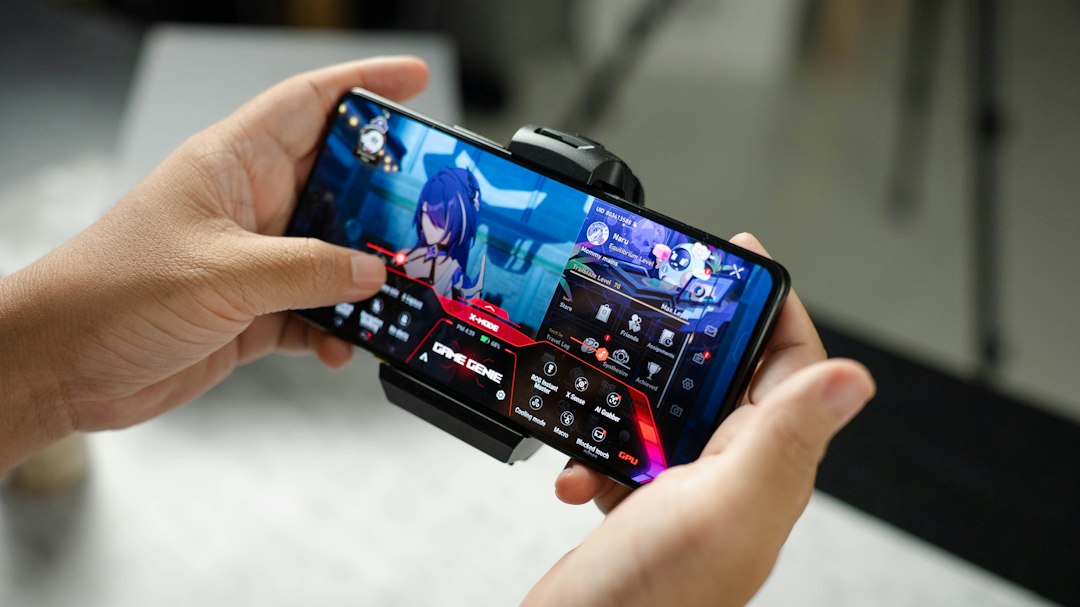
A good rule is to test one game first before importing your entire collection. Check sound, controls, save states, and performance. Once everything works smoothly, expand your library.
Best Delta Emulator Alternatives for Android
Lemuroid is one of the easiest recommendations for beginners. It has a clean interface, supports multiple classic systems, and requires less technical setup than many advanced emulators. If you want something that feels close to Delta in simplicity, Lemuroid is a strong starting point.
RetroArch is the power-user option. It supports many systems through downloadable “cores” and offers deep settings for shaders, latency, controls, and netplay. The downside is that it can feel overwhelming at first, but once configured, it is one of the most flexible emulation platforms on Android.
Pizza Boy GBA and Pizza Boy C are excellent choices for Game Boy Advance, Game Boy, and Game Boy Color fans. They are known for smooth performance, attractive controls, and user-friendly features. If your main interest is handheld Nintendo games, these apps may be better than an all-in-one solution.
DraStic DS Emulator is a long-time favorite for Nintendo DS emulation on Android. It offers fast performance, screen layout customization, controller support, and save states. DS games can be tricky on phones because of the dual-screen layout, but DraStic gives you many ways to arrange the screens comfortably.
My Boy! and My OldBoy! are also popular dedicated emulators for Game Boy Advance and older Game Boy systems. They are lightweight, fast, and familiar to many Android users, though some players prefer newer interfaces from competing apps.
Legal and Practical Considerations
Emulators themselves are generally legal, but game files are where users must be careful. The safest approach is to use backups of cartridges or discs you personally own. Downloading copyrighted ROMs from public websites may violate copyright law, even if the game is old or no longer sold.
Also remember that different games need different resources. A 2D Game Boy Advance title may run smoothly on almost any modern Android phone, while some later systems require stronger hardware. Battery life matters too: fast-forwarding and visual filters can increase power consumption, especially during long play sessions.
Final Thoughts
Delta Emulator has earned its reputation because it makes retro gaming feel elegant and accessible. For Android users, the important takeaway is that you do not need to chase risky unofficial APKs to get a similar experience. With apps like Lemuroid, RetroArch, Pizza Boy, and DraStic, you can create a polished retro gaming setup that is safe, flexible, and enjoyable.
If your priority is simplicity, start with Lemuroid. If you want maximum customization, choose RetroArch. If you mainly play one system, a dedicated emulator may give you the best performance. In the end, the “best Delta Emulator for Android” may not be Delta at all—it may be the Android emulator that fits your games, your controller, and the way you like to play.