
WhatsApp has become one of the most widely used channels for sharing personal updates, business messages, product demonstrations, event clips, tutorials, and community announcements. However, anyone who regularly shares video on WhatsApp knows one recurring problem: videos are often too long, too large, or poorly suited for the way WhatsApp displays and delivers content. A video splitter app for WhatsApp videos helps solve this problem by dividing longer videos into smaller, shareable parts without requiring advanced editing skills.
TLDR: A video splitter app helps you cut long videos into shorter clips that are easier to send, upload, and watch on WhatsApp. It is especially useful for WhatsApp Status, business communication, tutorials, event highlights, and large video files. Instead of manually trimming clips one by one, a splitter app can save time, preserve continuity, and make your videos look more professional. For anyone who uses WhatsApp seriously, it is a practical tool rather than a luxury.
WhatsApp Is Convenient, but It Has Video Limitations
WhatsApp is designed for fast communication, not full-scale video publishing. That is why it places practical limits on how videos can be shared. For example, WhatsApp Status is commonly used for short updates, and longer videos may need to be split into multiple segments before they can be posted properly. Even when sending videos directly in chats or groups, file size, upload speed, compression, and viewing experience can become issues.
This is where a dedicated video splitter app becomes useful. Instead of struggling with repeated manual trimming, re-exporting, or sending incomplete clips, the app helps divide a video into clean, consistent sections. The result is easier to upload, easier to view, and easier to understand.

What Is a Video Splitter App?
A video splitter app is a tool that cuts a video into smaller parts. Unlike a basic trim function, a good splitter is designed to divide the video into multiple segments automatically or with precise manual control. This is especially helpful when you need several clips of a fixed duration, such as short sections for WhatsApp Status or smaller parts for group sharing.
Many video splitter apps allow users to choose how they want the video divided. For example, you may split by:
- Duration: such as 15 seconds, 30 seconds, or 1 minute per clip.
- File size: useful when you need to send videos within upload limits.
- Custom timestamps: helpful when you want to cut at specific moments.
- Equal parts: useful for dividing one long video into several balanced clips.
This makes the process more efficient and less frustrating, particularly for users who share video frequently.
Why Manual Cutting Is Not Always Enough
Most smartphones already include some form of video trimming. However, trimming manually is often slow and inconsistent. If you have a five-minute video and need to create ten or more short clips, you may have to cut, save, reopen, cut again, and repeat the process many times. This increases the chance of mistakes, such as overlapping clips, missing seconds, or uneven transitions.
A video splitter app reduces these problems by automating the repetitive work. It helps ensure that each clip follows a consistent length and sequence. This matters because viewers can lose interest if a story feels broken, confusing, or out of order.
For casual sharing, this may seem minor. But for business owners, educators, influencers, community organizers, and professionals, consistency matters. A well-split video can make your message feel clearer and more reliable.
Better WhatsApp Status Sharing
One of the main reasons people use video splitter apps is to post longer content on WhatsApp Status. Status updates are intended to be short, but many real-life videos are longer than the allowed or ideal duration. A birthday celebration, product showcase, travel clip, speech, testimonial, or announcement may not fit neatly into one short segment.
With a splitter app, you can divide one long video into a sequence of shorter clips that can be posted one after another. Viewers can then watch the full story in order, without sudden missing parts. This is far more professional than cutting randomly or uploading only a small portion of the video.
For example, a one-minute product demonstration can be split into two or three clean Status clips, each showing a clear part of the message: the problem, the product, and the result.
Improved Viewer Experience
People on WhatsApp often watch videos quickly, sometimes while commuting, working, or multitasking. Long, unstructured videos may be ignored or skipped. Shorter clips are easier to consume and more likely to be watched until the end.
A video splitter app helps you present content in a format that matches how people actually use WhatsApp. Instead of sending one large file that feels like a commitment, you can share shorter, more digestible sections. This is useful for:
- Short tutorials and instructions
- Customer testimonials
- Event highlights
- Classroom or coaching clips
- Religious or community messages
- Marketing and promotional videos
When content is easier to watch, it is more likely to be understood, remembered, and shared.
Helps Reduce File Size and Upload Problems
Large video files can be difficult to send on WhatsApp, especially when the internet connection is weak or unstable. Uploads may fail, take too long, or cause the app to compress the video heavily. Compression can reduce quality, making text, faces, or product details less clear.
Splitting a video into smaller parts can make the upload process smoother. Each individual clip is easier to process and send. If one part fails, you do not have to resend the entire long video. This can save time and data, especially for users who rely on mobile networks.
For professionals, this is not just a convenience. If you are sending a video proposal, a training explanation, or an important client update, reliability matters. A splitter app makes the delivery process more manageable.
Useful for Business and Marketing Communication
WhatsApp is now widely used by small businesses, service providers, consultants, real estate agents, online sellers, coaches, restaurants, and local brands. Video is one of the most effective ways to explain products and build trust, but only if it is presented clearly.
A video splitter app can help businesses create structured WhatsApp content. Instead of overwhelming customers with a long video, a business can send a sequence of short clips, each focused on one point.
For example:
- Clip one: Introduce the product or service.
- Clip two: Explain the main benefit.
- Clip three: Show proof, demonstration, or testimonial.
- Clip four: Add pricing, availability, or next steps.
This approach feels more organized and respectful of the viewer’s time. It also allows customers to respond to specific parts of the message, making conversations more productive.
Better Storytelling and Content Flow
A video splitter app is not only about cutting video. It is also about preserving the flow of communication. Good content has structure: a beginning, middle, and end. When a video is split poorly, the meaning can become unclear. Important words may be cut off, transitions may feel abrupt, and viewers may not understand the sequence.
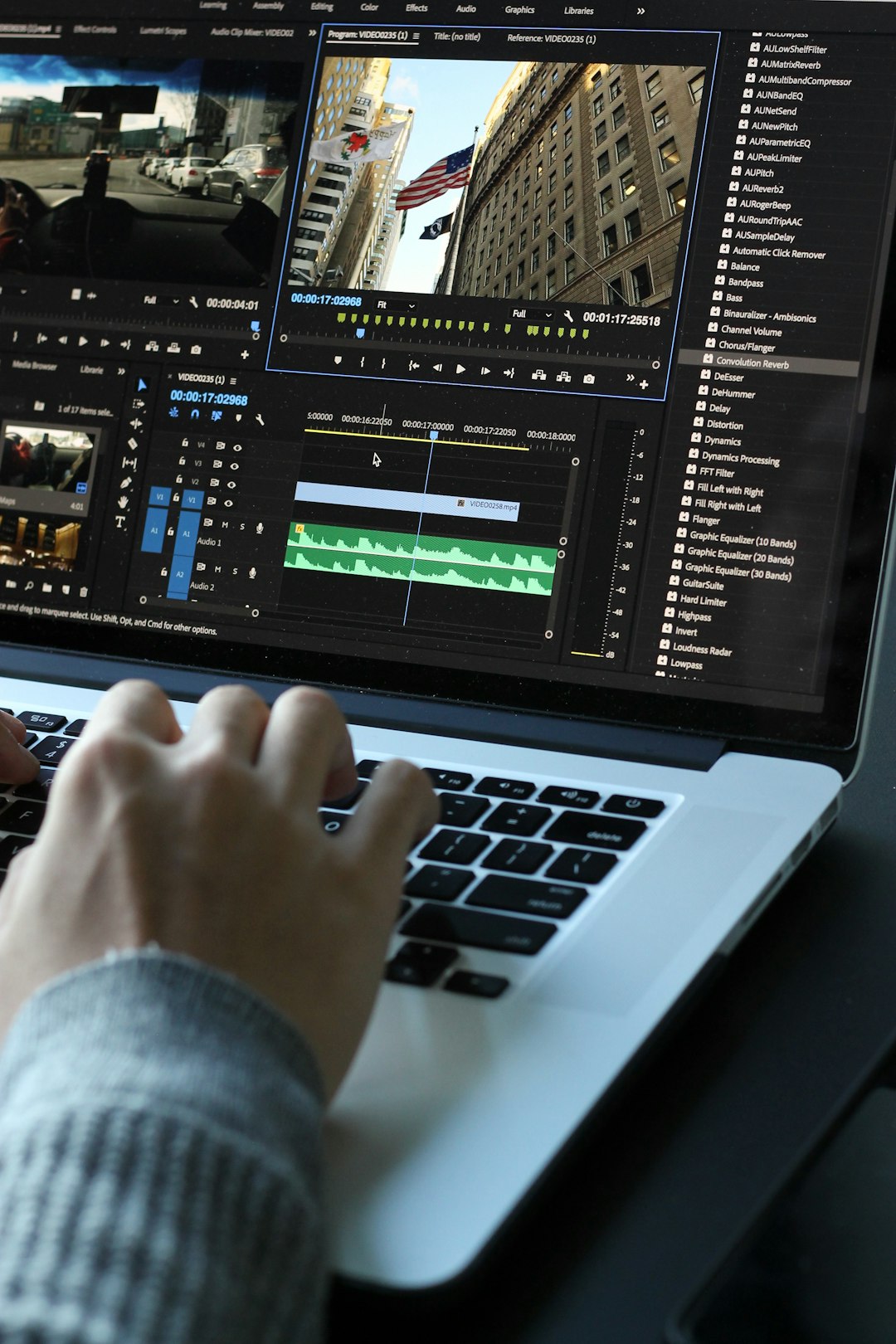
Many splitter apps allow you to preview clips before saving them. This helps you make sure each segment starts and ends at the right moment. Some apps also support frame-level or second-level precision, which is important when cutting speeches, interviews, lessons, or demonstrations.
The goal is not simply to make a video shorter. The goal is to make it more effective on WhatsApp.
Saves Time for Frequent Users
If you only share videos occasionally, manual trimming may be acceptable. But if you share content daily or weekly, the time spent cutting videos can add up quickly. Content creators, teachers, sellers, and community managers often need to prepare multiple clips at once. Doing this manually can become inefficient.
A video splitter app can significantly reduce repetitive work. Some apps allow batch processing, automatic splitting, and direct sharing to WhatsApp. These features make the workflow faster and more consistent.
This time saving is especially valuable when content must be shared quickly, such as after a live event, meeting, workshop, sale, or announcement.
Maintains a More Professional Appearance
Professionalism is not only about expensive equipment or advanced editing. It is also about clarity, consistency, and attention to detail. When your WhatsApp videos are properly split, they look more intentional. Viewers can tell that the content has been prepared carefully.
This is important in business and public communication. If a video starts awkwardly, ends in the middle of a sentence, or skips important context, it can reduce trust. On the other hand, cleanly divided clips suggest that you respect your audience and care about the quality of your message.
Helpful for Education and Training
Teachers, tutors, coaches, and trainers often use WhatsApp to communicate with students or participants. Long educational videos can be difficult to watch on a phone, especially in group chats where many messages compete for attention. Splitting lessons into smaller parts makes learning more manageable.
Short clips can focus on one idea at a time. This allows students to pause, replay, and ask questions about a specific section. It also makes it easier for instructors to organize material by topic.
For example, a 12-minute lesson could be divided into clips covering introduction, explanation, example, exercise, and summary. This format is often more effective than sending one long recording.
Important Features to Look For
Not all video splitter apps are equally useful. Before choosing one, it is worth checking whether it includes reliable features that match your needs.
- Automatic splitting by time: essential for creating consistent WhatsApp Status clips.
- Preview before export: helps avoid awkward cuts.
- Quality control: allows you to balance clarity and file size.
- Fast processing: useful when working with longer videos.
- No unnecessary watermark: important for professional communication.
- Easy sharing: saves time when sending clips directly to WhatsApp.
- Privacy awareness: important if your videos contain personal, client, or business information.
Privacy deserves special attention. If a video includes sensitive information, choose an app that processes videos locally on your device when possible, and review its permissions carefully.
When Do You Really Need One?
You may need a video splitter app if you often deal with videos that are longer than what WhatsApp handles comfortably. This includes long Status updates, business presentations, event videos, tutorials, interviews, testimonials, and recorded instructions.
You may also benefit from one if you frequently experience failed uploads, excessive compression, or viewer complaints that videos are too long. In these cases, splitting the video is not merely a technical fix. It improves communication.
Conclusion
A video splitter app for WhatsApp videos is useful because it adapts your content to the way WhatsApp is actually used. It helps overcome length and file limitations, improves the viewing experience, saves time, and supports clearer communication. Whether you are sharing personal memories, promoting a business, teaching a lesson, or managing a community, well-split videos are easier to send and easier to watch.
In a messaging environment where attention is limited and clarity matters, a video splitter app can make your videos more effective. It is a simple tool, but for serious WhatsApp users, it can make a significant difference in quality, reliability, and presentation.



Leave a Reply