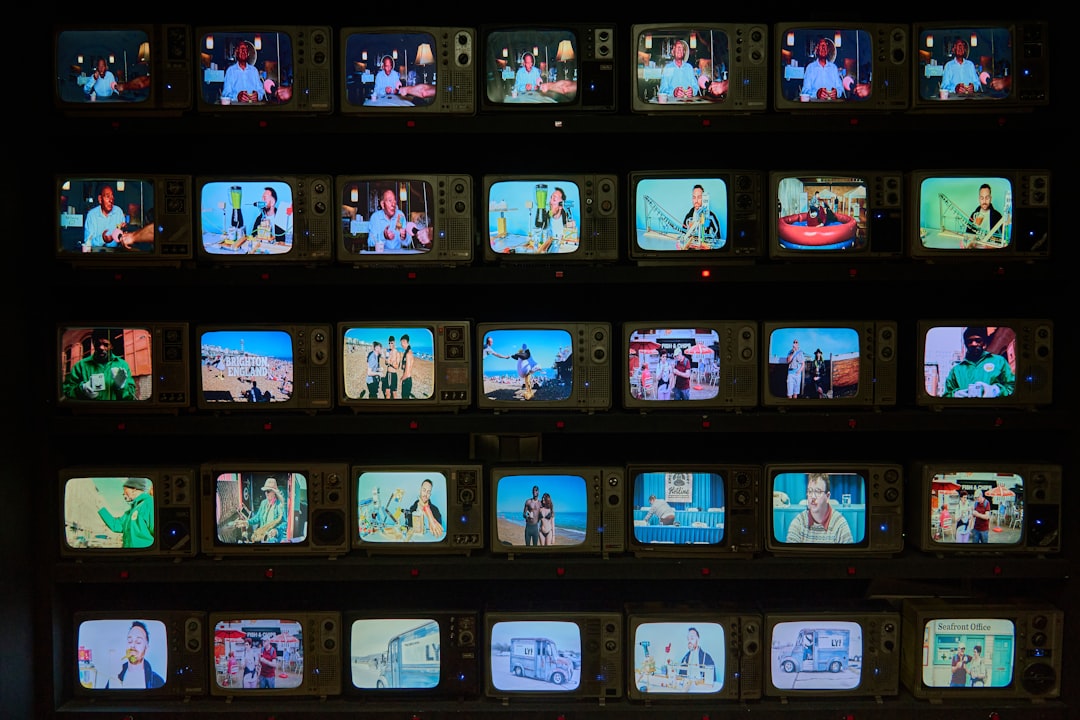
Pan and scan is the old trick of cutting a wide movie frame down to fit a narrower screen. It keeps the “important” part of the picture visible, while the rest gets chopped off. Simple idea. Messy results.
TLDR: Pan and scan takes a widescreen movie and makes it fit a square-ish screen, like an old 4:3 TV. A technician moves the crop left or right, as if a tiny camera is “panning” across the big frame. For example, a 2.39:1 movie shown on a 4:3 TV may show only about 56% of the original width at one time. That means a family watching an old VHS copy could miss almost half the picture during a big action scene.
What does pan and scan mean?
Pan and scan is a video formatting method. It was made to show widescreen films on narrower screens.
Think of a movie frame as a long pizza. Very wide. Now imagine your TV can only show a square slice from the middle. Pan and scan is the person moving that square slice around, trying to show the toppings that matter.
That is the “pan” part. The visible box can move left, right, up, or down.
The “scan” part means the technician checks each shot and chooses what should stay on screen.
So, if two actors stand far apart in a wide shot, the pan and scan version may show one actor first. Then it may slide across to the other actor when they speak.
It can work. Sort of.
But it can also feel weird. A still shot may suddenly move. A joke may lose its timing. A monster at the edge of the screen may vanish. That is not fun.
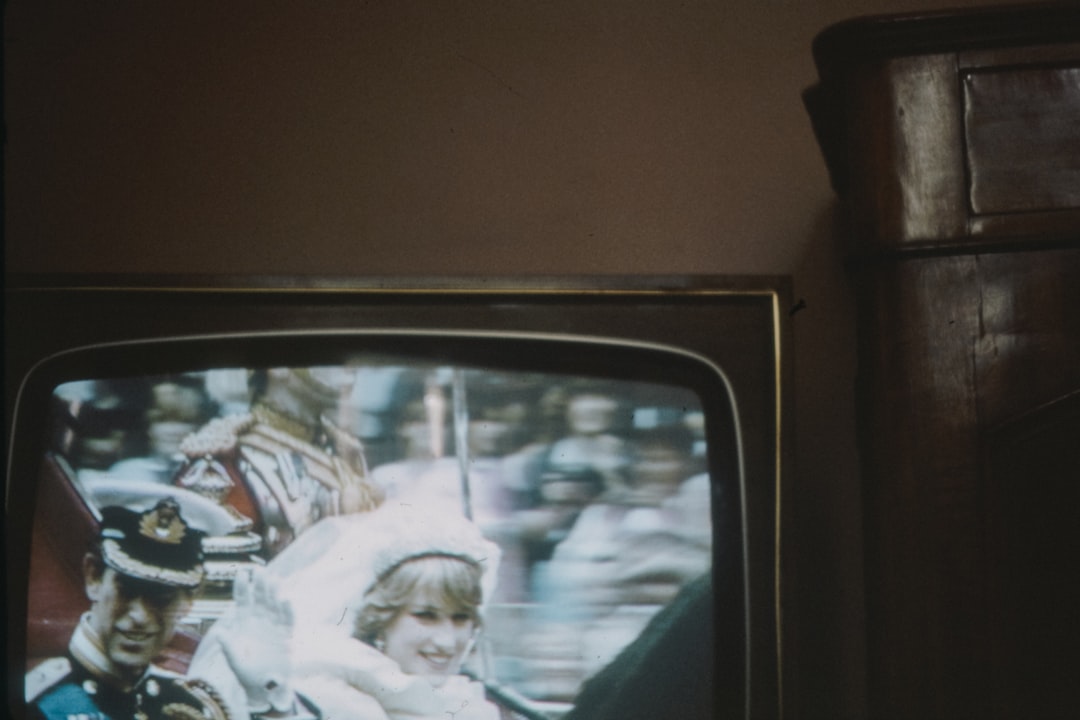
Why was pan and scan created?
Movies and TVs did not grow up with the same shape.
Many classic TVs used a 4:3 screen shape. That means the screen was 4 units wide and 3 units tall. It looked almost square.
Many films were much wider. Common movie shapes include:
- 1.85:1 — common for many dramas and comedies.
- 2.35:1 or 2.39:1 — common for big action films, westerns, sci fi, and epics.
- 2.76:1 — very wide, used in a few huge classic films.
When widescreen films came to TV, someone had to make a choice.
They could show the whole movie with black bars at the top and bottom. That is called letterboxing.
Or they could fill the whole TV screen by cutting off the sides. That is pan and scan.
For years, many TV stations, VHS tapes, and cable channels chose pan and scan. Why? Viewers hated black bars. Some thought bars meant their TV was broken. Honestly, it feels like the black bars got treated like bugs, not like part of the picture.
How does pan and scan work?
The process is simple to explain.
- Start with the original widescreen frame.
- Place a narrower box over it. This box matches the TV shape.
- Choose the part of the frame to show.
- Move the box during the shot if needed.
- Record that cropped version as the TV or video master.
That box is the new frame. Anything outside it is gone for that version.
If the main actor stands in the center, easy. The crop stays still.
If the hero is on the left and the villain is on the right, trouble starts. A wide film frame may show both. A pan and scan frame may not. So the technician may cut to the hero, then slide to the villain.
That slide is not always part of the original film. It was added later.
It can make a calm scene feel twitchy. It can also ruin careful framing. Directors place people, props, shadows, and empty space for a reason. Pan and scan often says, “Nice plan. We need a smaller box.”
A simple example
Picture a western showdown.
The full cinema frame shows three things:
- The hero on the far left.
- The dusty street in the middle.
- The villain on the far right.
That wide frame builds tension. You see the distance. You feel the silence. You know both hands are near their guns.
Now make it pan and scan.
The TV version may show the hero. Then it may pan across the empty street. Then it may show the villain.
The scene still makes sense. But it feels less sharp. You no longer see both people at the same time. The standoff loses power.
That is the big problem. Pan and scan keeps the plot, but it may hurt the mood.
Pan and scan vs letterbox
These two methods solved the same problem in opposite ways.
| Method | What you see | Main issue |
|---|---|---|
| Pan and scan | A full TV screen | Part of the image is cut off |
| Letterbox | The full movie frame | Black bars appear |
Letterbox protects the original composition. Pan and scan fills the screen.
Back when TVs were small, filling the screen felt like a win. A 19 inch TV already looked tiny. Add black bars, and the movie seemed even smaller. So pan and scan made sense to many people.
On modern TVs, the trade is harder to defend. A 55 inch or 65 inch screen has room for black bars. They are not stealing the movie. They are saving it.
Why filmmakers dislike it
Filmmakers often hate pan and scan because it changes their work.
A director may use the full width of the frame to guide your eye. A cinematographer may place light on one side and darkness on the other. An editor may hold a wide shot because the whole image matters.
Pan and scan can break all of that.
Common problems include:
- Missing characters. Someone at the edge gets cut off.
- Bad action scenes. Kicks, crashes, and explosions may happen outside the crop.
- Awkward movement. The frame pans even when the real camera did not.
- Lost visual jokes. A gag in the corner may disappear.
- Weaker storytelling. Space, scale, and tension can shrink.
It drives me crazy that some old TV masters still pop up online. You wait through a movie, then notice heads are clipped and subtitles sit in a strange spot. It can take only 30 seconds to spot the problem, but by then the scene is already damaged.
When is pan and scan still used?
Pan and scan is much less common now. Most people have widescreen TVs, phones, tablets, and laptops. Streaming services usually offer films in their original aspect ratio.
Still, pan and scan has not fully died.
You may still see it in:
- Old VHS tapes. Many were sold as “fullscreen” editions.
- Older DVD releases. Some discs include a cropped version.
- TV broadcasts. Certain channels still crop movies to fit their format.
- Airplane or bus screens. Some systems use odd screen shapes.
- Social video edits. Wide footage may be cropped for vertical phone viewing.
- Security or training videos. The goal may be clarity, not art.
Sports and live events also use a cousin of this idea. Editors may crop a large image to follow a player or speaker. That is not always called pan and scan, but the logic is close. Pick the most useful part of a bigger frame.
Is pan and scan always bad?
No. It depends on the goal.
If the goal is to preserve a film, pan and scan is a poor choice. The full frame matters.
If the goal is to show useful information on a small screen, cropping can help. A teacher may crop into a science demo. A coach may crop into a player’s footwork. A news editor may crop into a speaker’s face.
The key is honesty. Do not pretend the cropped version is the full image.
For movies, the best option is usually simple:
- Choose Original Aspect Ratio when possible.
- Avoid versions labeled Fullscreen for widescreen films.
- Do not fear black bars. They are normal.
The final frame
Pan and scan is a workaround from an era of small, boxy TVs. It helped widescreen movies fit narrow screens, but it often cut away important parts of the image.
Today, it is mostly a leftover. It appears in old home video releases, some broadcasts, and quick crops for unusual screens. If you care about seeing the movie as intended, pick the widescreen or original ratio version. Let the black bars sit there. They are doing more work than they get credit for.