The best beginner video editor in 2026 is CapCut for social media, DaVinci Resolve for serious learning, and Filmora for people who want a simple all-round editor without feeling punished by the interface. If you want to start fast, pick the tool that matches your first real project, not the one with the longest feature list.
TLDR: For most beginners, CapCut is the easiest first choice because it handles TikTok, Reels, Shorts, captions, templates, and phone-to-desktop editing with little friction. If your goal is YouTube or paid creative work, start with DaVinci Resolve, because its free version is unusually powerful. For example, a new creator making one 8-minute YouTube video and three short clips per week could save 20–30% editing time by using CapCut templates, but may learn better long-term skills in Resolve.
What Makes a Video Editor Good for Beginners in 2026?
A beginner editor should not make basic tasks feel like tax paperwork. You need fast importing, clean trimming, clear audio controls, reliable exports, and enough templates to finish projects without staring at a blank timeline.
The best options in 2026 also need strong auto captions, vertical video support, basic color tools, music libraries, AI cleanup, and simple resizing for YouTube, TikTok, Instagram, and LinkedIn. Speed matters too. Waiting 40 extra seconds every time a preview renders gets old very quickly.
Best Overall for Beginners: CapCut
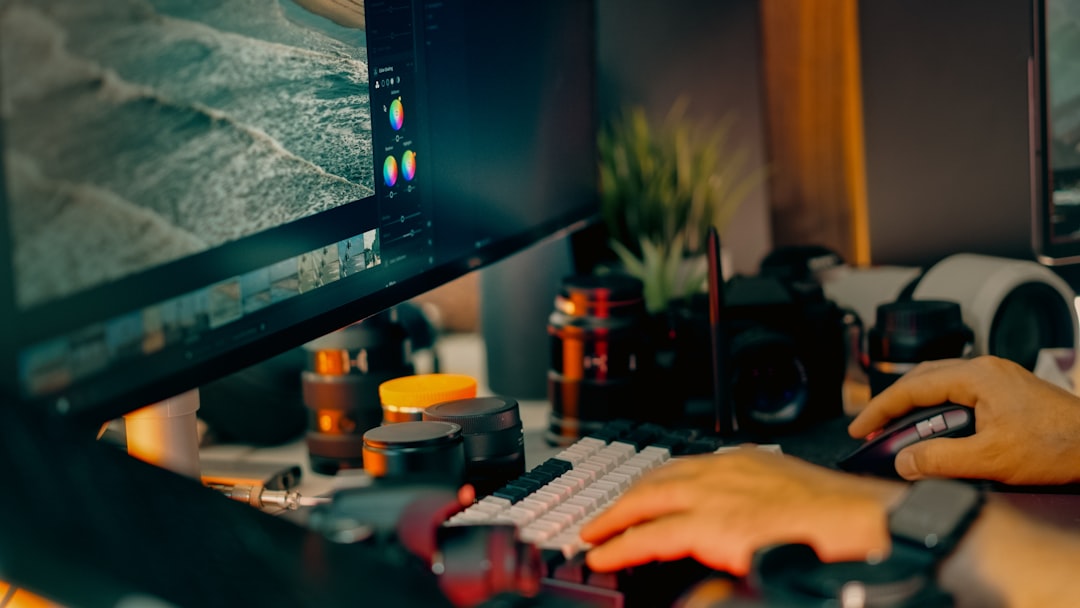
CapCut is the easiest recommendation for beginners who make short-form content. It works on mobile, desktop, and browser. The interface is clean, the templates are useful, and the caption tools are better than what many paid apps offered only a few years ago.
Best for: TikTok, Instagram Reels, YouTube Shorts, quick ads, student projects, creator clips.
- Pros: Fast learning curve, excellent auto captions, good templates, mobile-friendly workflow.
- Cons: Some effects feel overused, advanced audio work is limited, and certain features may require paid access.
- Beginner rating: 9/10.
The catch is that CapCut can make every video look like every other video if you rely too much on templates. Use it to learn pacing, captions, and structure. Then begin customizing fonts, cuts, and sound design.
Best Free Editor for Learning Real Skills: DaVinci Resolve
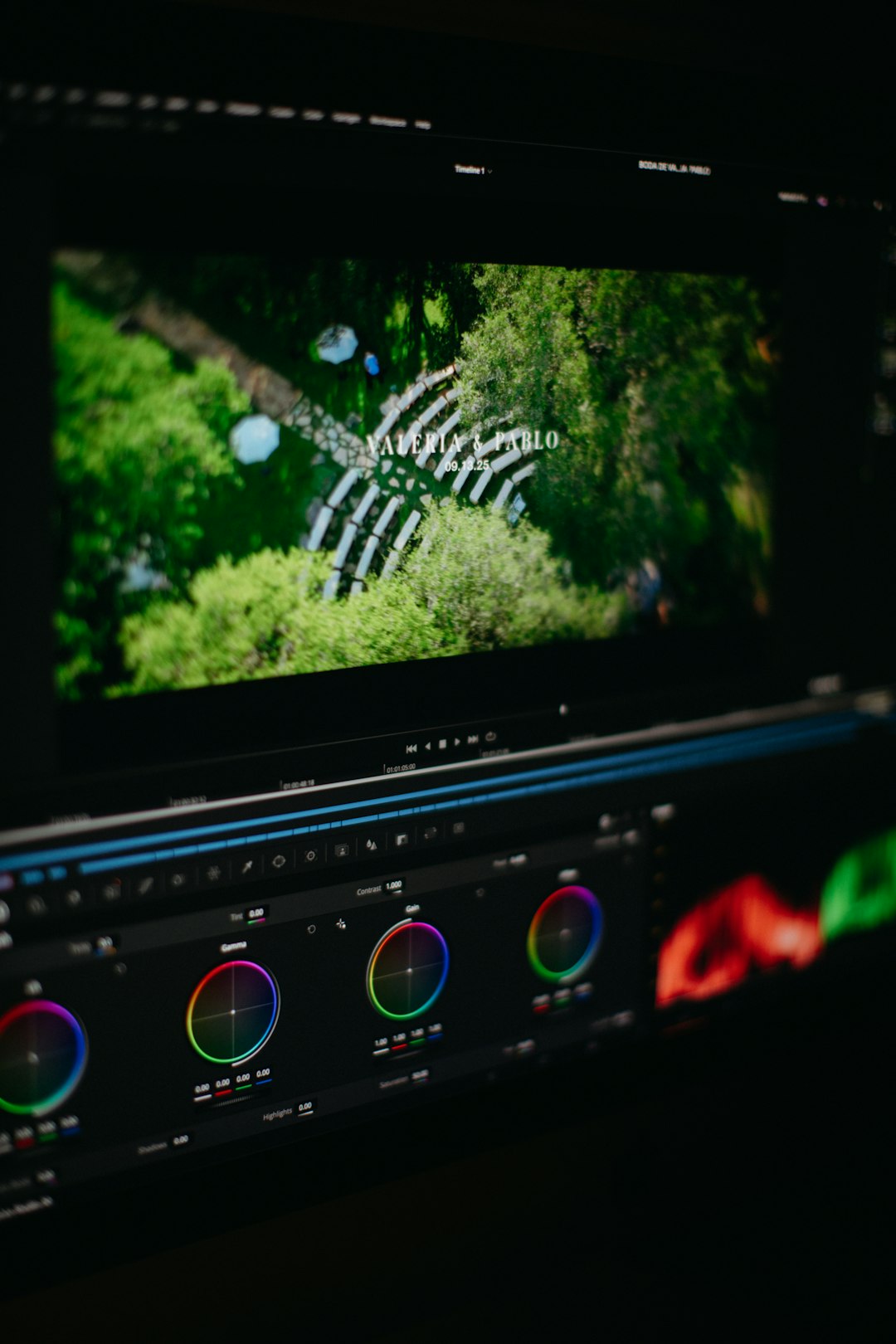
DaVinci Resolve is the best beginner editor for people who want to grow past beginner status. It is used by professionals, but the free version is strong enough for YouTube channels, short films, podcasts, music videos, and client work.
Best for: YouTube, filmmaking, color grading, interviews, serious editing practice.
- Pros: Excellent free version, professional color tools, strong audio page, long-term learning value.
- Cons: Heavier on older computers, more intimidating at first, export settings can confuse new users.
- Beginner rating: 8/10.
Honestly, it feels like Resolve gives beginners too many rooms before they know where the kitchen is. Cut page, Edit page, Fusion, Fairlight, Color. That can feel like a lot. Still, if you spend one weekend learning the basics, it becomes one of the smartest free tools you can use.
Best Paid Beginner Editor: Filmora
Filmora sits in the middle between simple apps and professional editors. It is friendly, polished, and packed with effects. For beginners who want to make travel videos, YouTube intros, family projects, product clips, or classroom content, it is a comfortable choice.
Best for: YouTube beginners, small business videos, personal projects, tutorials.
- Pros: Easy interface, many built-in effects, quick exports, good text tools.
- Cons: Subscription costs add up, some effects look generic, and advanced users may outgrow it.
- Beginner rating: 8.5/10.
Filmora is ideal if you want a guided feel without being locked into tiny social clips. It is not the deepest editor here, but it gets projects finished. For many beginners, that matters more.

Best for Mac Beginners: iMovie
iMovie remains one of the best free choices for Mac, iPhone, and iPad users. It is not flashy, but it teaches the basics well: trimming, arranging clips, adding music, using transitions, and exporting clean video.
Best for: Apple users, school videos, family films, simple YouTube uploads.
- Pros: Free, stable, simple, works well across Apple devices.
- Cons: Limited templates, basic caption tools, not ideal for advanced edits.
- Beginner rating: 7.5/10.
iMovie is a good starter lane. Once you need more control, moving to Final Cut Pro or DaVinci Resolve will feel natural.
Best for Windows Beginners: Clipchamp
Clipchamp is a practical video editor for Windows users who need quick, clean videos without installing complex software. It is especially useful for business clips, presentations, simple social posts, and webcam-based explainers.
Best for: Windows users, office videos, quick edits, browser-based projects.
- Pros: Easy access, simple timeline, good stock assets, useful for quick exports.
- Cons: Less powerful than desktop editors, browser performance can vary, premium assets cost extra.
- Beginner rating: 7/10.
Clipchamp is not the editor you choose for a complex documentary. It is the one you open when you need a clean two-minute video by lunch.
Best for YouTube Beginners: DaVinci Resolve or Filmora
If you are building a YouTube channel in 2026, choose based on your ambition. DaVinci Resolve is better if you want to learn proper editing, color, sound, and project structure. Filmora is better if you want speed, templates, and less setup.
For a talking-head channel, both work well. Resolve gives better audio cleanup and color control. Filmora makes titles, B-roll, and effects quicker. If your target is one video per week, Filmora may help you stay consistent. If your target is long-term quality, Resolve is stronger.
Best for Social Media: CapCut
For short-form content, CapCut wins. It is built around the way social platforms work now. Vertical formats are easy. Captions are quick. Trend-style edits take minutes instead of hours.
A beginner posting five short videos per week will likely move faster in CapCut than in a traditional editor. The downside is sameness. To avoid that, create your own reusable style: two fonts, three brand colors, one caption format, and one sound treatment.
Best for Creative Projects: DaVinci Resolve
For music videos, short films, documentaries, artistic reels, and narrative projects, DaVinci Resolve is the best beginner-friendly long-term choice. The learning curve is real, but the reward is bigger. Color grading alone makes it stand out.
Resolve also helps beginners understand how professional editing is organized. You learn media bins, timelines, audio mixing, visual effects, and delivery settings. That knowledge transfers well to other tools.
Quick Buying Guide
- Choose CapCut if your main goal is TikTok, Reels, Shorts, captions, memes, or creator content.
- Choose DaVinci Resolve if you want the best free editor and plan to improve over time.
- Choose Filmora if you want easy YouTube editing and do not mind paying for convenience.
- Choose iMovie if you use Apple devices and want a simple free start.
- Choose Clipchamp if you use Windows and need fast, basic edits.
Final Recommendation
For most beginners in 2026, start with CapCut if you mainly post on social media. Start with DaVinci Resolve if you care about YouTube quality, filmmaking, or future freelance work. Pick Filmora if you want a smoother paid tool that removes many early headaches.
The best editor is the one you will actually use every week. Do not spend a month comparing menus. Install one tool, edit a real project, export it, and watch where you got stuck. That will teach you more than any feature chart.