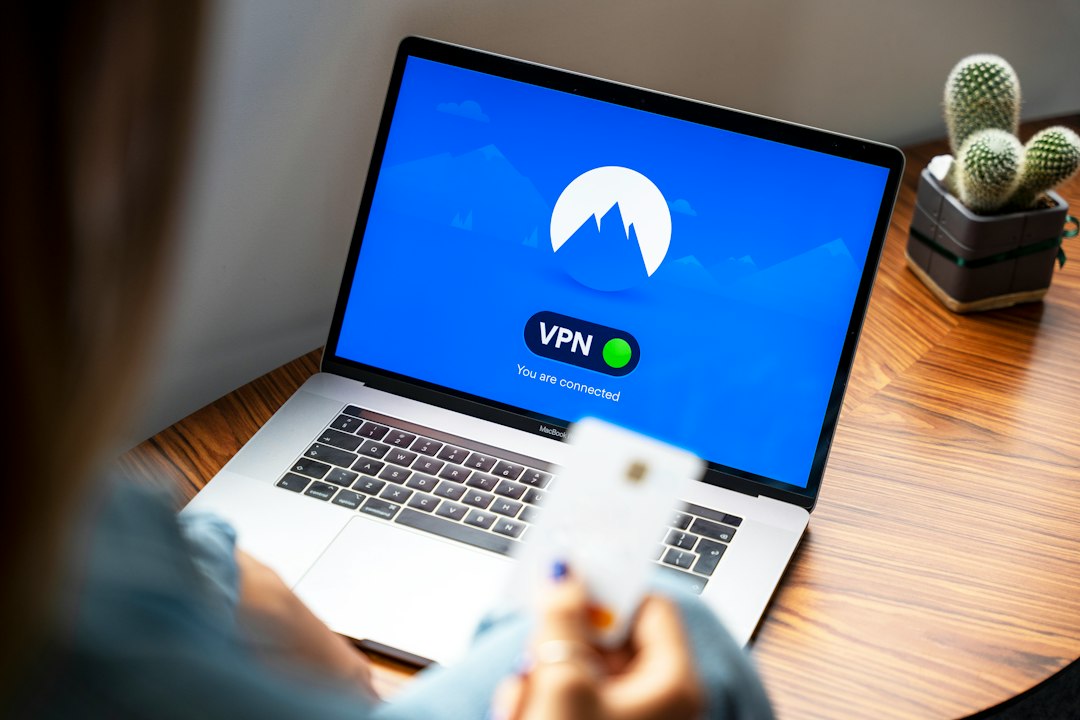
For most organizations, RDP should never be exposed directly to the internet, and VPN should not be treated as a complete remote access security strategy. A safer approach is to place Remote Desktop Protocol behind controlled access layers, restrict who can reach it, and monitor every session. Traditional RDP over VPN can still work, but Zero Trust Network Access and secure remote desktop gateways often provide better control, cleaner auditing, and lower breach risk.
TLDR: RDP over VPN is better than open internet RDP, but it still gives users broad network access if not tightly segmented. ZTNA limits access to specific apps or desktops after identity, device, and policy checks. For example, a 250 person company moving from flat VPN access to app based access may cut exposed internal services by 70% or more. If your help desk spends 10 minutes per ticket fixing VPN client issues, ZTNA or browser based remote access can also reduce daily friction.
Why RDP Needs Extra Protection
Remote Desktop Protocol is useful because it gives a user a full Windows desktop from another location. That same power makes it risky. If attackers steal credentials, guess weak passwords, or exploit an exposed service, they may gain direct control of a workstation or server.
RDP is often targeted in ransomware incidents. Attackers like it because it looks like normal administration. They can log in, disable tools, move laterally, and copy data. Logs may show a valid username, which makes detection harder.
The basic rule is simple: never place RDP on the public internet without strong controls. Even changing the port is not real protection. Scanners will still find it.

RDP Over VPN: What It Does Well
With RDP over VPN, users first connect to a private network through an encrypted tunnel. After that, they open an RDP session to an internal computer or server. This setup is common because it is familiar, widely supported, and relatively easy to build with existing firewall or VPN appliances.
It has clear benefits:
- Encryption: Traffic between the remote device and the company network is protected.
- No public RDP exposure: RDP hosts can stay on private IP addresses.
- Central access point: VPN logs can show when users connected.
- Compatibility: Most Windows environments already support it.
For small teams with strong MFA, patched devices, and tight firewall rules, RDP over VPN can be acceptable. It is often cheaper than buying a new platform. It also works well for administrators who need access to several internal systems.
Where VPN Falls Short
The catch is that VPN often grants too much access. Once connected, users may be able to see network ranges, file shares, printers, admin portals, and systems they do not need. If the user device is infected, the VPN can become a clean road into the company network.
Common VPN weaknesses include:
- Broad network access: Users connect to a network, not only to one approved resource.
- Device trust problems: Personal laptops may be unmanaged or poorly patched.
- Credential risk: Stolen VPN credentials can open the front door.
- Weak visibility: Some VPN logs show connection time but not what happened inside RDP.
- Operational drag: VPN clients break, updates fail, and split tunneling creates confusion.
Honestly, it feels like old VPN setups punish everyone for one missing policy. A user needs one desktop, but the tunnel may expose half the subnet. That is not ideal security design.
ZTNA: A More Controlled Model
Zero Trust Network Access changes the model. Instead of giving the user network level access, ZTNA grants access to a specific application, desktop, or service. The decision is based on identity, device status, location, risk score, MFA, and policy.
ZTNA follows a strict principle: never trust by default, verify each request. A finance user may get access to one accounting desktop. An IT admin may get access to a server group only from a managed laptop with endpoint protection running. A contractor may get access only during business hours.
Compared with classic VPN, ZTNA usually offers:
- Least privilege access: Users only reach what they are allowed to use.
- Continuous checks: Access can change if device risk changes.
- Reduced network exposure: Internal systems are not broadly visible.
- Better audit trails: Sessions, resources, users, and policy decisions can be logged.
- Better fit for hybrid work: Users can connect from anywhere without joining the full network.

RDP Over VPN vs ZTNA
The difference is not only technical. It is a security posture issue.
| Area | RDP Over VPN | ZTNA |
|---|---|---|
| Access scope | Often network wide unless segmented | Limited to approved apps or desktops |
| User setup | VPN client plus RDP client | Often browser, connector, or lightweight client |
| Risk if credentials are stolen | High without MFA and segmentation | Lower due to device and policy checks |
| Visibility | Varies by VPN and logging stack | Usually stronger per resource logging |
| Best fit | Small stable networks, admin access | Hybrid teams, contractors, regulated data |
VPN can be secured, but it takes discipline. You need MFA, segmentation, firewall rules, conditional access, endpoint compliance, logging, and regular review. ZTNA starts closer to that target because it limits access by design.
Secure Remote Desktop Alternatives
RDP and VPN are not the only options. Many organizations now use layered alternatives that reduce direct server exposure.
- Remote Desktop Gateway: Microsoft RD Gateway places RDP behind HTTPS and supports policy based access. It is a strong choice for Windows heavy environments when configured with MFA and TLS.
- Virtual Desktop Infrastructure: VDI platforms deliver desktops from a controlled data center or cloud. Data stays inside the environment, while users receive the desktop experience.
- Desktop as a Service: Cloud hosted desktops can reduce infrastructure ownership. They work well for temporary staff, contractors, and distributed teams.
- Privileged Access Management: PAM tools protect admin sessions with credential vaulting, approval workflows, recording, and just in time access.
- Browser based remote access: Some tools let users reach desktops through a secure web portal. This can reduce client problems and support tickets.
- Secure support tools: For IT assistance, use remote support platforms with consent prompts, session recording, MFA, and role based controls.
Minimum Security Controls for Any RDP Setup
If you keep RDP, treat it as a privileged service. Do not rely on one control.
- Require MFA for VPN, gateways, ZTNA portals, and admin accounts.
- Block public RDP at the firewall. No exceptions without formal approval.
- Use least privilege and remove local admin rights where possible.
- Restrict source access by user role, device status, and location.
- Patch Windows systems and remote access appliances quickly.
- Enable account lockout to slow password spraying.
- Record high risk sessions, especially administrator access.
- Review logs for odd login times, impossible travel, and repeated failures.
- Segment networks so one compromised desktop cannot reach everything.
- Disable clipboard and drive redirection where data loss risk is high.
Which Option Should You Choose?
Choose RDP over VPN only when the environment is small, access is limited, and controls are mature. It can be a practical option for a few trusted administrators. It should not become a default path for every employee and contractor.
Choose ZTNA when users need access to specific systems, not entire networks. It is especially useful for hybrid work, third party access, mergers, and companies with sensitive data. It also reduces the blast radius when a device or password is compromised.
Choose VDI, DaaS, or RD Gateway when users need a full desktop but data should stay inside a controlled environment. For privileged administrators, add PAM. For help desk work, use a remote support tool rather than handing out broad RDP rights.
The practical answer is layered. Use ZTNA or a secure gateway for access control. Use MFA and device checks for identity assurance. Use segmentation to limit damage. Use monitoring to catch abuse. RDP can stay useful, but it must sit behind stronger policy, not at the edge of the internet waiting to be found.