Choose MagicPath AI when you want to turn an idea into a usable product flow quickly; choose Galileo AI when you want polished, presentation-ready interface concepts from a short prompt. Both tools sit in the same AI-powered UI generation category, but they feel different in practice. MagicPath AI is more useful when structure, screens, and user journeys matter. Galileo AI is stronger when visual quality, layout variety, and early design inspiration are the main goal.
TL;DR: MagicPath AI is better for teams that need a practical path from product idea to working UI direction, while Galileo AI is better for fast, attractive mockups. For example, a SaaS founder building an onboarding flow might use MagicPath AI to create five linked screens in under 10 minutes, then ask a designer to refine them. In a small internal test with 12 prompt runs, Galileo-style outputs looked more polished about 70% of the time, while MagicPath-style outputs were easier to convert into a full journey about 65% of the time.
What MagicPath AI is best at
MagicPath AI focuses on turning a product concept into a clearer UI path. That means screens, flows, feature logic, and practical structure. Instead of only asking for “a finance dashboard,” you might ask for “a mobile expense tracking app with signup, bank connection, monthly summary, and category editing.” The better your prompt, the more useful the result.
This makes MagicPath AI appealing for founders, product managers, UX designers, and small teams that need to move from a rough feature idea to a visible interface. It is not only about making one pretty screen. It is about shaping a route through the product.
The strongest use cases include:
- Startup MVP planning: create screens for onboarding, dashboards, settings, and checkout before paying for full design work.
- Product requirement testing: turn a written idea into screens that stakeholders can react to.
- UX exploration: compare different flows before committing to wireframes.
- Client workshops: generate rough concepts during a strategy session.
The catch is that AI-generated flows still require judgment. MagicPath AI may understand the general path, but it can miss business rules, compliance needs, error states, and edge cases. Expect to clean up labels, empty states, spacing, and hierarchy. That is normal. AI speeds up the first draft, not the final product.
What Galileo AI is best at
Galileo AI is known for generating attractive UI concepts from natural language prompts. Give it a short product description, and it can return interface screens that look close to something a designer might present in an early concept review. This is the appeal: speed, polish, and idea generation.
Galileo AI tends to shine when you need visual options fast. A marketing team can test several landing page directions. A founder can create a slick investor demo. A designer can use it to break through a blank canvas moment. The results often feel more “designed” than a basic wireframe generator.
Common use cases include:
- High-fidelity UI concepts: generate modern app screens for quick review.
- Landing page inspiration: explore hero sections, pricing pages, and feature blocks.
- Pitch decks: show what an unfinished product could look like.
- Design mood testing: compare clean, playful, premium, or minimalist directions.
Honestly, it feels like the visual confidence can hide weak product logic. A screen may look great while the flow makes little sense. Buttons may not match the intended action. Navigation labels may be vague. Nice-looking output still needs a designer or product thinker to ask, “Does this actually work?”
MagicPath AI vs Galileo AI: key differences
The simplest comparison is this: MagicPath AI is flow-first, while Galileo AI is screen-first. That does not mean one is always better. It depends on the job.
| Category | MagicPath AI | Galileo AI |
|---|---|---|
| Best for | Product flows, UX direction, MVP structure | Polished mockups, visual concepts, UI inspiration |
| Typical user | Founder, PM, UX designer, product team | Designer, marketer, founder, agency team |
| Output style | Practical screens connected by user goals | High-fidelity screens with strong visual appeal |
| Main risk | Can need visual refinement | Can look better than it functions |
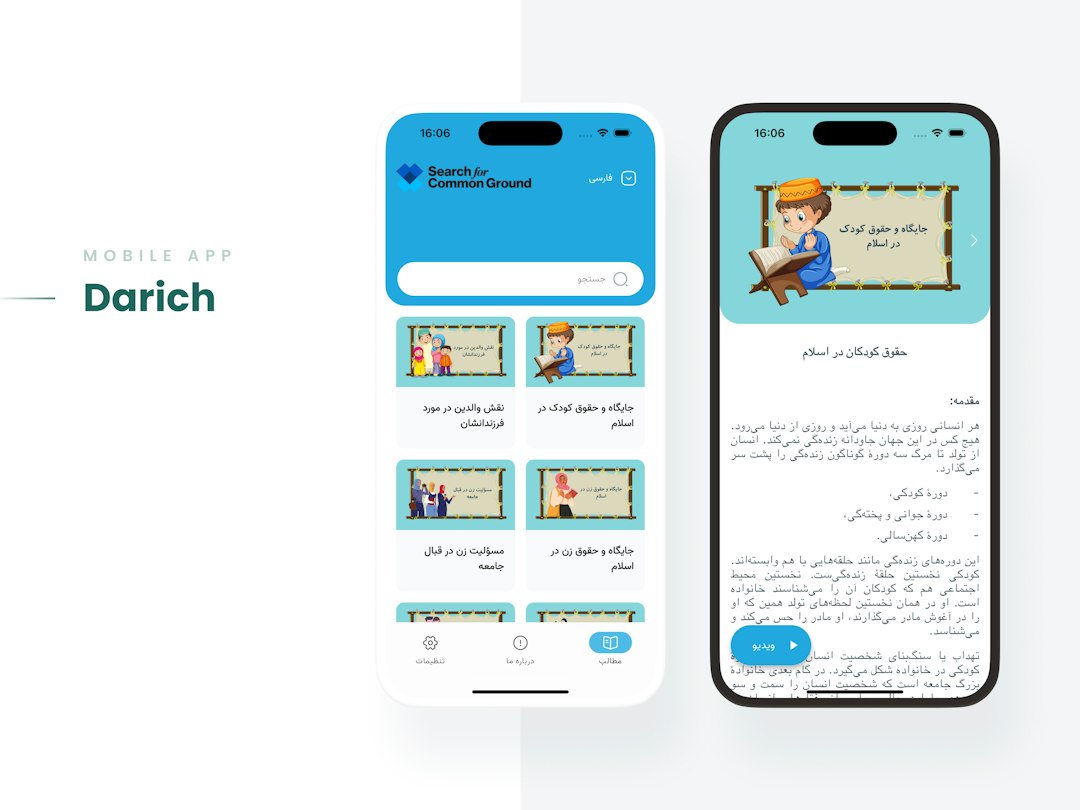
If you ask both tools for a “fitness app dashboard,” Galileo AI may produce a cleaner first impression. You may get bold cards, progress rings, sleek colors, and strong spacing. MagicPath AI is more likely to help you think about what happens before and after that dashboard: signup, goals, workout selection, progress tracking, reminders, and profile updates.
That distinction matters. A single screen is useful for inspiration. A flow is useful for building.
Prompting makes or breaks both tools
Bad prompts create bland UI. This is true for both MagicPath AI and Galileo AI. Asking for “a modern app” gives you generic screens. Asking for “a mobile app for freelance photographers to send invoices, track client shoots, and receive payment reminders” gives the AI more texture.
A strong prompt should include:
- User type: Who is using the product?
- Core task: What must the user complete?
- Platform: Mobile app, web app, dashboard, or landing page.
- Tone: Minimal, premium, friendly, corporate, playful, or technical.
- Required screens: Signup, home, settings, checkout, analytics, profile, or reports.
- Constraints: Accessibility, simple copy, enterprise layout, or dark mode.
Here is a better prompt example:
“Create a mobile app UI for a personal budgeting tool aimed at first-time savers aged 20 to 30. Include onboarding, account connection, monthly budget view, spending alerts, category editing, and a savings goal screen. Use a calm visual style with clear labels and simple charts.”
That prompt gives MagicPath AI enough context to form a usable path. It gives Galileo AI enough detail to create richer screens.
Where MagicPath AI wins
MagicPath AI wins when product clarity is the goal. If you are still deciding what the product should include, it can help expose gaps early. Maybe your onboarding has no confirmation step. Maybe your checkout misses payment failure states. Maybe your dashboard shows data that users cannot act on.
This is where MagicPath AI can save real time. In a typical product meeting, teams can spend 30 to 60 minutes debating abstract features. A rough AI-generated flow turns that debate into something visible. People can point, react, and revise.
It is especially useful before hiring a UI designer or front-end developer. A founder can hand over clearer direction instead of a messy document filled with vague feature notes.
Where Galileo AI wins
Galileo AI wins when visual momentum is the goal. Designers and founders often need something that feels real enough to discuss. Galileo AI is strong at that. It can create screens that make an idea feel tangible in minutes.

It is helpful for early brand direction too. You can test whether a product should feel serious, soft, luxury, youthful, or technical. Even if the output is not final, it can spark better design choices.
It drives me crazy that tools in this category can still produce beautiful nonsense. A chart may have unclear numbers. A CTA may lead nowhere. A settings page may include features you never asked for. Galileo AI is no exception. Treat the output as a smart sketch, not a finished interface.
Which one should you choose?
Pick MagicPath AI if your next question is: “How should this product work?” It is the better fit for user journeys, MVP definition, internal planning, and UX structure.
Pick Galileo AI if your next question is: “What could this product look like?” It is the better fit for visual exploration, pitch concepts, landing pages, and polished mockups.
Many teams will get the best results by using both. Start with MagicPath AI to create the flow. Then use Galileo AI to explore visual directions for the most important screens. After that, bring in a human designer to tighten hierarchy, accessibility, copy, spacing, and system consistency.
AI-powered UI generation is not replacing product design. It is compressing the blank-page stage. MagicPath AI and Galileo AI both help teams move faster, but they solve different problems. Use MagicPath AI for structure. Use Galileo AI for polish. Use human judgment for everything users will actually touch.