Calendly is the cleaner choice for simple appointment confirmation emails, while Acuity Scheduling is stronger when confirmations need payments, forms, packages, or client records. If your main goal is to send reliable booking confirmations without much setup, Calendly will usually feel faster. If your business needs richer client data and more control over the booking flow, Acuity is often the better fit. Calendly says it is used by more than 20 million people, which helps explain why many teams treat it as the default scheduling tool [source: Calendly].
TLDR: Choose Calendly for clean, low-maintenance confirmation emails and fast setup. Choose Acuity Scheduling if confirmations must include intake form details, paid booking records, memberships, or more branded messaging. For example, a 10-person consulting team handling 240 meetings per month may save several hours with Calendly’s simpler workflows, while a wellness studio taking 150 paid appointments per month may prefer Acuity because payment and client data sit closer to the confirmation email process. Both tools are dependable, but they serve different booking styles.
What an appointment confirmation email must do
A good confirmation email does not need to be clever. It needs to be accurate, immediate, and clear. The recipient should know:
- Who the meeting is with.
- When it happens, including the correct time zone.
- Where it happens, such as Zoom, Google Meet, phone, or office address.
- How to reschedule or cancel.
- What to prepare before the appointment.
Calendly and Acuity both handle these basics well. The real difference is how much control you get, how fast you can set things up, and how much business context can be added to each message.
Calendly confirmation emails: best for speed and clarity
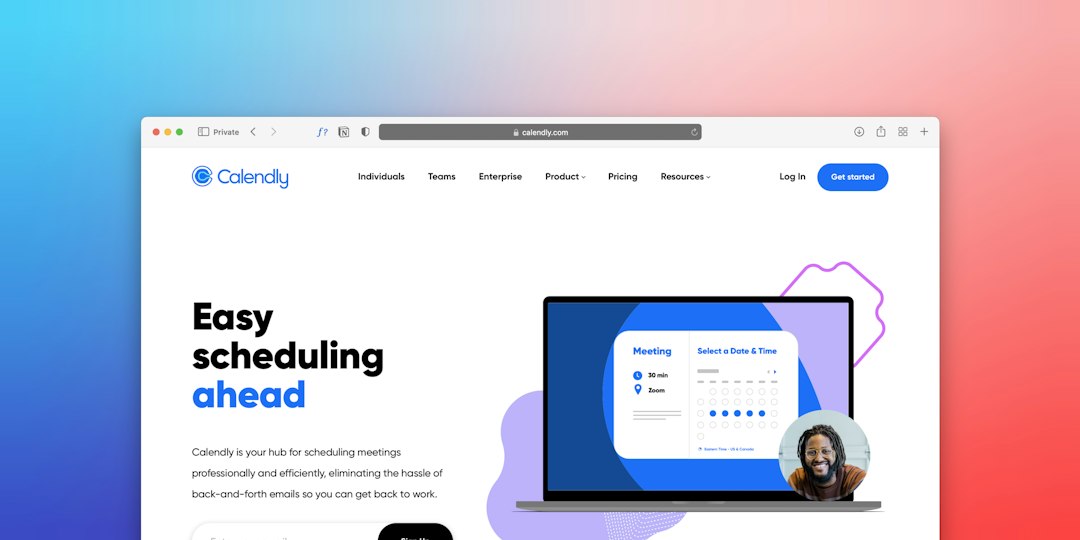
Calendly’s main strength is that it gets out of the way. You create an event type, connect your calendar, set availability, and invite people to book. Once someone books, Calendly sends a confirmation email and calendar invite with the core details.
For many sales, recruiting, coaching, and internal meeting workflows, that is enough. The emails are tidy. The booking links are easy to understand. The reschedule and cancel buttons are obvious. That matters because confused clients create support work.
Calendly also has Workflows, which can send automated emails before or after a meeting. These can be used for reminders, follow-ups, thank-you notes, or preparation emails. Calendly’s help center describes Workflows as a way to automate communication around scheduled events [source: Calendly Help].
The catch is that Calendly can feel a little too locked down when you want deeper email customization. You can add useful custom text, but it is not built like a full email marketing editor. If your team wants highly branded layouts, complex conditional content, or appointment-specific client notes, expect limits.
Acuity Scheduling confirmation emails: better for service businesses
Acuity Scheduling, owned by Squarespace, feels more built for businesses that sell appointments as services. Think therapists, salons, tutors, fitness coaches, clinics, consultants, photographers, and trainers.
Its confirmation emails can connect closely with booking forms, payment settings, client records, appointment types, and packages. This is useful when the confirmation is not just a reminder. It becomes part receipt, part instruction sheet, and part client intake record.
Acuity lets businesses customize automated emails for confirmations, reminders, cancellations, rescheduling, and follow-ups. It also supports intake forms and payment collection, which can affect what the client sees after booking [source: Squarespace Help].
Honestly, it feels like Acuity asks for more patience upfront. Some settings are tucked behind menus that are not always obvious. A simple confirmation edit can take longer than expected if you are new to the system. But once configured, it gives service businesses a serious amount of control.

Calendly vs Acuity: confirmation email comparison
| Feature | Calendly | Acuity Scheduling |
|---|---|---|
| Setup speed | Very fast | Moderate |
| Email customization | Good for simple edits | Stronger for detailed templates |
| Best fit | Sales, recruiting, office hours, demos | Paid services, classes, client appointments |
| Payments | Available, but not the main focus | More central to the booking process |
| Forms and intake | Basic questions work well | Better for detailed client intake |
| Reminder emails | Strong through Workflows | Strong through automated notifications |
When Calendly is the better choice
Use Calendly when the meeting itself is the product. That means demos, interviews, discovery calls, advisory sessions, team check-ins, or simple consultations.
Calendly is especially strong when you need:
- Fast deployment across a team.
- Simple confirmation emails that are hard to misunderstand.
- Calendar-first scheduling with Google Calendar, Outlook, or Microsoft 365.
- Automated reminders without heavy setup.
- Clean rescheduling for busy prospects or candidates.
For example, a software sales team may use one Calendly event for 30-minute demos and another for 15-minute qualification calls. Confirmation emails can include the video link, agenda, and cancellation link. That is enough. Adding more would only create noise.
When Acuity is the better choice
Use Acuity when the appointment is tied to a paid service, a client profile, or a repeat booking relationship. It works well when the confirmation email needs to carry more weight.
Acuity is often better for:
- Prepaid appointments with receipts or payment notes.
- Intake forms before sessions.
- Packages, subscriptions, or class passes.
- Service menus with different durations and prices.
- Client-facing policies such as late arrival rules or cancellation windows.
A therapy practice, for instance, may need confirmation emails that include telehealth instructions, cancellation policy text, intake form reminders, and payment status. Acuity handles that kind of detail better than a bare meeting scheduler.
Email branding and trust
Confirmation emails affect trust more than many teams admit. A vague confirmation makes the business look unprepared. A crisp one lowers anxiety and cuts down on “Just checking, are we still on?” emails.
Calendly emails look professional by default. That is helpful for small teams that do not want to fuss with design. Acuity gives more room to shape the client experience, especially for businesses where tone, policy, and service details matter.
Still, do not overload the email. The best confirmation emails are short. Use bold text for the date, time, location, and next step. Put policies lower down. Keep the reschedule link visible.

Practical recommendation
Pick Calendly if you want reliable automated booking confirmations with minimal setup. It is usually the safer option for teams that book meetings, not services. It is also easier to roll out across departments because the learning curve is low.
Pick Acuity Scheduling if your confirmation emails need to reflect the full appointment transaction. That includes payment, forms, packages, policies, and client history. It takes more setup, but the extra control can pay off for service-based businesses.
For most B2B teams, Calendly wins. For many appointment-based service businesses, Acuity wins. The right choice depends on what the confirmation email must prove: that a meeting was booked, or that a paid client appointment is ready to happen.