The best Spotify to MP3 converter is usually not a converter at all: the safest choice is to buy downloadable tracks, use Spotify Premium offline mode, or move your playlist to a store that sells MP3 or FLAC files. Spotify reported 615 million monthly active users and 239 million Premium subscribers in Q1 2024, so it is no surprise that many people want portable copies for cars, DJ apps, gym players, and offline listening [source: Spotify]. The problem is simple: most “Spotify to MP3 converter” tools are risky, unreliable, or built around bypassing restrictions.
TLDR: If you need MP3 files, buy them from Bandcamp, Amazon Music Digital, 7digital, Beatport, or Qobuz instead of ripping Spotify streams. For example, a student with a 120 song commuting playlist may spend 8 to 12 minutes transferring the playlist, then buy only the 20 tracks they play most, rather than chasing a converter that fails after every Spotify update. Spotify Premium is best for offline listening inside the app, not for making MP3s. Converter sites may look quick, but expect popups, missing metadata, and audio that sounds worse than promised.
Why Spotify to MP3 converters are a messy choice
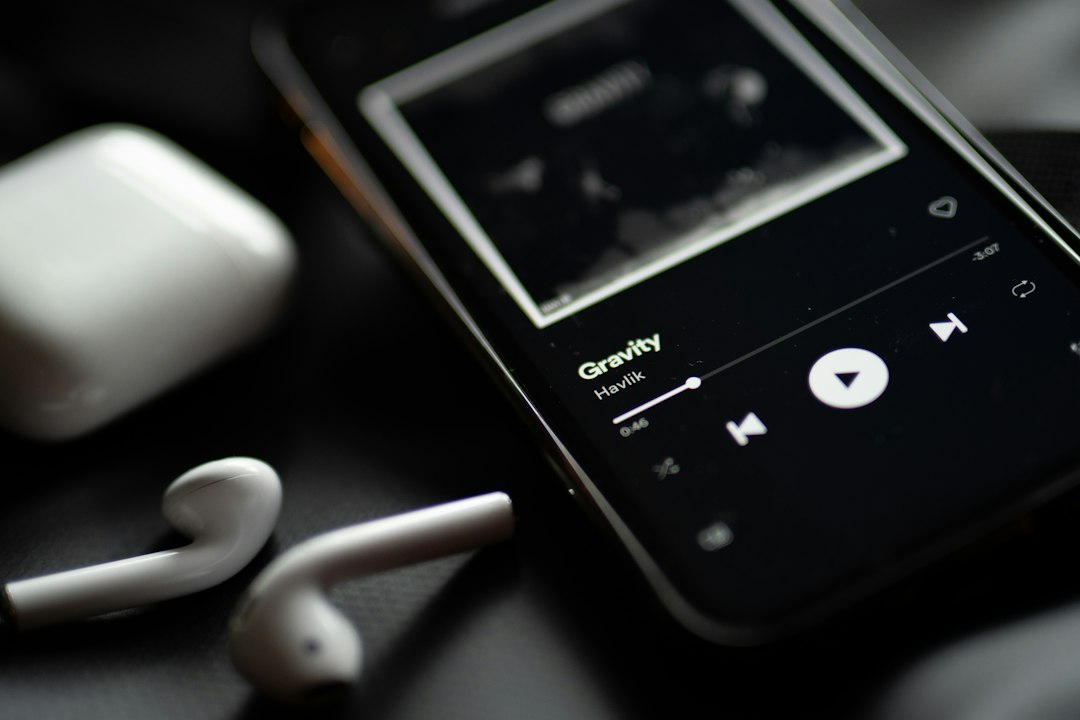
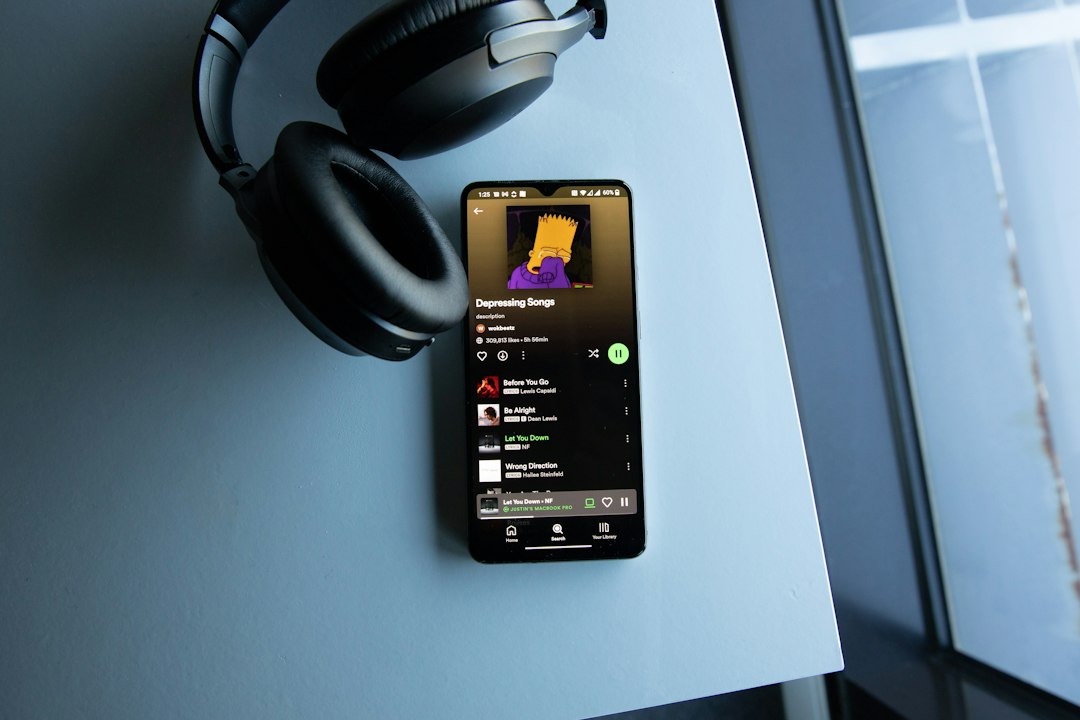
Spotify music is streamed through Spotify’s own app and protected systems. Premium users can download songs for offline listening, but those files stay inside Spotify. They are not regular MP3s that you can copy to a USB stick or edit in a DJ program.
This is where converter apps try to squeeze in. They often advertise 320 kbps MP3 output, batch converting, and ID3 tags. Honestly, it feels like half of them work until the next app update, then you are back to errors, login warnings, or strange track names like “audio 001.” Worse, some tools push browser extensions, installers, or sketchy ads.
If you own the music or have permission to use it, there are cleaner ways to get portable files. The right pick depends on what you actually need: casual listening, DJ sets, old car stereos, video editing, or archiving.
Best alternatives compared
| Alternative | Best for | File ownership | Main drawback |
|---|---|---|---|
| Spotify Premium offline mode | Everyday offline listening | No MP3 files | Works only in Spotify |
| Bandcamp | Indie music and artist support | Yes, often MP3 and lossless | Not every mainstream artist is there |
| Amazon Music Digital | Buying popular MP3 tracks | Yes, MP3 downloads | Catalog varies by country |
| Qobuz | High quality albums and FLAC | Yes, purchased downloads | Costs more than streaming |
| Beatport | DJs and electronic music | Yes, DJ friendly formats | Focused on dance genres |
| CD ripping | Music you already own physically | Yes, for personal use in many places | Takes time and a disc drive |
1. Spotify Premium offline mode
This is the easiest answer if you only want music without mobile data. Premium lets you save albums, playlists, and podcasts inside the Spotify app for offline playback [source: Spotify Support]. It is smooth, legal, and quick.
The catch is that it does not create MP3 files. You cannot drag tracks into a video editor. You cannot load them onto an old SanDisk player. You cannot keep them after canceling Premium. Still, for phones, tablets, and laptops, it is the cleanest option.
2. Bandcamp
Bandcamp is one of the best alternatives if you want files and want artists to get paid. Many releases include MP3, FLAC, ALAC, AAC, and WAV options. You buy once, then download again later from your account. Bandcamp explains its available download formats in its help pages [source: Bandcamp].
It is especially good for indie, ambient, metal, electronic, jazz, experimental, and niche releases. It drives me crazy that mainstream albums are not always available there, but when they are, Bandcamp is hard to beat.
3. Amazon Music Digital
If you want actual MP3 purchases, Amazon’s digital music store is practical. You can buy individual tracks or full albums, then download them for personal use. This works well for car USB drives, offline backups, and basic music libraries.
The downside is regional availability. Some countries have a thin catalog. Some songs appear inside Amazon Music streaming but not as separate MP3 purchases. Check before building a whole plan around it.
Image not found in postmeta4. Qobuz
Qobuz is ideal for listeners who care about audio quality. It sells albums and tracks in high resolution formats, often FLAC. If your goal is “better than Spotify,” Qobuz may make more sense than MP3 at all.
For casual users, the price can feel steep. A full album purchase may cost as much as a month of streaming. But for albums you replay constantly, owning a clean copy is worth it.
5. Beatport
Beatport is built for DJs. It sells electronic music in formats that work with DJ software and club systems. If you need tracks for a paid set, wedding gig, livestream, or private collection, Beatport is far safer than ripping from Spotify.
Its weakness is obvious. It is not a broad pop, rock, or classical store. For house, techno, drum and bass, trance, and related genres, though, it is one of the strongest choices.
6. CD ripping
Old school? Yes. Still useful? Absolutely. If you own CDs, ripping them to MP3 or FLAC gives you clean files with predictable quality. Tools such as Exact Audio Copy on Windows or the Music app on macOS can handle the job.
This is best for collectors with shelves of discs. The annoying part is time. A 14 track album may take 5 to 10 minutes to rip and tag, longer if metadata is wrong. But after that, the files are yours to organize.
What about playlist transfer tools?
Playlist transfer apps do not convert Spotify tracks into MP3s. They match your Spotify playlists with songs on other services. That can still save serious time. If you have a 500 song playlist, matching it to Qobuz, Apple Music, YouTube Music, or a store wishlist is much faster than searching manually.
Use these tools as a bridge. Move the list, review the matches, then buy the tracks you truly need. Do not assume every match is correct. Live versions, remasters, radio edits, and clean versions get mixed up more often than they should.
How to pick the right option
- For offline phone listening: choose Spotify Premium offline mode.
- For real MP3 files: choose Amazon Music Digital, 7digital, or Bandcamp.
- For best sound quality: choose Qobuz or buy FLAC from Bandcamp.
- For DJ use: choose Beatport or another licensed DJ store.
- For music you already own on disc: rip CDs to MP3 or FLAC.
- For free legal music: try artist giveaways, label samplers, Jamendo, or Free Music Archive.
What to avoid
Be careful with sites that ask for your Spotify login, promise unlimited conversion, or force you to install unknown software. Avoid tools that hide pricing until after installation. Also avoid any app that claims it can remove restrictions from streaming tracks with no quality loss. That claim should make you pause.
The smartest replacement for a Spotify to MP3 converter is a mix of services. Use Spotify for discovery and daily listening. Save offline inside the Spotify app when convenience matters. When you need actual files, buy the tracks from a store that gives you downloads. It is less flashy than a one click converter, but it saves time, protects your account, and gives you music files that will still work next year.