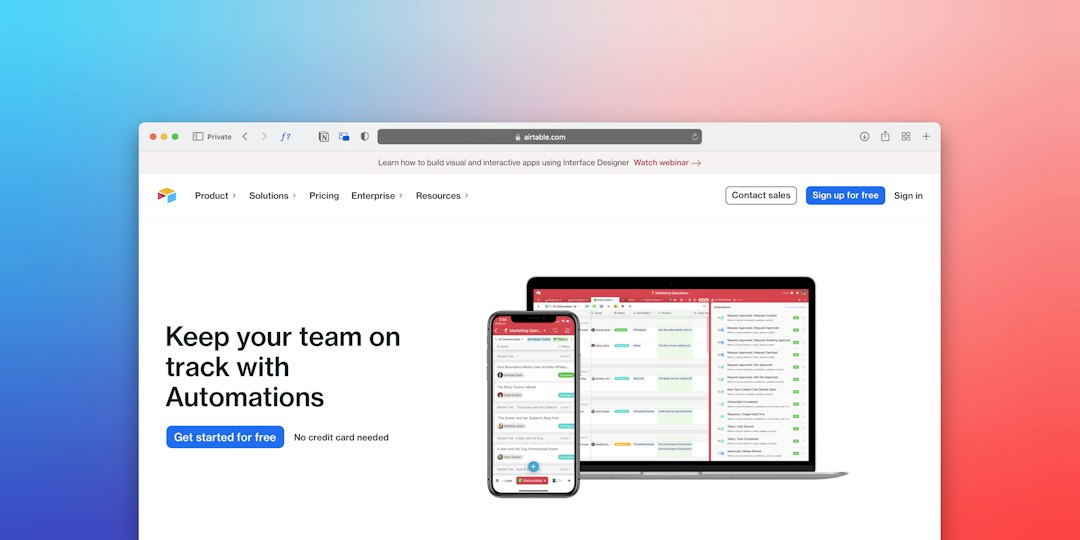
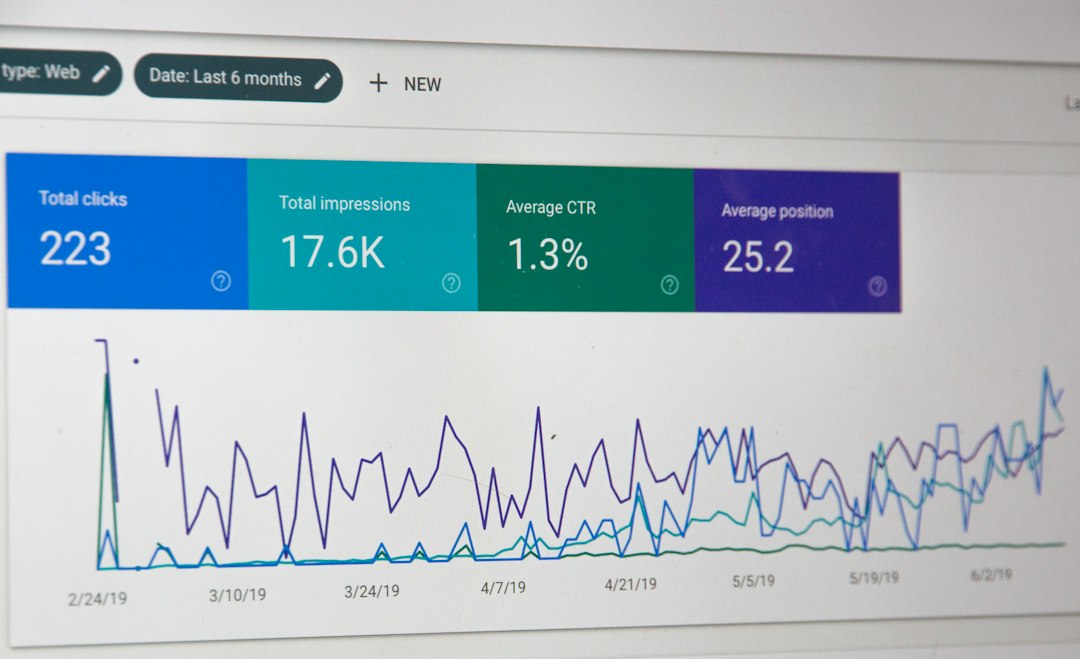
Small contractors usually need contractor software for one reason: fewer missed jobs, faster invoices, and less office chaos. Jobber and Housecall Pro are two of the strongest picks for small service businesses because they cover scheduling, quotes, payments, customer texts, and team dispatch in one place. Demand for field service software keeps growing, with the market estimated at $5.7 billion in 2023 and rising as more trades move away from paper work orders [source: MarketsandMarkets].
TLDR: Jobber is often the cleaner fit for small teams that want simple scheduling, quoting, and customer follow up without much setup pain. Housecall Pro suits contractors that want stronger sales tools, online booking, and more built-in growth features. For example, a 7-person HVAC company handling 35 jobs per week could save 5 to 8 admin hours by moving from spreadsheets to automated reminders, digital estimates, and online payments. The best pick depends on whether the business values ease first or wants more sales and marketing features baked in.
Why Contractor Software Matters for Small Business
A small contracting business can lose money in boring ways. A tech forgets a job note. An invoice sits unsent for six days. A customer calls twice because no one confirmed the appointment. None of this feels dramatic, but it stacks up fast.
Contractor software helps centralize the daily mess. It gives owners one place for leads, estimates, dispatching, invoices, payments, reviews, and customer history. The best tools are not just “nice to have.” They replace sticky notes, whiteboards, shared calendars, and late-night admin work.

Jobber: Best for Simple Operations and Clean Workflows
Jobber is a strong choice for lawn care, plumbing, cleaning, HVAC, electrical, pest control, and general home service teams. Its main benefit is clarity. The dashboard is easy to read. Jobs move from quote to schedule to invoice without much friction.
Its best features include:
- Drag and drop scheduling for crews and recurring jobs.
- Professional quotes with optional add-ons and approvals.
- Automated reminders by email or text.
- Online payments to speed up cash flow.
- Client hub where customers can view quotes, appointments, and invoices.
Jobber works well when the owner still touches daily operations. It does not bury users under too many menus. That matters. It can drive an owner crazy when a simple reschedule takes twelve clicks and three browser tabs. Jobber mostly avoids that.
The weak spot is that some advanced reporting and marketing features may feel limited for companies trying to scale hard. A business that wants deep call tracking, heavy sales reporting, and aggressive pipeline tools may outgrow the basic setup.
Housecall Pro: Best for Growth Features and Sales Follow Up
Housecall Pro also serves home service businesses, but it feels more sales focused. It gives contractors tools for booking, dispatching, payments, reviews, memberships, and customer communication. It is especially useful for companies that want to turn one-time jobs into repeat work.
Standout features include:
- Online booking so customers can request service without calling.
- Service plans for recurring revenue.
- Review requests after completed jobs.
- Price book tools for cleaner quoting.
- Team chat and dispatch tools for field staff.
Housecall Pro can feel more packed than Jobber. That is good for a growing team. It may be a bit much for a solo operator who just needs scheduling and quick invoices. Honestly, it feels like some small shops will pay for features they do not use for months.

Other Business Management Picks Worth Considering
Jobber and Housecall Pro are not the only options. A contractor should also compare:
- ServiceTitan: Better for larger trade companies with bigger budgets and complex reporting needs.
- FieldPulse: Good for small teams that want job tracking, CRM, and estimates in a simpler package.
- Service Fusion: Useful for dispatch-heavy companies that need GPS tracking and call management.
- QuickBooks Online: Not full contractor management software, but still helpful for accounting and invoice tracking.
Some contractors also need tools beyond dispatch and payments. A company with a growing subscriber list may compare email marketing software to send seasonal offers. A medical cleaning or healthcare-related service provider may need a HIPAA compliance software checklist before storing sensitive client data. Larger firms building custom systems may even review AI assisted software development tools for internal automation projects.
How a Small Contractor Should Choose
The decision should start with daily pain, not feature lists. If missed appointments are the problem, scheduling and reminders matter most. If cash flow is slow, online payments and invoice automation should rank higher. If the company needs more repeat business, service plans and review requests become more useful.
A smart buying checklist includes:
- Count weekly jobs. A 10-job week needs less complexity than a 90-job week.
- Map the current workflow. Lead, quote, schedule, complete, invoice, collect.
- Test the mobile app. Field staff will reject clunky software fast.
- Check payment fees. Low monthly pricing can hide higher transaction costs.
- Review support hours. A broken schedule on Monday morning is not a small issue.
Final Recommendation
Jobber is the safer pick for many small contractors that want a clean, easy system for jobs, quotes, and payments. Housecall Pro is better for teams that want stronger customer growth tools and more ways to sell repeat services. Both can reduce admin time, improve follow up, and make the business look more professional.
The best move is simple. The owner should run a trial using real jobs, not fake sample data. If the team can schedule work, send a quote, collect payment, and find customer notes without asking for help, the software is doing its job.
FAQ
What is contractor software?
Contractor software helps service businesses manage jobs, estimates, schedules, invoices, payments, customers, and field teams from one system.
Is Jobber better than Housecall Pro?
Jobber is often better for simple workflows and ease of use. Housecall Pro is often better for sales tools, online booking, reviews, and service plans.
Can a solo contractor use this type of software?
Yes. A solo contractor can use it to avoid missed calls, send faster quotes, collect payments, and keep customer records organized.
What trades use Jobber or Housecall Pro?
Common users include HVAC companies, plumbers, electricians, cleaners, landscapers, pest control firms, roofers, and handyman services.
What should a small business check before buying?
It should check mobile app quality, pricing, payment fees, customer support, scheduling tools, invoice features, and how easy it is for staff to learn.