
Some tech names sound like they come from a sci fi movie. Gemini Air is one of them. It sounds fast, light, and a little magical. That is a pretty good way to think about it.
TLDR: Gemini Air is a simple way to use Gemini style AI for quick help with writing, planning, learning, and daily tasks. Think of it as a smart assistant that can answer questions, create text, explain ideas, and help you get unstuck. You use it by typing a clear request, adding useful details, and checking the results before you rely on them.
So, What Is Gemini Air?
Gemini Air can be understood as a lightweight, easy to use version or experience of Gemini powered AI. In simple words, it is an AI helper. You ask it for help. It replies in plain language.
It can help with many things. It can write emails. It can explain hard topics. It can create lists. It can brainstorm ideas. It can help you study. It can also turn messy notes into neat summaries.
The word Air suggests something light and quick. So, when people talk about Gemini Air, they often mean a fast and simple AI experience. No heavy setup. No scary buttons. Just ask and go.
Still, names can change. Apps and services update all the time. So always check the exact product details in the app or service you are using. But the main idea stays the same. It is about using AI in a simple, everyday way.

Think of It Like a Digital Sidekick
Imagine a very patient friend. This friend reads fast. Writes fast. Explains things without rolling their eyes. That is the vibe.
Gemini Air is not a human. It does not “know” things in the same way people do. It predicts helpful answers based on patterns in language and data. That sounds fancy. But you do not need to worry about the machinery.
You only need to know this:
- You type a request.
- It responds with an answer.
- You can ask follow up questions.
- You can edit, refine, and improve the result.
That is the loop. Ask. Read. Adjust. Repeat.
What Can You Use Gemini Air For?
You can use it for work, school, home, hobbies, and random “why is the sky blue?” moments.
1. Writing Help
Gemini Air can help you write better and faster. It can draft emails, captions, blog ideas, reports, bios, and product descriptions.
For example, you can ask:
- Write a friendly email asking for a meeting.
- Make this paragraph shorter and clearer.
- Give me five fun titles for a travel article.
It is great when your brain says, “No words today.”
2. Learning and Explaining
Gemini Air can explain difficult ideas in simple ways. You can ask it to act like a teacher. You can ask for examples. You can ask for a quiz.
Try prompts like:
- Explain photosynthesis like I am 10.
- Teach me the basics of investing.
- Give me a simple summary of World War One.
If the first answer is too hard, say so. Ask it to make the answer easier. It will not be offended. It has no ego. Lucky us.
3. Planning Your Day
Need a plan? Gemini Air can help. It can organize tasks and build schedules.
You can say:
- I have six errands and three hours. Make a plan.
- Create a simple morning routine for me.
- Plan a weekend trip with a small budget.
It can turn chaos into a checklist. That feels like magic. Very tidy magic.

4. Brainstorming Ideas
Gemini Air is useful when you need ideas. It can help name a project. It can suggest party themes. It can create content ideas. It can even help you plan a birthday surprise.
Ask for many options. Then pick the best ones. AI is great at giving you a pile of clay. You still get to shape it.
5. Summaries
Long text can be tiring. Gemini Air can help make it shorter. Paste in text and ask for a summary.
You can request:
- Summarize this in three bullet points.
- Pull out the key action items.
- Make this easier to read.
This is handy for meeting notes, articles, research, and long messages from that one person who writes novels in chat.
How to Use Gemini Air
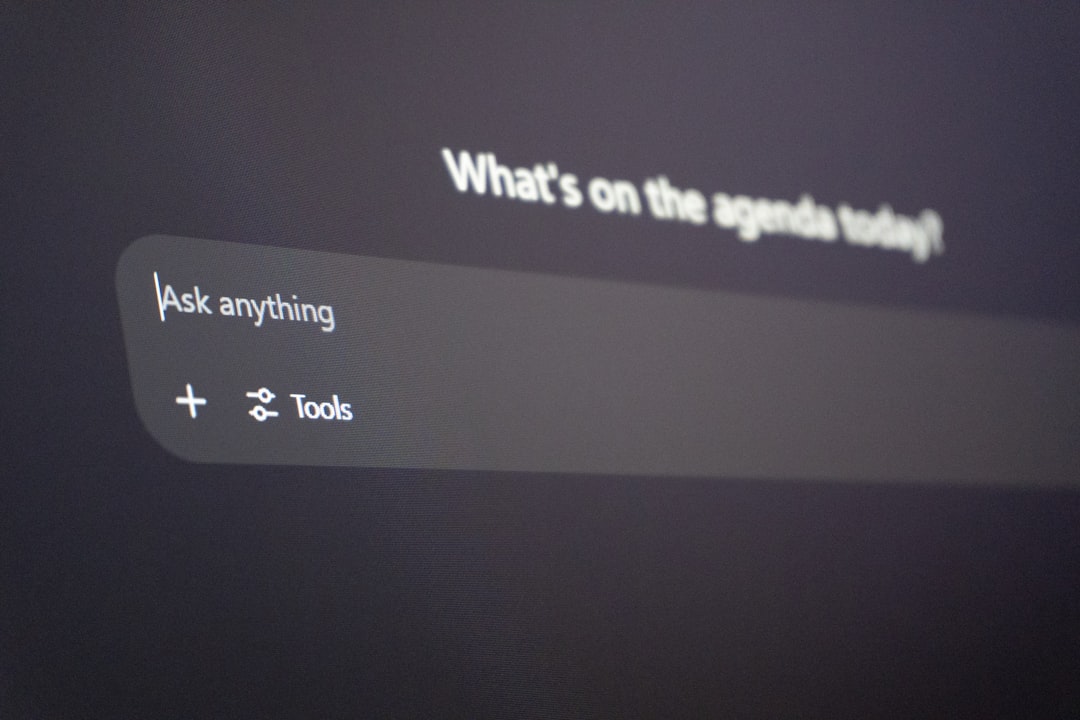
Using Gemini Air is usually simple. Open the tool. Find the chat box. Type your request. Press enter. Then read the answer.
But there is a trick. Better input gives better output. In AI land, your request is called a prompt. A prompt is just what you ask the AI to do.
Step 1: Be Clear
Do not just type, Help me write. That is too vague.
Try this instead:
Write a friendly 150 word email to my manager asking if I can work from home on Friday. Keep it polite and casual.
See the difference? You gave the task, tone, length, audience, and goal. That helps a lot.
Step 2: Add Details
Gemini Air is not a mind reader. Add context.
For example:
- Who is the message for?
- What tone do you want?
- How long should it be?
- What should it include?
- What should it avoid?
Details are like ingredients. More useful ingredients make a better sandwich.
Step 3: Ask for a Format
If you want a list, say so. If you want a table, ask for one. If you want simple language, say that too.
Examples:
- Answer in bullet points.
- Make a two column table.
- Use short sentences.
- Give me a step by step guide.
Step 4: Refine the Answer
The first answer may not be perfect. That is normal. Treat it like a draft.
You can say:
- Make it warmer.
- Make it shorter.
- Add examples.
- Remove the jokes.
- Explain the last part again.
This is where Gemini Air gets more useful. You steer it. It follows.
Good Prompt Examples
Here are some easy prompts you can copy and change.
- For writing: Write a short, friendly welcome message for new customers. Keep it under 100 words.
- For studying: Explain gravity in simple terms. Then give me five quiz questions.
- For planning: Create a simple meal plan for three days. Use cheap ingredients.
- For work: Summarize these meeting notes. List decisions, tasks, and deadlines.
- For creativity: Give me ten funny names for a podcast about pets.
What Gemini Air Is Good At
Gemini Air is great for speed. It helps you start. It helps when you feel stuck. It can turn a blank page into something useful.
It is also good at changing tone. You can make text sound formal, friendly, playful, or simple. This is helpful when you know what you mean, but not how to say it.
It can also compare ideas. Ask for pros and cons. Ask for risks. Ask for a simpler option. It can help you think through choices.
What Gemini Air Is Not Good At
Gemini Air is helpful. But it is not perfect.
It can make mistakes. It may sound confident even when wrong. This is why you should check important facts.
Be extra careful with:
- Medical advice
- Legal questions
- Financial decisions
- Safety instructions
- Breaking news
- Private or sensitive information
Use it as a helper, not a final authority. Think of it like a smart intern. Very fast. Very useful. Still needs supervision.
Privacy Tips
Do not paste secrets into any AI tool unless you understand how the service handles data. Avoid adding passwords, private documents, bank details, or personal ID numbers.
If you are using it for work, follow your company rules. Some workplaces have strict policies about AI tools. Better safe than awkward meeting with IT.
Fun Ways to Try Gemini Air
Want to test it without pressure? Start with fun tasks.
- Ask it to plan a fake pirate vacation.
- Ask for a bedtime story about a brave toaster.
- Ask it to explain taxes using pizza.
- Ask for a workout plan for someone who hates workouts.
- Ask it to turn your grocery list into a tiny poem.
Playing with AI is a great way to learn. You discover what works. You also discover what goes hilariously wrong.
Best Tips for Better Results
Here is the simple cheat sheet:
- Be specific. Clear requests get better answers.
- Give context. Tell it what you are trying to do.
- Set the tone. Say if you want formal, casual, funny, or simple.
- Ask for structure. Lists and steps are easier to use.
- Review the answer. Do not trust everything blindly.
- Keep refining. The second answer is often better than the first.
Final Thoughts
Gemini Air is best seen as a fast, light, and friendly AI assistant. It can help you write, plan, learn, summarize, and brainstorm. It is like having a tiny idea factory in your browser or app.
The secret is simple. Ask clear questions. Give useful details. Check the results. Then ask it to improve the answer.
Use it well, and it can save time. It can make boring tasks easier. It can even make learning feel playful. And that is the real charm of Gemini Air. It turns “I have no idea where to start” into “Hey, this is actually doable.”



Leave a Reply