Instagram Reels and audio tracks are often useful for research, inspiration, editing references, or saving a sound you want to revisit later. However, downloading Instagram audio should be done carefully. The safest approach is to respect copyright, avoid suspicious websites, and use options that do not compromise your account, device, or personal data.
TLDR: The safest ways to save Instagram audio are to use Instagram’s built-in save features, download your own content, record audio locally where permitted, or use reputable tools with caution. Avoid services that ask for your Instagram password or install unknown software. Always consider copyright, creator permissions, and platform rules before reusing any audio.
Before You Download: What “Safe” Really Means
When people search for ways to download Instagram audio, they usually want a quick MP3 file from a Reel. But a safe method is not only about convenience. It also means protecting your privacy, staying within legal boundaries, and avoiding malware or phishing scams.
Important: saving audio for personal reference is different from reusing it in a commercial video, podcast, advertisement, or repost. Instagram audio may include copyrighted music, original creator voiceovers, or licensed clips. If you plan to publish, remix, or monetize the sound, get permission or use properly licensed audio.
Below are seven safer methods for saving Reels and Instagram audio tracks, starting with the most reliable options.
1. Use Instagram’s Built-In “Save Audio” Feature
The simplest and safest method is to save the audio inside Instagram itself. This does not download an MP3 file to your device, but it keeps the track available in your saved audio list for later use.
- Open the Reel that uses the audio you like.
- Tap the audio name at the bottom of the Reel.
- Select Save audio.
- Find it later in your saved items or when creating a Reel.
This method is ideal if your goal is to use the sound in a future Instagram Reel. It is also the lowest-risk option because it does not require third-party websites, account logins, or file downloads.
Best for: saving trending sounds inside Instagram for future Reels.
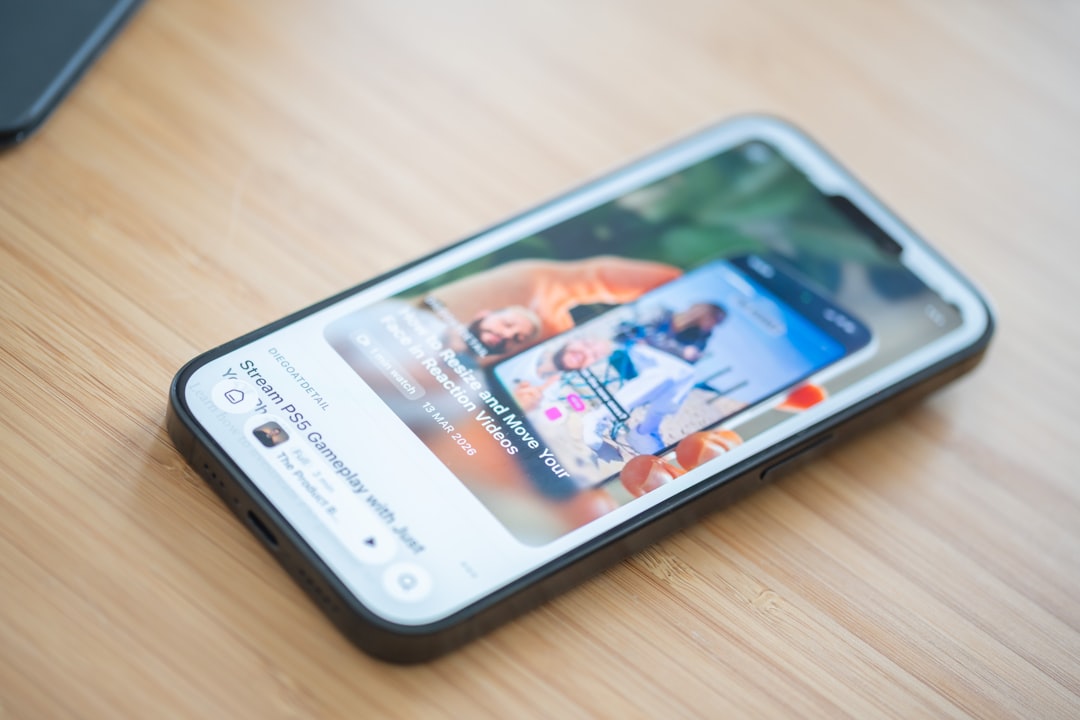
2. Download Your Own Instagram Reels
If the audio is part of a Reel you created, you can download your own content directly from Instagram. This is especially useful when you need a backup copy of a video that includes your voiceover, original music, or edited sound.
Open your Reel, tap the menu icon, and look for the download or save option. Availability may vary depending on your region, app version, and whether the Reel contains licensed music. In some cases, Instagram may download the video without certain copyrighted audio tracks.
Why this is safe: you are downloading content from your own account through the official app, which reduces privacy and security risks.
Best for: backing up Reels you created yourself.
3. Use Instagram Data Download for Your Own Account
Instagram allows users to request a copy of their account data. This is another official option, especially if you want to archive your own posts, messages, media, and related account information.
To request your data, go to Instagram settings, find the account information or data download section, and follow the instructions. Instagram typically sends a download link after processing the request.
This method is not designed as a quick audio extractor, and it may not provide every audio track as a separate file. However, it is legitimate, safe, and useful for archiving your own material.
Note: do not confuse Instagram’s official data download with third-party “account backup” services. If a website asks for your Instagram password, avoid it.
Best for: account archiving and protecting your own original content.
4. Screen Record, Then Extract Audio
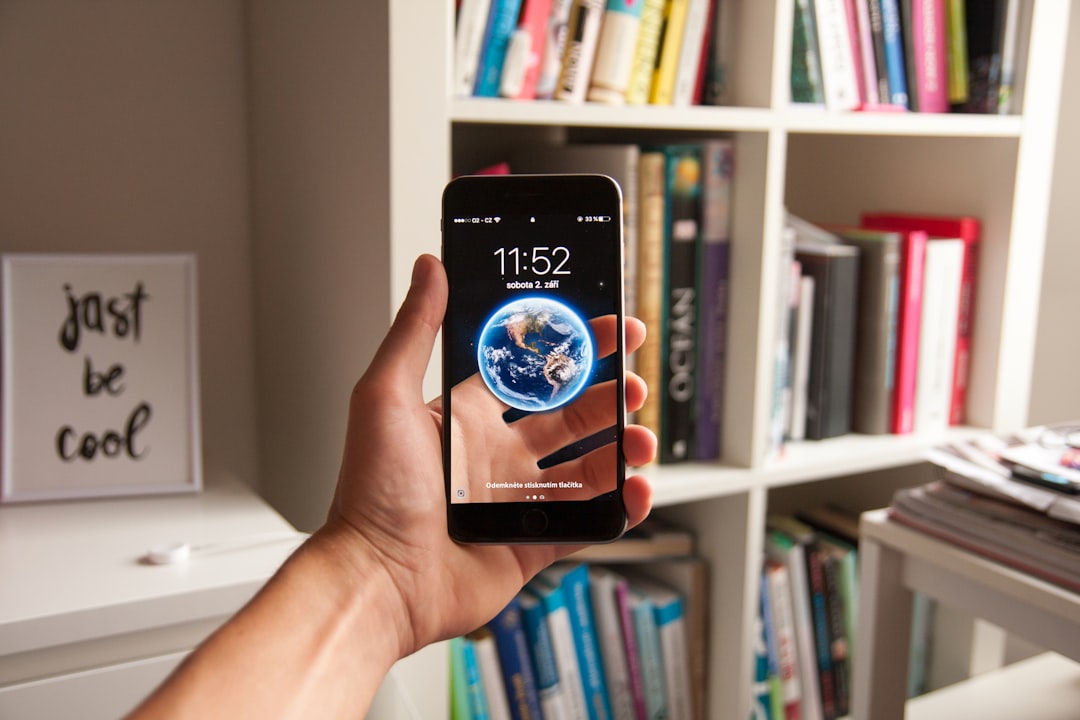
Screen recording can be a practical method for saving audio for personal reference, especially when you need to review a sound offline. Most iPhones and Android phones include built-in screen recording tools. After recording the Reel, you can use a trusted video editing app to extract the audio.
To do this safely:
- Use your phone’s built-in screen recorder rather than an unknown app.
- Save the recording locally.
- Use a reputable editor to separate the audio if needed.
- Do not repost or reuse copyrighted sound without permission.
This method is straightforward, but it can capture background notifications or on-screen activity if you are not careful. Turn on Do Not Disturb and close unrelated apps before recording.
Best for: personal notes, research, and reference listening.
5. Use a Reputable Audio Editing App for Your Own Videos
If you already have a Reel or video file saved on your device, you can extract the audio using a trusted audio or video editor. Popular editing tools often allow you to separate audio from video, export it as MP3, WAV, or M4A, and store it securely.
This works best when the video is yours or when you have permission to use the content. It is also safer than uploading files to random websites because the processing can often happen directly on your device.
Look for apps that have:
- Clear privacy policies
- Positive reviews from verified users
- No requirement to log into Instagram
- Transparent export settings
- No excessive permissions
Avoid apps that request access to your Instagram account, contacts, messages, or unrelated files. An audio extraction tool should not need sensitive account permissions.
Best for: extracting audio from videos you own or have permission to edit.
6. Use Online Downloaders Carefully
Online Instagram audio downloaders are common, but they are also the riskiest category. Some are legitimate utilities, while others display aggressive ads, collect data, redirect users to suspicious pages, or push harmful downloads.
If you choose to use an online downloader, follow strict safety rules:
- Never enter your Instagram password.
- Do not install browser extensions from unknown sources.
- Avoid websites with pop-ups, fake download buttons, or adult ads.
- Scan downloaded files with antivirus software.
- Use the tool only for content you own or have permission to save.
A safer online tool should only ask for a public Reel link, not your login details. Even then, treat the file carefully and avoid downloading executable files. Audio should normally be in formats such as MP3, M4A, or WAV, not EXE, APK, or ZIP.
Best for: occasional downloads when you understand the risks and verify the source.
7. Ask the Creator for the Original Audio
The most respectful and often most reliable method is to contact the creator directly. If a Reel contains an original voiceover, song, interview clip, or sound design, the creator may be willing to share the audio file or grant permission to use it.
This approach is especially important for brands, agencies, journalists, educators, and anyone publishing content publicly. Written permission can help prevent disputes later, particularly if the audio will be used commercially.
When contacting a creator, be specific:
- Explain which audio you want to use.
- State where it will appear.
- Clarify whether the use is personal, educational, or commercial.
- Ask whether credit is required.
- Keep a written record of the permission.
Best for: professional use, collaborations, and copyrighted or original creator audio.
How to Choose the Right Method
If you only want to remember a sound for a future Reel, use Instagram’s Save audio feature. If the content is yours, use Instagram’s download options, account data tools, or a reputable editing app. If you need a file from someone else’s Reel, consider whether you have permission before downloading or reusing it.
For professional projects, the safest path is simple: use licensed music, original recordings, royalty-free libraries, or direct creator permission. This protects your project from takedowns, copyright claims, and reputational issues.
Red Flags to Avoid
Be cautious if a download method includes any of the following:
- Requests for your Instagram username and password
- Forced app installations
- Browser extensions with unclear permissions
- Files that are not standard audio or video formats
- Claims that all copyrighted music is “free to use”
- No privacy policy or contact information
These warning signs often indicate phishing, malware, or misuse of copyrighted material. A few seconds of convenience is not worth losing access to your Instagram account or exposing your device to risk.
Final Thoughts
Downloading Instagram audio can be useful, but it should be done with care. The safest methods are official Instagram features, downloading your own content, using reputable local editing tools, or asking creators directly. Online downloaders may work, but they require caution and should never ask for your login credentials.
Above all, treat Instagram audio as creative work. Save it responsibly, credit creators when appropriate, and secure the right permissions before using it beyond private reference.