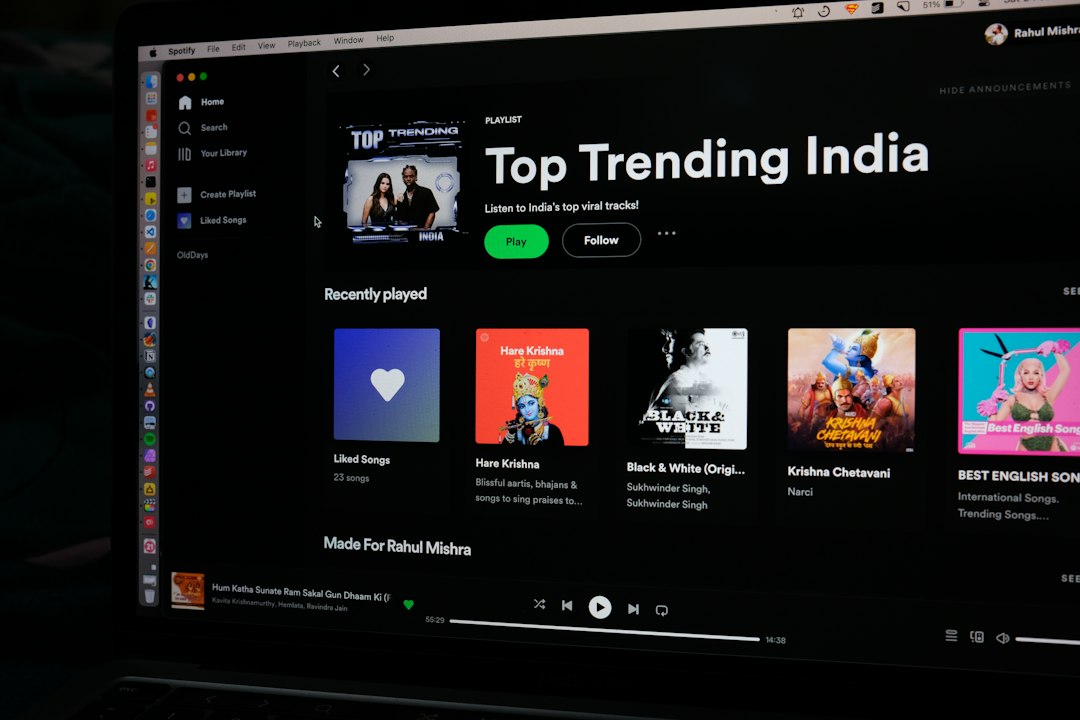
Socialsight is best understood as a social media monitoring and intelligence platform for teams that need faster answers from public conversations. It helps brands track mentions, measure sentiment, spot risks, compare competitors, and turn scattered posts into usable business insight.
TLDR: Socialsight collects social mentions, comments, hashtags, and keyword trends in one place so teams can react faster and report with less manual work. For example, a skincare brand could use it to detect a 38% spike in complaints about “burning sensation” within two hours of a product launch, then alert customer support before the issue spreads. It is most useful for marketing, customer care, PR, product research, and competitive tracking. The main value is simple: fewer missed signals and faster decisions.
What Is Socialsight?
Socialsight is a social media monitoring tool built to track what people say about a brand, product, competitor, campaign, or topic. Instead of checking each platform by hand, users can create monitoring streams around keywords, handles, hashtags, URLs, product names, and common misspellings.
The platform then organizes those mentions into dashboards. Teams can sort them by channel, sentiment, engagement, location, author influence, language, and time period. That makes it easier to answer questions like: Are people happy with our launch? Which competitor is getting more attention? Did a negative post just start spreading?
Core Features of Socialsight
1. Brand mention tracking
Socialsight tracks direct and indirect mentions of your brand. Direct mentions include tagged posts and comments. Indirect mentions include untagged brand names, product names, abbreviations, and phrases that customers often use. This matters because many unhappy buyers do not tag the company. They simply complain.
2. Keyword and hashtag monitoring
Users can follow campaign hashtags, industry terms, event names, product categories, and issue-related phrases. A sportswear company, for instance, might monitor “trail shoes,” “running injury,” “waterproof sneakers,” and its latest campaign hashtag at the same time.
3. Sentiment analysis
Socialsight can classify mentions as positive, negative, or neutral. Some setups may also offer emotion tags such as anger, joy, confusion, or disappointment. Sentiment is not perfect, though. Sarcasm still trips up many tools. Honestly, it feels like every monitoring platform should be better at reading “Great, another broken update” by now.
4. Competitor comparison
Teams can track competitors by share of voice, engagement, sentiment, posting trends, and audience reactions. This is useful when launching a campaign or reviewing quarterly performance. If your brand gets 22,000 mentions in a month and a competitor gets 31,000, Socialsight can show whether that gap comes from paid buzz, customer complaints, influencer posts, or actual product interest.
5. Alerts and issue detection
Real-time alerts are one of the strongest reasons to use Socialsight. A sudden jump in negative sentiment can trigger notifications by email, Slack, or another team tool. This helps PR and support teams catch problems early, such as shipping delays, app outages, product defects, or viral criticism.
6. Reporting and dashboards
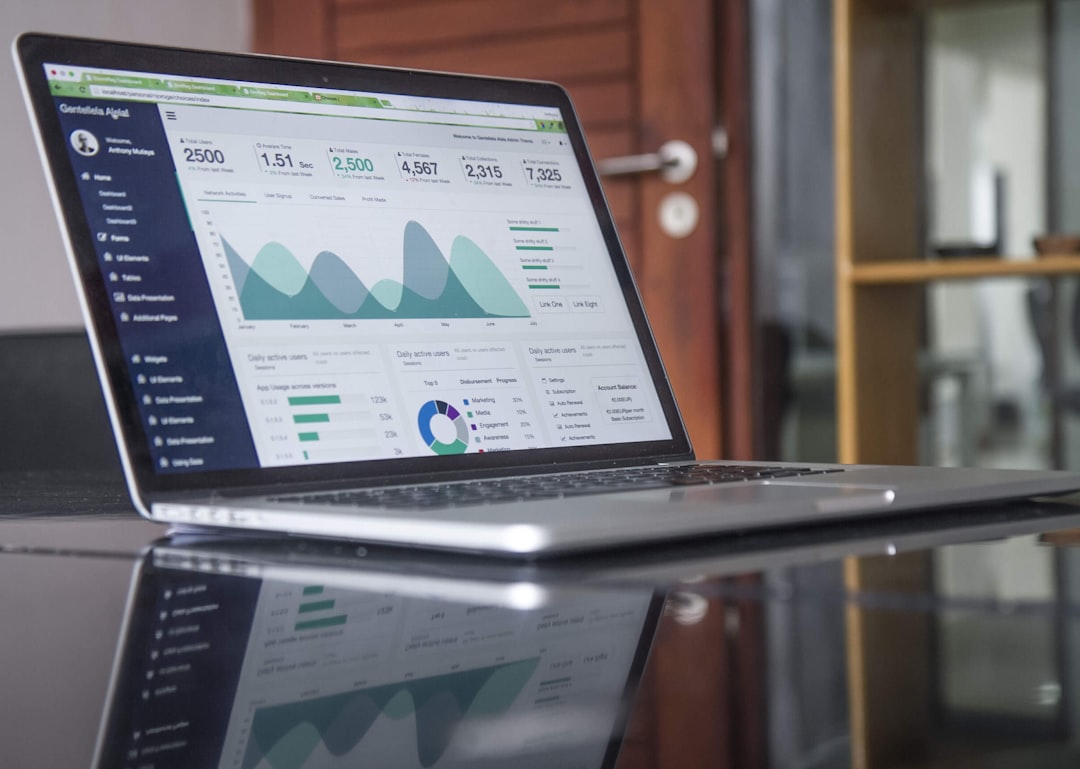
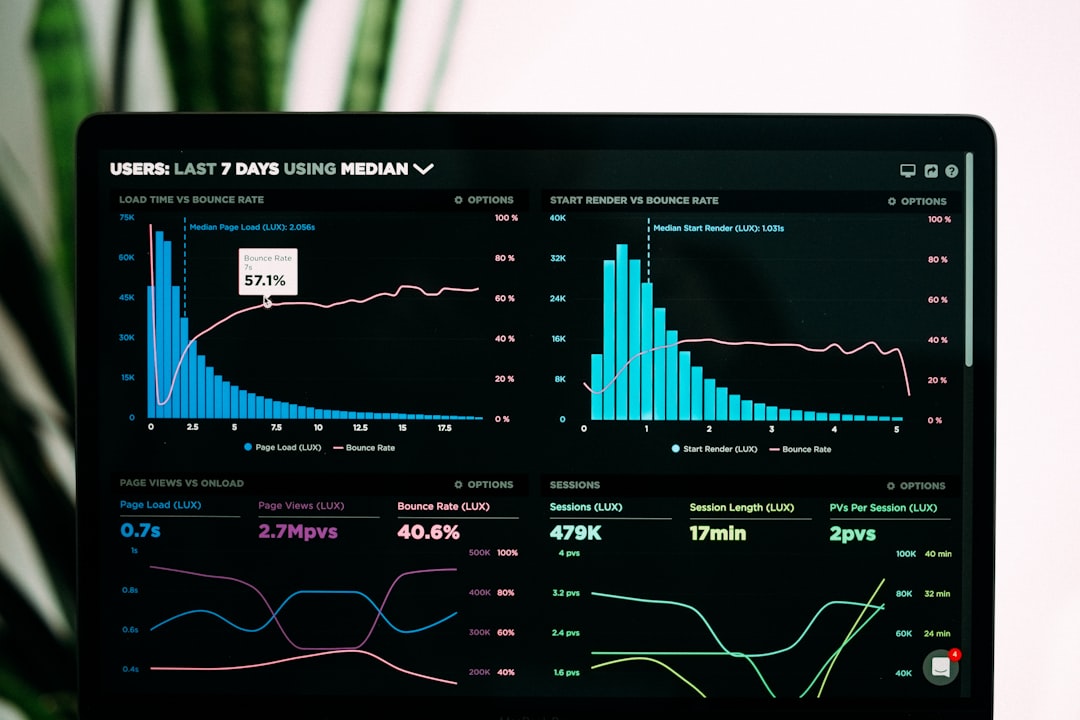
Socialsight usually includes visual reports for executives, marketing managers, and client teams. These may cover total mentions, reach, engagement, sentiment changes, top posts, top authors, trending keywords, and response times. Good reports save hours. Bad reports create more work. The catch is that dashboards still need clean tracking rules, or the data gets noisy fast.
Social Media Monitoring Capabilities
Socialsight’s monitoring strength depends on its data coverage and filtering. A strong setup can track conversations across major social networks, forums, blogs, news sites, review pages, and video platforms. The goal is not just to collect posts. The goal is to separate useful signals from junk.
- Real-time listening: Follow brand conversations as they happen.
- Historical analysis: Review trends across past weeks, months, or campaign periods.
- Audience insights: Identify common interests, complaints, questions, and content themes.
- Influencer detection: Find accounts that drive engagement around your topic.
- Geo and language filters: Compare reactions by market or region.
- Engagement scoring: Prioritize mentions based on reach, replies, shares, or likes.
- Noise removal: Exclude irrelevant words, spam, bots, duplicate posts, and unrelated uses of a term.
Noise removal is a bigger deal than many people expect. If your brand name is also a common word, expect to waste time on cleanup during setup. A café called “Roots,” for example, may need filters to remove gardening posts, hair care discussions, and music references.

How Businesses Can Use Socialsight
Marketing teams can use Socialsight to measure campaign performance beyond likes and clicks. They can see what people actually say about an ad, which message gets repeated, and whether campaign language spreads naturally.
Customer support teams can catch complaints before tickets arrive. If customers post about delayed deliveries, payment errors, or login failures, Socialsight can send those mentions to the right support queue. Faster replies protect trust.
PR teams can track brand reputation and early signs of trouble. If negative mentions rise from 8% to 24% in a day, that is not just “online chatter.” It is a warning. Socialsight helps teams see who started the conversation, which posts are growing, and what response may be needed.
Product teams can use social data as informal research. Customers often describe problems in plain language. They say “the app keeps freezing,” “the lid leaks,” or “the new sizing is weird.” These comments can point to fixes, feature requests, and messaging gaps.
Sales teams can spot buying signals. Someone asking for recommendations, comparing vendors, or complaining about a competitor might be ready for outreach. This should be handled carefully. Nobody likes a pushy sales reply that feels creepy.
Practical Business Use Cases
- Campaign tracking: Measure hashtag use, sentiment, reach, and top creators during a product launch.
- Crisis monitoring: Detect negative spikes and alert PR before an issue becomes harder to control.
- Competitor research: Compare product feedback, pricing complaints, and customer praise across rival brands.
- Market research: Find recurring needs, unmet expectations, and language customers use when describing problems.
- Influencer vetting: Review past audience reactions before paying for sponsored content.
- Customer experience analysis: Track service complaints by topic, region, and response time.
Here is a simple scenario. A meal delivery company runs a new “15-minute lunch” campaign. Socialsight tracks the campaign hashtag, brand name, app store complaints, competitor names, and phrases like “late delivery” and “cold food.” After three days, the dashboard shows 14,800 mentions, 61% positive sentiment, and a 19% complaint rate around delivery time in two cities. The company shifts courier coverage, updates ads in those regions, and gives customer support a focused response script. That is where monitoring turns into action.
Getting Started With Socialsight
Start with clear goals. Do not track everything. Track what affects decisions. A good first setup might include your brand name, product names, executive names, campaign hashtags, competitor names, common complaints, and purchase-intent phrases.
Next, create filters. Remove irrelevant terms. Add misspellings. Separate customer complaints from general mentions. Set alert thresholds, such as a 30% increase in negative mentions within one hour or more than 100 mentions from verified accounts in a day.
Then build dashboards for each team. Executives need high-level trends. Support needs urgent complaints. Marketing needs campaign themes. Product teams need recurring feedback. One shared dashboard rarely works for everyone.
Limitations to Keep in Mind
Socialsight can be powerful, but it is not magic. Private messages, closed groups, and restricted profiles may not be visible. Sentiment analysis can misread jokes, slang, and mixed opinions. High mention volume may also include spam or bot activity.
The best results come from human review plus automation. Let Socialsight collect, tag, and prioritize the data. Let people judge context, tone, and response. That balance keeps teams fast without making them careless.
Final Takeaway
Socialsight is useful for any business that wants to understand public conversation without drowning in tabs, screenshots, and manual searches. Its strongest features are mention tracking, sentiment analysis, alerts, competitor comparison, and reporting. Used well, it can help teams catch problems earlier, improve campaigns, understand customers, and make cleaner decisions from social data.