Sunsama is a strong choice for professionals who want calmer daily planning, but it is not the cheapest task manager. Its price starts at about $20 per month, or $16 per month when billed annually [source: Sunsama]. That puts it closer to a premium planning tool than a simple to-do app. The real value comes from its mix of calendar planning, task import, time blocking, and end-of-day review.
TLDR: Sunsama works best for people who already have too many tasks spread across email, calendars, and project apps. For example, a consultant with 35 weekly tasks across Gmail, Asana, and Google Calendar could pull them into one daily plan and schedule only 6 to 8 realistic tasks per day. Its guided planning can cut down decision fatigue, especially for users who waste 20 to 30 minutes each morning deciding what to do first. The downside is the price, which may feel high for users who only need a basic checklist.
What Sunsama Does Best
Sunsama is built around one simple idea: plan the day before the day runs away. Instead of throwing every task into a giant list, it asks users to choose what matters now. This makes it less messy than many task apps.
The tool combines tasks and calendar events in one view. Users can drag work into time slots, estimate how long each task will take, and see if the day is already too full. That sounds basic, but it solves a real problem. Many people plan 10 hours of work into a 6-hour day, then wonder why everything feels broken.
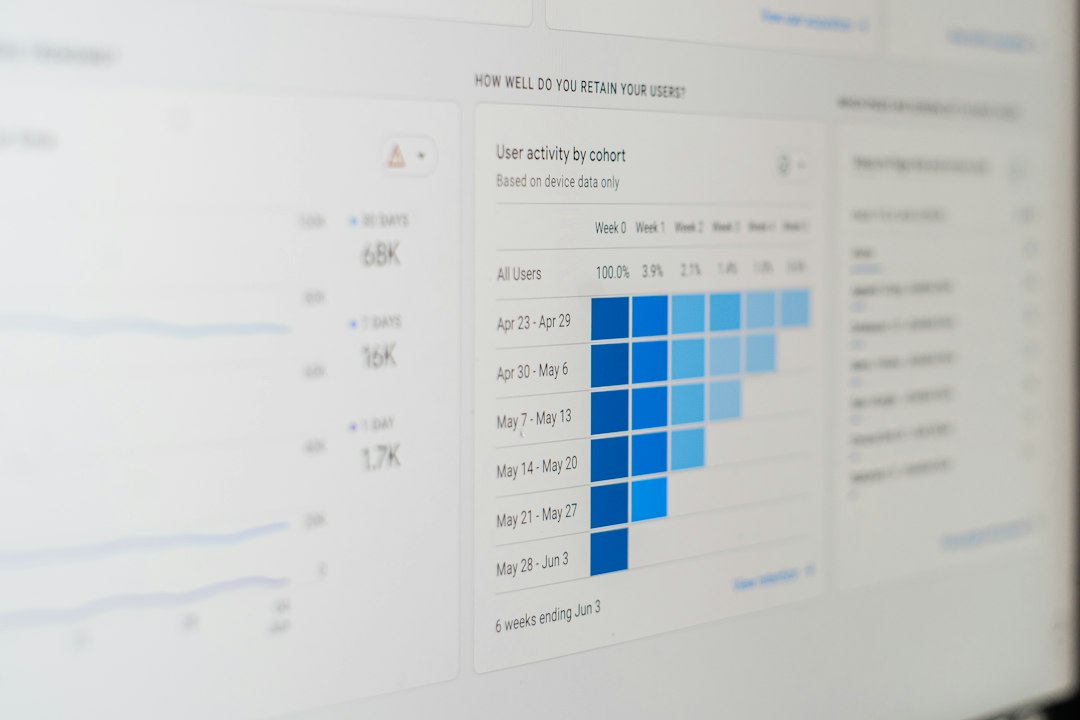
Daily Planning Feels Guided
Sunsama’s daily planning flow is its strongest feature. Each morning, users review unfinished tasks, pull in work from connected tools, and decide what belongs on the schedule. The process feels slow at first. After a few days, it becomes a useful filter.
The best part: Sunsama pushes users to think about capacity. It shows total planned workload in hours. If the day already has six meetings, it becomes obvious that adding eight deep-work tasks is wishful thinking.
Honestly, it feels like the app is gently saying, “No, that is not happening today.” That can be annoying. It is also helpful.
Task Imports and Integrations
Sunsama connects with common work tools, including Gmail, Outlook, Google Calendar, Trello, Asana, Todoist, Jira, GitHub, ClickUp, and Slack. This is where it becomes more useful than a normal planner.
- Email tasks: Users can turn messages into tasks instead of letting inboxes become storage rooms.
- Project tools: Tasks from Asana, Jira, Trello, and similar apps can be pulled into the day.
- Calendar sync: Meetings and work blocks sit side by side.
- Slack support: Messages can be saved for later action.
The catch is that Sunsama does not replace these tools. It sits on top of them. A team still needs its main project system. Sunsama is more like a personal command center.
Time Blocking and Focus Mode
Sunsama’s time blocking is clean and easy to understand. Users can drag tasks onto a calendar and assign them to real time slots. This helps turn vague goals into actual work periods.
Focus mode is also useful. It shows one task at a time, which helps users avoid staring at a huge list. Workers who jump between tabs all day may find this small feature oddly calming.

Still, the app can feel a little too structured for people who prefer loose planning. It drives some users crazy that quick task reshuffling can take a few extra clicks compared with lighter apps. Moving several tasks across days may take 10 to 15 seconds longer than expected. That sounds tiny, but it can irritate users who adjust plans often.
End-of-Day Review
Sunsama includes a shutdown routine. At the end of the day, users review what was completed, move unfinished work, and check how actual time compared with estimated time.
This feature is not flashy. It is practical. It helps users spot bad habits. For example, if writing tasks are always estimated at 30 minutes but take 90 minutes, the user gets a clear signal. Planning improves over time.
There is also a weekly review. This gives users a broader view of workload, completed tasks, and time spent. It is helpful for freelancers, managers, and anyone who bills time or tracks output.
Where Sunsama Falls Short
Sunsama is polished, but it is not perfect. The biggest issue is cost. Free or cheaper tools can handle simple task lists. Sunsama must be used every day to justify the price.
It is also not ideal for complex team planning. It lacks the deeper reporting, permissions, and project structure found in full work management platforms. Users should not expect it to replace Jira, Asana, or ClickUp for a whole company.
The mobile experience is fine for checking plans, but desktop is clearly the better place to use it. Users who plan mostly from a phone may not get the full benefit.
Who Should Use Sunsama?
Sunsama suits people who feel buried by scattered work. It is especially useful for:
- Freelancers managing client tasks and personal schedules.
- Managers balancing meetings, follow-ups, and deep work.
- Developers pulling work from GitHub, Jira, or Slack.
- Consultants who need a realistic daily workload.
- Remote workers who need structure without micromanagement.
It is less useful for students or casual users who only need reminders. For them, Google Tasks, Todoist, or Apple Reminders may be enough.

Final Verdict
Sunsama is a thoughtful planner for people who want less chaos and more control over the workday. Its guided planning, calendar view, integrations, and review tools make daily work feel more realistic. It is not cheap, and it is not a full project management tool. But for users who live inside calendars, inboxes, and task apps, it can bring real order.
FAQ
- Is Sunsama good for personal productivity?
Yes. It works well for users who want structured daily planning, time blocking, and end-of-day review. - Does Sunsama replace project management tools?
No. It connects with tools like Asana, Jira, Trello, and ClickUp, but it does not replace them for full team planning. - Is Sunsama worth the price?
It can be worth it for professionals who use it daily. Casual users may find the cost too high. - Does Sunsama work with Google Calendar?
Yes. It syncs with Google Calendar and lets users plan tasks around meetings and events. - Who should avoid Sunsama?
Users who only need a simple checklist or reminder app may not need its advanced planning features.