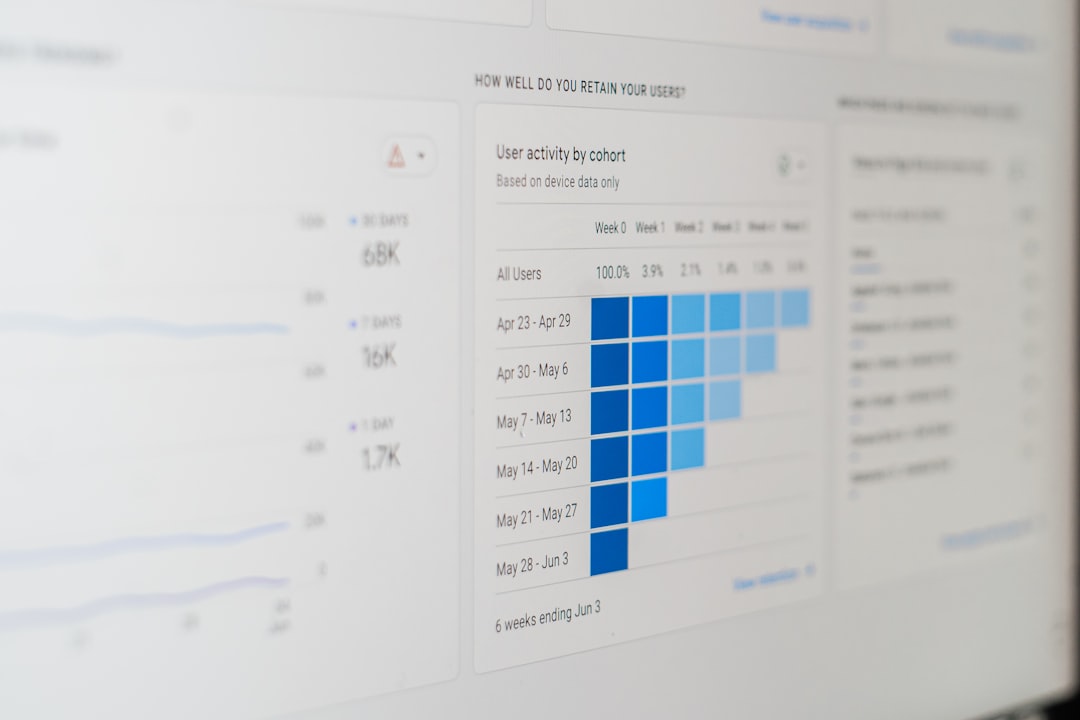
Home service companies rely on speed, trust, and clear communication to win repeat customers. Whether a business handles HVAC repairs, plumbing, landscaping, cleaning, pest control, appliance repair, or electrical work, the right software can help teams organize jobs, reduce scheduling errors, and improve the customer experience.
TLDR: Home services management software should help companies manage scheduling, dispatching, invoicing, customer communication, payments, and reporting from one place. For example, a plumbing company with 12 technicians could reduce missed appointments by 30% by using real-time dispatching and automated reminders. The best system should be easy for office staff, field technicians, and managers to use. It should also scale as the business adds more services, vehicles, and employees.
Why Home Services Management Software Matters
Running a home services business involves more than completing jobs. Teams must answer calls, assign technicians, track job progress, manage estimates, collect payments, follow up with customers, and review performance. Without a centralized system, many companies depend on spreadsheets, paper forms, text messages, and disconnected apps. This often leads to duplicate work, missed details, and slower service.
Home services management software brings daily operations into one organized platform. It allows office teams to see what is happening in the field, while technicians can access job details from mobile devices. For growing businesses, this can mean faster response times, better customer satisfaction, and improved profitability.

1. Smart Scheduling and Dispatching
One of the most important features to look for is scheduling and dispatch management. A strong system should allow staff to view calendars, assign jobs, update routes, and make changes quickly when emergencies occur.
Good scheduling tools should include:
- Drag and drop calendar views for easy appointment changes
- Real-time technician availability to prevent double booking
- Location-based dispatching to reduce travel time
- Recurring job scheduling for maintenance plans and repeat visits
- Emergency job insertion without disrupting the entire schedule
For example, an HVAC company may need to move a technician from a routine maintenance call to an urgent repair during a heatwave. Software with real-time dispatching helps the office make that change instantly and notify both the technician and customer.
2. Mobile Access for Field Technicians
Field teams need accurate information while they are on the road. A reliable platform should include a mobile app or mobile-friendly interface that enables technicians to view job notes, customer history, equipment details, checklists, and invoices.
Mobile access reduces the need for technicians to call the office repeatedly. It also helps them document completed work with photos, digital signatures, and notes. This creates a clear record that can protect the company if questions or disputes arise later.
The best mobile tools should work smoothly on common smartphones and tablets, and they should offer offline functionality when technicians work in areas with weak internet connection.
3. Customer Relationship Management
A strong customer relationship management feature helps businesses store and organize customer information. This may include contact details, service history, property notes, past invoices, warranties, preferences, and communication records.
When a customer calls, office staff should be able to quickly see previous visits, open estimates, or special instructions. This creates a more professional experience and helps avoid repeated questions. For service businesses that depend on long-term relationships, this feature is essential.
Customer profiles can also support marketing campaigns. For instance, a lawn care company can send seasonal service reminders to customers who booked spring cleanup the previous year.
4. Estimates, Quotes, and Job Approvals
Home service companies often need to provide estimates before beginning work. Good software should make it easy to create professional quotes with itemized pricing, service descriptions, taxes, discounts, and optional add-ons.
Customers should be able to approve estimates digitally. This shortens the sales cycle and reduces paperwork. If an estimate is approved, the system should convert it into a job or invoice without requiring staff to re-enter the same information.
Look for quote features such as:
- Customizable estimate templates
- Good, better, best pricing options
- Digital approval and signature capture
- Automatic conversion from quote to work order
- Tracking for accepted, rejected, and pending estimates
5. Invoicing and Payment Processing
Fast payment collection is critical for cash flow. Home services management software should include invoicing and payment tools that allow teams to create invoices, send them by email or text, and accept payments online or in person.
Integrated payment processing can make a major difference. If customers can pay immediately by card, mobile wallet, or bank transfer, the business may spend less time chasing unpaid invoices. Some systems also support deposits, recurring billing, and financing options.
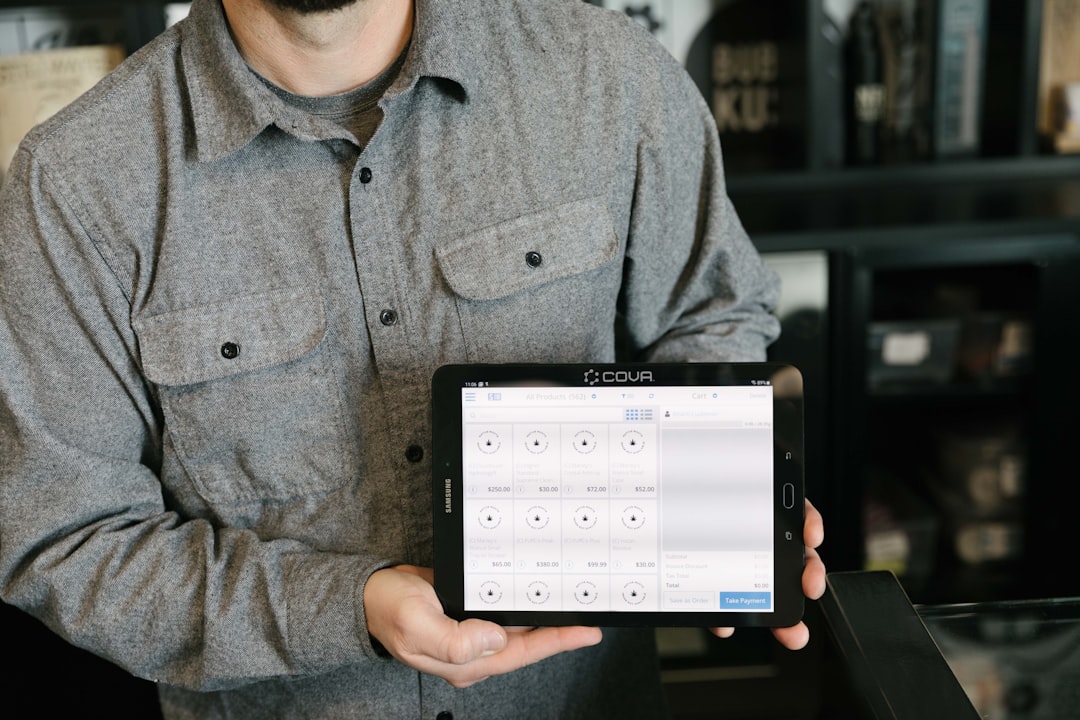
Automated payment reminders are especially useful. They help companies maintain professionalism while reducing uncomfortable follow-up calls. Managers should also be able to view unpaid balances, payment history, and revenue reports from the dashboard.
6. Work Orders and Job Management
Every home service job has details that must be tracked. A good system should provide complete work order management, including job status, assigned technician, parts needed, arrival time, completion notes, customer approval, and follow-up tasks.
Job statuses such as scheduled, in progress, completed, and invoiced help managers understand daily operations at a glance. This visibility is valuable when multiple technicians and service areas are involved.
Checklists are another helpful feature. They ensure technicians follow consistent procedures for inspections, installations, repairs, or safety requirements. This supports service quality and reduces the chance of missed steps.
7. Inventory and Parts Tracking
Many service businesses depend on parts, tools, and materials. Software with inventory tracking can help monitor stock levels, assign parts to jobs, and alert staff when supplies are running low.
For example, an appliance repair company may track common replacement parts in service vans and the main warehouse. When a technician uses a part, the system can update inventory automatically. This helps prevent delays caused by missing materials.
Inventory features are especially valuable for companies with multiple locations, warehouses, or vehicles. They also help managers understand which parts are used most often and where purchasing costs can be improved.
8. Customer Communication Tools
Customers expect clear updates. A strong platform should include automated communication through email, SMS, or in-app notifications. These tools can confirm appointments, send technician arrival updates, request reviews, and remind customers about maintenance.
Automated reminders can reduce no-shows and last-minute cancellations. Technician tracking or “on the way” messages can also improve customer trust because homeowners know when to expect service.
After the job, the system can send a review request. This helps businesses collect feedback and improve online reputation. For many home service providers, positive reviews are a major source of new leads.
9. Reporting and Business Analytics
Managers need data to make better decisions. Home services management software should include reporting and analytics on revenue, completed jobs, technician performance, lead sources, average ticket size, customer retention, and unpaid invoices.
Useful reports may show which services generate the highest profit, which technicians complete the most jobs, or which marketing campaigns bring in the best customers. With this information, leadership can adjust pricing, staffing, and advertising with more confidence.
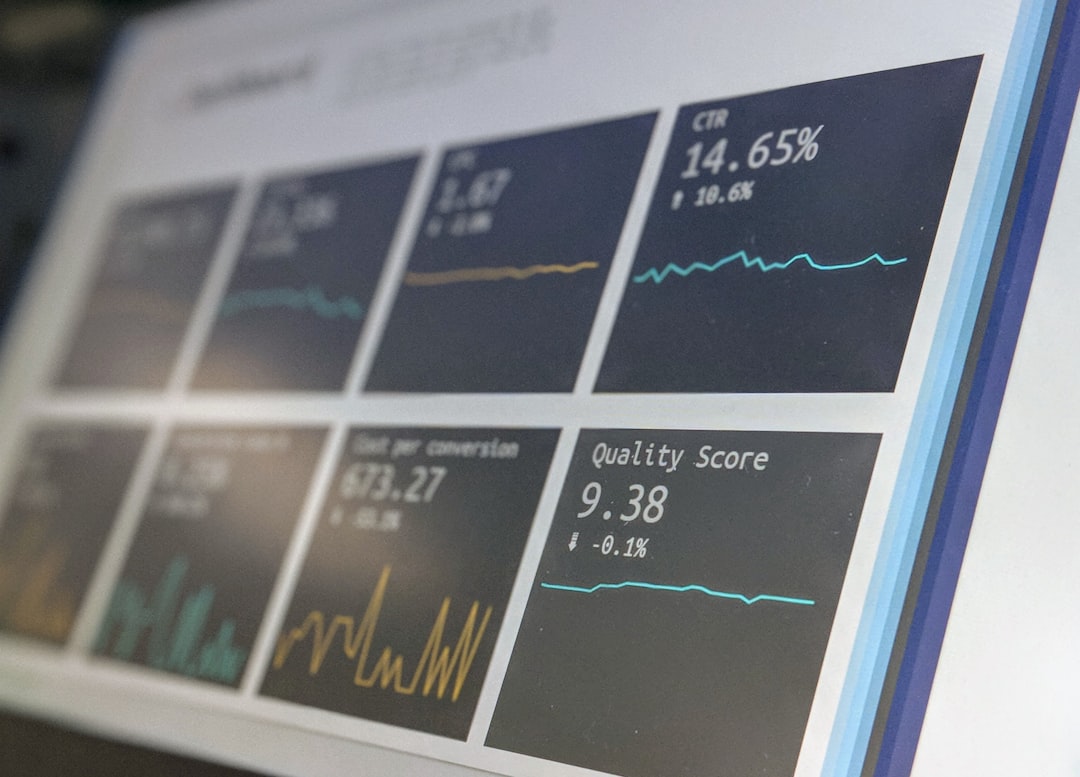
Dashboards should be easy to understand. A busy owner should not need to export data into several spreadsheets just to know whether the company is growing.
10. Integrations and Scalability
The software should connect with tools the business already uses, such as accounting platforms, email systems, payment processors, call tracking, marketing tools, or payroll software. Integrations reduce manual data entry and improve accuracy.
Scalability is also important. A small cleaning company may only need basic scheduling and invoicing at first, but later may require route optimization, inventory, employee permissions, and advanced analytics. The chosen system should support future growth without forcing the company to switch platforms too soon.
11. Ease of Use and Training
Even powerful software can fail if the team does not use it. The interface should be simple enough for dispatchers, technicians, sales staff, and managers to learn quickly. During evaluation, companies should consider whether the provider offers onboarding, tutorials, support documentation, and responsive customer service.
A trial or demo can help decision-makers see whether the workflow matches real daily tasks. The best choice is not always the platform with the longest feature list. It is the one that fits the company’s operations and helps the team work more efficiently.
Final Thoughts
Home services management software can become the operational center of a service business. The most important features include scheduling, dispatching, mobile access, customer management, estimates, invoicing, payments, work orders, inventory, communication, reporting, and integrations.
When comparing options, businesses should focus on practical value. The right platform should save time, reduce errors, improve customer communication, and give managers clearer visibility into performance. With the right system in place, a home services company can deliver more consistent service while preparing for sustainable growth.
FAQ
What is home services management software?
It is software designed to help home service businesses manage scheduling, dispatching, customers, work orders, invoices, payments, and reporting from one central system.
Which businesses use home services management software?
It is commonly used by HVAC, plumbing, electrical, cleaning, landscaping, pest control, roofing, appliance repair, and general maintenance companies.
What is the most important feature to look for?
Scheduling and dispatching is often the most important feature because it directly affects response time, technician productivity, and customer satisfaction.
Should the software include a mobile app?
Yes. A mobile app helps technicians access job details, upload photos, collect signatures, update statuses, and create invoices while working in the field.
How can this software improve cash flow?
It can speed up invoicing, support online payments, send automatic reminders, and help managers track unpaid balances more easily.
Is home services management software suitable for small businesses?
Yes. Many platforms offer plans for small teams and can scale as the business grows. A small company should choose software that is easy to use and includes the features it needs most.