Pick Monitor+ if you want a clean video monitor with strong remote control, and pick Cascable if you want a polished photo-first control app with great camera management. Monitor+ is built around the “external screen” feel, with wired and wireless control listed by the maker [source: Monitor+]. Cascable feels more like a smart camera remote for photographers. Both can save your back, your knees, and your patience.
TLDR: Monitor+ is the better choice for creators who shoot video, frame shots from a phone, and want fast access to focus, exposure, and live view. Cascable is better for photographers who want remote shooting, previews, and a neat workflow from camera to phone or tablet. For example, if you shoot 30 product photos on a tripod, Cascable can keep you from touching the camera 30 times. If each touch risks a tiny shake, that is a big win.
What these apps actually do
Camera monitoring apps put your camera view on your phone or tablet. That sounds simple. It is not always simple.
Your camera has its own menus. Your phone has its own rules. Wi Fi can act weird. USB cables can be picky. Batteries vanish like snacks at a film set.
Still, when these apps work well, they feel like magic.
- You can see your frame on a bigger screen.
- You can start and stop shooting.
- You can change settings without touching the camera.
- You can check focus from a safer distance.
- You can shoot alone with less chaos.
Monitor+ and Cascable both aim to solve this. They just aim at slightly different people.
Monitor+: the video buddy
Monitor+ feels like a field monitor squeezed into your phone. That is the big idea.
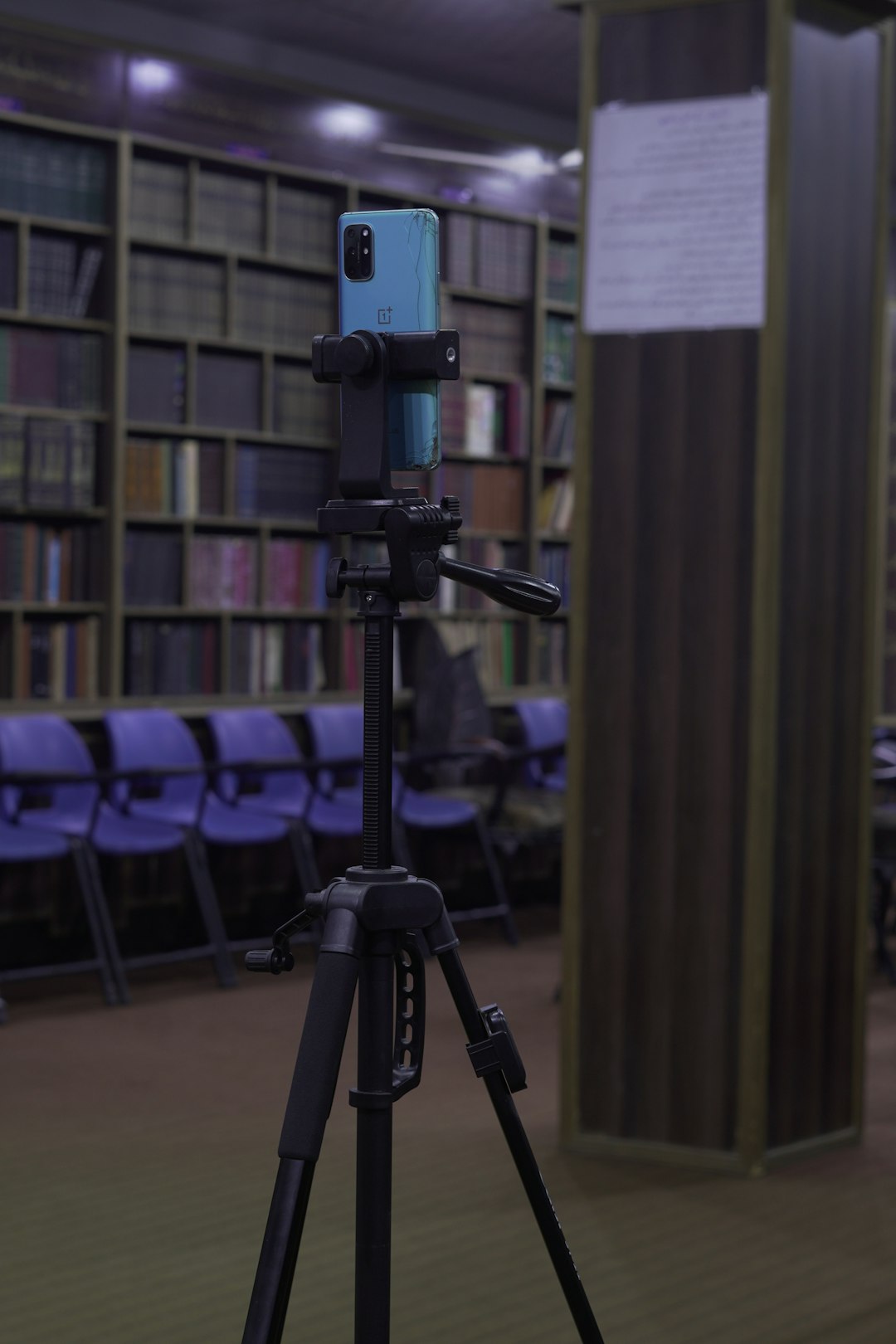
It is handy when your camera is on a tripod, slider, gimbal, desk mount, or weird shelf that you promised was “totally safe.” You can stand where you need to stand. You can still see the image.
The app usually makes the most sense for:
- YouTubers
- Solo filmmakers
- Interview shooters
- Product video creators
- People filming themselves
The best part is the monitor style. You are not just pressing a shutter button. You are watching the image. You are judging exposure. You are checking focus. You are making sure your face is not half cut off. Been there. Hated it.
Monitor+ can support useful video tools, depending on your camera and connection. These may include focus controls, exposure tools, recording controls, and live view aids. Some setups also work better over USB than Wi Fi. Honestly, Wi Fi control can feel like asking a cat to follow instructions. USB is often steadier.
Where Monitor+ can annoy you
Monitor+ is strong, but it is not fairy dust.
The first annoying bit is camera support. Your camera model matters. Your cable matters. Your phone or tablet matters. One small mismatch can turn a “quick test” into 25 minutes of sighing.
The second issue is setup time. If you are moving fast, extra pairing steps can break your flow. It drives me crazy that a simple camera connection can sometimes take longer than setting up the actual shot.
The third issue is learning the controls. Monitor+ gives you power. Power means buttons. Buttons mean mistakes. The app is not hard, but first-time users should expect a short warm-up.
Cascable: the photography helper
Cascable feels more like a refined remote control for stills. It is calm. It is tidy. It is made for people who care about capture, preview, and getting images off the camera without drama.
Cascable works with many camera brands, including Canon, Nikon, Sony, Fujifilm, Olympus, and Panasonic, according to its support information [source: Cascable]. That broad support is a major plus. If you own more than one brand, Cascable gets more interesting fast.
It is great for:
- Product photographers
- Food photographers
- Macro shooters
- Real estate photographers
- People who shoot from awkward angles
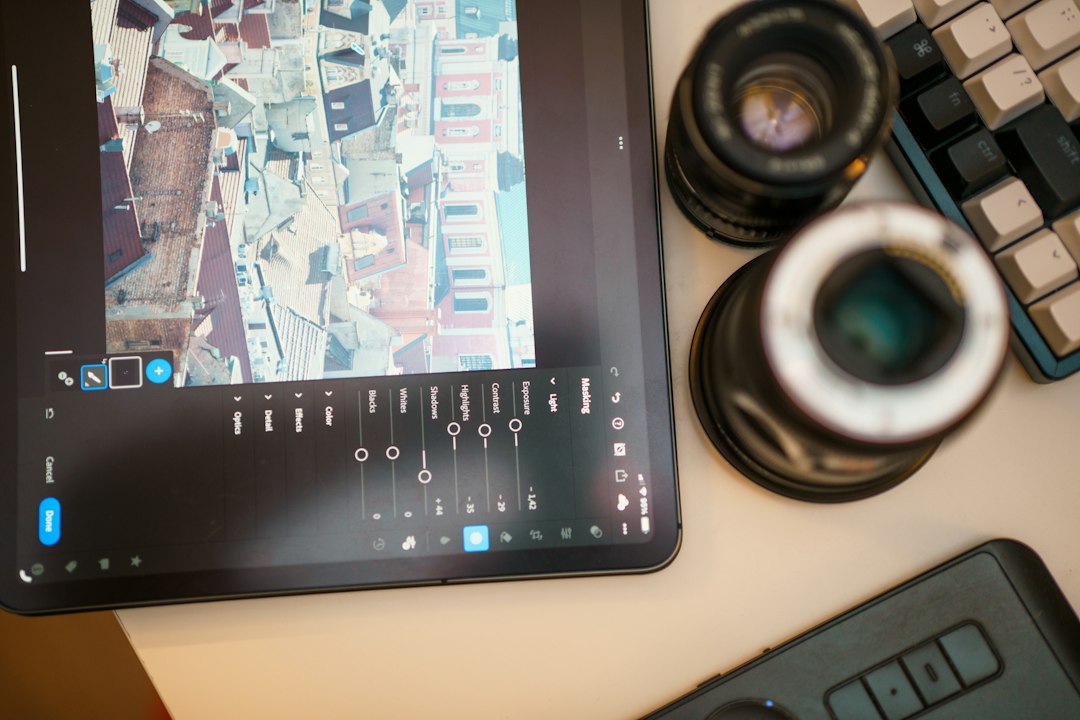
Say your camera is pointing down at a flat lay. You need your hands in the shot. You also need to fire the camera. Cascable helps. No more arm stretch. No more bumping the tripod. No more “why is everything blurry now?”
Where Cascable can annoy you
Cascable is polished, but it can still get fussy.
Some camera features depend on the camera brand. That means the app may do one thing on a Canon body and another thing on a Fujifilm body. This is not always Cascable’s fault. Camera makers lock things down in strange ways.
Also, if your main job is video monitoring, Cascable may feel less direct than Monitor+. You can use it for remote control. You can frame shots. But Monitor+ gives off more of that “video monitor on set” energy.
Expect to waste time on connection quirks now and then. That is true for both apps. Cameras were not born as friendly little computers. They were dragged into it.
Monitor+ vs. Cascable: quick comparison
| Feature | Monitor+ | Cascable |
|---|---|---|
| Best for | Video monitoring and solo filming | Remote photo shooting and camera control |
| Feel | Field monitor style | Photo remote style |
| Great use case | Checking yourself while filming | Shooting products without touching the camera |
| Weak spot | Setup can be picky | Features vary by camera |
| Best user | Creator, filmmaker, streamer | Photographer, studio shooter, hobbyist |
Which one is easier?
Cascable is often easier for still photography. The layout feels neat. The purpose is clear. Connect camera. Compose. Shoot. Review. Repeat.
Monitor+ may take a little more learning. But that is because it tries to act more like a real filming tool. Once you know where things are, it becomes quick.
If you are a beginner, ask this simple question:
- Do I mainly shoot video? Try Monitor+ first.
- Do I mainly shoot photos? Try Cascable first.
- Do I do both? Pick based on your paid work or most common shoots.
Best choice for solo creators
Monitor+ wins here. Solo creators need to see themselves. They need to check sharpness. They need to know if the camera is rolling.
If you film talking head videos, Monitor+ can save real time. Imagine recording 12 clips. Without a monitor app, you may walk back to the camera after each take. If that walk takes 20 seconds each way, that is 8 minutes of walking. For one video. Ridiculous.
A phone screen near your seat fixes that. It keeps you in the zone. It also stops the classic disaster where you speak for seven minutes and then see the camera was not recording.
Best choice for photographers
Cascable wins for many photo jobs. It is especially nice in slow, careful shoots.
Product work is a perfect example. You set up the item. You tweak the light. You tap to shoot. You inspect the result. You adjust. You do not touch the camera unless needed.
Macro shooters also benefit. Tiny movement can ruin focus. Cascable helps you keep your hands away from the camera body.
What about price?
Prices can change. App subscriptions and one-time upgrades also vary by region. So check the app store before deciding.
Do not only compare price. Compare stress. If a $20 or $30 tool saves a ruined shoot, it paid for itself. If it saves you 10 minutes per session across 20 sessions, that is more than three hours back.
Final recommendation
Choose Monitor+ if your camera is your video machine. It is the better fit for filming yourself, checking live view, and using your phone like a compact monitor.
Choose Cascable if your camera is your photo machine. It is friendly, broad, and very useful for remote still shooting.
The simple rule is this: Monitor+ is for watching the shot happen. Cascable is for controlling the shot cleanly. Both are good. The best one is the one that keeps you from touching the camera when touching the camera would mess everything up.