PLP means Product Listing Page. It is the page that shows a group of products, usually in a category, search result, or collection. In Adobe Commerce, this often appears as a category page with product listings and layered filters [source: Adobe].
TLDR: A PLP is the “shelf” of an online store. It helps shoppers scan products, filter choices, sort prices, and click into a product detail page. For example, if 1,000 people land on a “men’s sneakers” PLP and 32% use filters, that PLP is doing real selling work. A better PLP can cut search time and push more users toward checkout.
What does PLP mean in ecommerce?
A Product Listing Page is where shoppers compare many products at once.
Think of it like a store aisle.
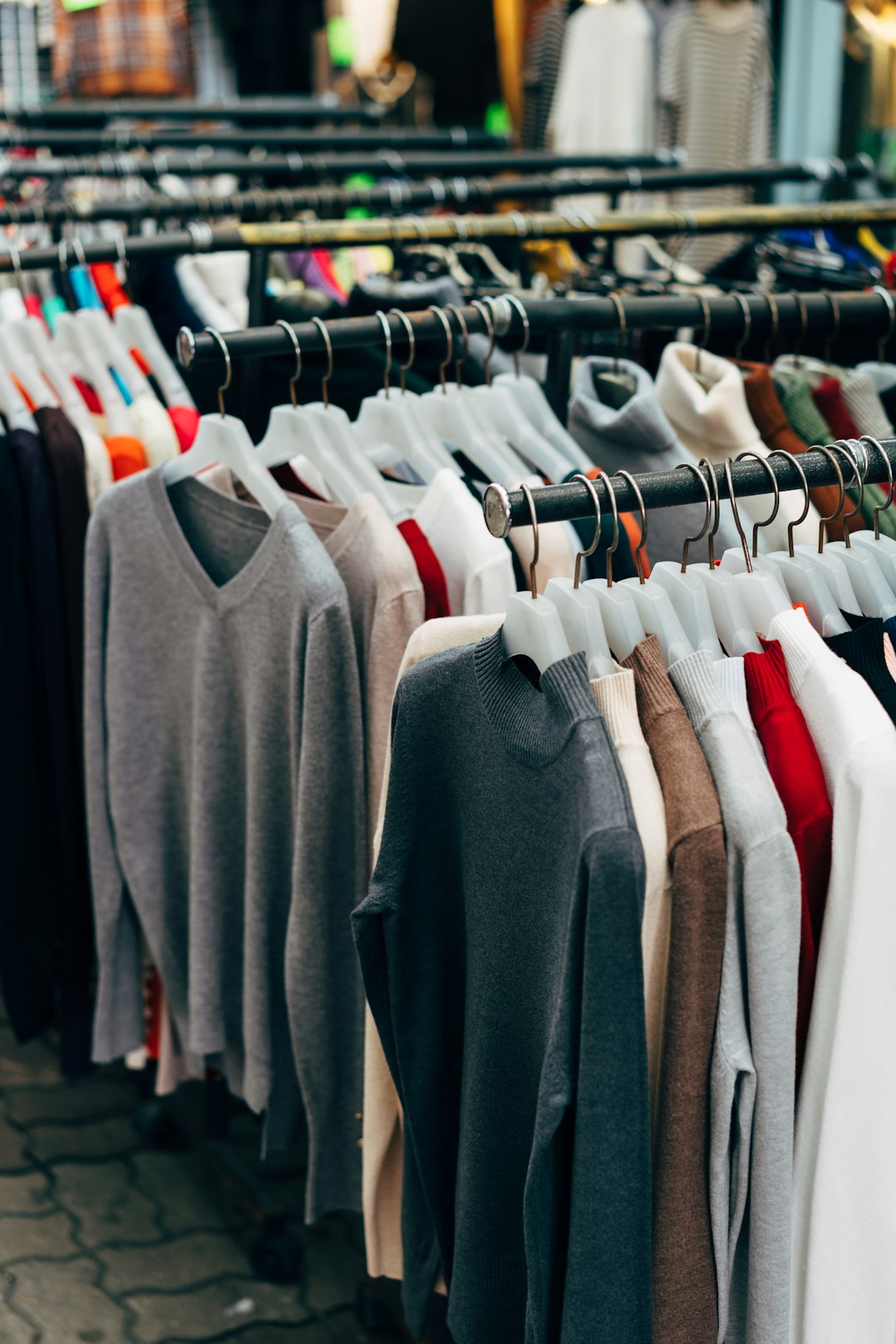
You see shoes. Or laptops. Or coffee mugs shaped like cats. You can scan, sort, and filter.
A good PLP answers simple questions fast:
- What products are available?
- How much do they cost?
- Are they in stock?
- Can I filter by size, color, brand, or rating?
- Which one should I click?
If a PLP is messy, shoppers get annoyed. Honestly, it feels like digging through a laundry basket for one clean sock. Nobody enjoys that.
Image not found in postmetaPLP vs PDP: what is the difference?
A PLP shows many products.
A PDP, or Product Detail Page, shows one product.
Here is the easy version:
- PLP: “Here are 48 running shoes.”
- PDP: “Here is one blue running shoe in size 10.”
The PLP gets shoppers to the right product. The PDP helps them decide if they should buy it.
What should a great PLP include?
A strong PLP is not fancy for the sake of being fancy. It is clear. It is fast. It does not make people work too hard.
Key parts include:
- Product images: Clean images win clicks.
- Product names: Short, but useful.
- Prices: Visible right away.
- Filters: Size, color, price, brand, rating, stock.
- Sorting: Price low to high, newest, best sellers.
- Badges: Sale, new, low stock, free shipping.
- Pagination or infinite scroll: Pick one with care.
- Quick add: Great for simple products.
The worst PLPs hide filters behind three taps. It drives me crazy when choosing a size takes longer than picking dinner.
Shopware PLP example
Shopware uses category listing pages that are clean and flexible. A typical Shopware PLP may show a grid of products, a left-side filter panel, sorting at the top, and product cards with prices and images.
Shopware is nice for teams that want control without turning every small edit into a developer ticket. You can create category pages, adjust layouts, and use shopping experiences to make listings feel more branded.
A Shopware PLP might work well for:
- Fashion stores with size and color filters.
- Home decor shops with style filters.
- Food stores with dietary labels.
Example: A “Summer Dresses” PLP could show filter chips for size, color, length, material, and discount. Product cards might include a sale badge and quick view button.
Sylius PLP example
Sylius is popular with teams that want custom ecommerce builds. Its PLP setup can be very flexible because developers can shape the store around exact needs.
A Sylius PLP may look simple on the front end. Behind the scenes, it can support custom rules, special product types, and advanced filters.
This is useful for stores that sell products with odd details. Think car parts. Medical supplies. B2B catalogs. Stuff that does not fit a normal “small, medium, large” setup.
A Sylius PLP might include:
- Custom product attributes.
- Complex taxonomies.
- Account-based prices.
- Special stock rules.
- Custom sorting logic.
Example: A car parts store could show a PLP for “brake pads” with filters for make, model, year, axle position, and material. That is not glamorous. But it saves shoppers from buying the wrong thing. That matters.
Adobe Commerce PLP example
Adobe Commerce, also known by many as Magento, is built for larger catalogs. Its PLPs often use layered navigation, category rules, merchandising tools, and strong promotion options.
An Adobe Commerce PLP is common in stores with thousands of SKUs. The shopper may filter by brand, price, rating, size, color, and more.
It can also support rich merchandising. That means featured products, promo banners, category text, and custom product order.
A typical Adobe Commerce PLP might be used for:
- Large fashion retailers.
- Electronics stores.
- Beauty brands with many shades.
- Multi-brand marketplaces.
Example: A “Laptops” PLP could let users filter by RAM, processor, screen size, storage, brand, and price. A store manager could pin a promoted laptop near the top during a weekend sale.

Simple PLP tips that actually help
Do not overthink it. Start with the basics.
- Make filters obvious. If users cannot find them, they will bounce.
- Show clear product photos. Tiny images feel cheap.
- Keep product names readable. No keyword soup.
- Show stock status. Do not waste clicks.
- Use badges with care. Too many badges become noise.
- Test mobile first. Most PLP pain happens on phones.
Which platform has the best PLP?
There is no single winner.
Shopware is great for clean storefront control. Sylius is strong for custom builds and unusual catalogs. Adobe Commerce is powerful for large stores with deep filtering and merchandising needs.
The best PLP is the one that helps shoppers find the right product fast. If it does that, it is doing its job. If it makes them sigh, tap back, and open a competitor’s site, it needs work.
Simple rule: your PLP should feel like a helpful store assistant, not a messy warehouse.