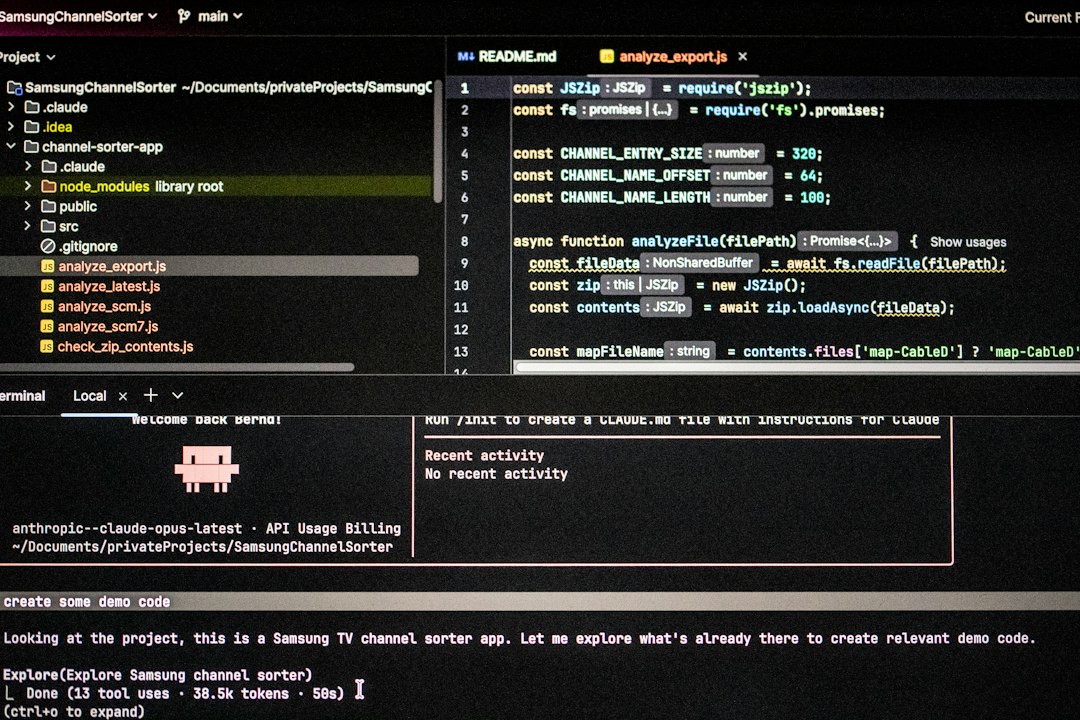
Use AI coding assistants as pair programmers, not autopilot, if you want a SaaS MVP faster without turning your codebase into a future headache. GitHub has reported that developers completed coding tasks 55% faster with Copilot in a controlled study [source: GitHub]. That speed is real. But only if you give the assistant clear boundaries, review its work, and build with scale in mind from day one.
TLDR: AI coding assistants can help you ship a SaaS MVP in weeks instead of months, but only when paired with strong product scope, code reviews, tests, and a simple architecture. For example, a two-person team building a billing dashboard might use AI to generate CRUD screens, API routes, and test cases, cutting 30 to 40 hours from the first sprint. The smart move is to let AI handle repeatable work while humans own system design, security, and product decisions. Treat every AI suggestion like code from a junior developer: useful, fast, and still worth checking.
Start with a small MVP, not a wish list
AI makes it tempting to build more. That is where SaaS MVPs get messy. The assistant can generate “just one more feature” in minutes, and suddenly your clean product has three user roles, five settings pages, and a permissions system nobody asked for.
Start with one user, one painful problem, and one core workflow. Write it down before you open your editor.
- Who is the user? Example: freelance bookkeepers.
- What is the job? Example: send monthly client reports.
- What is the MVP? Upload data, generate report, send link.
- What is not included? Team chat, custom themes, advanced roles.
This keeps prompts focused. It also stops the AI from inventing features that look clever but slow you down.
Give the assistant rules before asking for code
Bad prompt: “Build a SaaS app.”
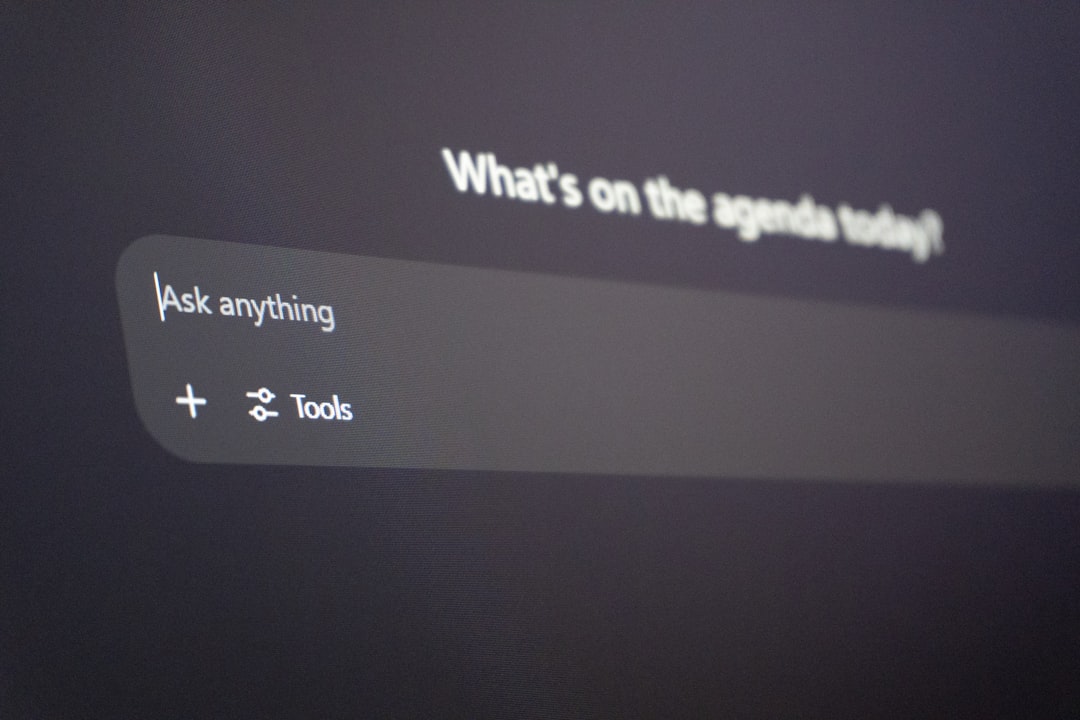
Better prompt: “Create a Next.js API route for creating projects. Use TypeScript, Zod validation, Prisma, and return clear error messages. Do not include authentication logic. Add unit tests.”
The second prompt gives the assistant a job. A small one. That matters.
Create a short project guide and keep it in your repo. Include your stack, folder structure, naming rules, testing tools, and API style. Then paste that into prompts or use it as project context if your tool supports it.
Honestly, it feels like half of AI coding trouble comes from vague requests. The assistant fills gaps with guesses. Some guesses are fine. Some create bugs that take two hours to untangle.
Use AI for speed, not final judgment
AI coding assistants are great at boilerplate. Let them write the boring stuff.
- Database models
- CRUD endpoints
- Form components
- Input validation
- Unit test drafts
- Error state handling
- Documentation comments
Keep human control over the sensitive parts:
- Authentication: Who can access what?
- Billing: What happens when payment fails?
- Data structure: Will this still work with 10,000 users?
- Security: Are secrets, tokens, and user data protected?
- Product logic: Does this solve the real user problem?
It drives me crazy when teams ship AI-generated code without checking edge cases. The demo works. Then a user enters a strange email, refreshes during payment, or uploads a large file. Boom. Support ticket.
Build for scale with boring architecture
Your MVP does not need a complex system. It does need a sane one.
Use a simple structure: frontend, backend routes, database layer, background jobs, and shared types. Keep business logic out of random UI components. Put it in services or modules that are easy to test.
Ask your assistant for options before asking it to code. Try this:
“Suggest a simple architecture for a B2B SaaS MVP with user accounts, subscriptions, file uploads, and scheduled reports. Keep it suitable for a small team. Point out scaling risks.”
That prompt turns the assistant into a planning partner. You still choose the path. But you get useful warnings early.
Make tests part of every AI request
If you ask only for code, you get code. If you ask for tests, you get a better starting point.
Add this to many prompts: “Include unit tests for success, failure, empty input, and permission denied cases.”
For MVPs, focus on tests around money, permissions, data changes, and key flows. You do not need perfect coverage. You need confidence that the app will not break when you change pricing logic or refactor onboarding.
A practical baseline:
- Unit tests for core functions
- Integration tests for API routes
- End to end tests for signup, payment, and main workflow
- Linting and type checks on every pull request
Review AI code like a pull request from a new hire
AI code can look clean while hiding weak choices. Watch for repeated logic, missing error handling, unsafe queries, and overbuilt patterns. Also check package choices. Some assistants suggest stale libraries or odd dependencies for simple tasks.
Use a checklist:
- Does this follow our folder structure?
- Are inputs validated?
- Are errors useful but not too revealing?
- Is access control checked on the server?
- Can this query slow down as data grows?
- Is there a test for the risky path?
Expect to waste time on small fixes if you skip this. A generated function might save 10 minutes, then cost 45 minutes later because it handled dates in a weird way.
Use AI to improve old code too
Do not only use your assistant for new files. Ask it to review modules, find duplication, explain slow queries, and suggest simpler names. You can also ask for migration plans before changing a database table.
Good prompt: “Review this service for scalability and security issues. Do not rewrite it yet. List risks first, then suggest small fixes.”
This keeps changes controlled. Small fixes beat giant rewrites during MVP work.
The best workflow is simple
- Define the MVP workflow.
- Write project rules.
- Ask AI for a plan.
- Generate one small piece at a time.
- Run tests and type checks.
- Review for security and scale.
- Refactor before moving on.
AI coding assistants can absolutely help you build SaaS MVPs faster. The trick is not blind trust. The trick is tight scope, clear prompts, boring architecture, and steady review. That is how you get speed without waking up three months later with a codebase nobody wants to touch.