The fastest ASO win is fixing weak keywords, unclear screenshots, and low-converting app pages before spending more on ads. App Store search is too valuable to treat as guesswork, since Apple says 70% of App Store visitors use search to find apps [source: Apple].
TLDR: App Store Optimization works best when teams improve search terms, visuals, ratings, and testing at the same time. For example, a fitness app with 12,000 monthly store visitors and a 22% install rate could gain about 600 extra installs per month by lifting conversion to 27%. Tools like AppTweak, AppFollow, Sensor Tower, and SplitMetrics help teams spot better keywords, track ranks, and test what users actually click. The catch is that tools help, but messy app pages still lose downloads.
1. Pick keywords based on intent, not ego
Many apps chase huge keywords because they look impressive in reports. That often backfires. A small budgeting app may not rank for finance, but it may rank for expense tracker for couples or bill reminder app.
Strong ASO starts with keyword intent. The app team should study what users want, not just what has the most searches. Keyword tools can show search volume, difficulty, and competitor movement.
Useful tools:
- AppTweak for keyword research, rank tracking, and competitor checks.
- Sensor Tower for market data and keyword trends.
- MobileAction for keyword suggestions and visibility tracking.
Good keywords should appear in the app title, subtitle, keyword field, and description where allowed. They should still sound natural. Stuffed text looks cheap and can hurt trust.
2. Make screenshots sell the result fast
Users scan. They do not study every word. The first three screenshots usually carry the heaviest load. If they look vague, the app loses people before the description even matters.
Each screenshot should show a clear benefit. Not just a feature. A meditation app should not say Timer Included if it can say Fall Asleep in 10 Minutes. That is clearer. It speaks to the user’s problem.
Best practices include:
- Use short text overlays.
- Show the real interface.
- Place the strongest benefit first.
- Match visuals to the target country or language.
- Keep colors readable on small screens.
Honestly, it feels like some teams spend weeks polishing the app icon, then rush screenshots in one afternoon. That is painful. Screenshots often decide whether a visitor installs or leaves.
3. Test icons, screenshots, and copy before making big changes
ASO is not a one-time edit. It is testing. A team may think a blue icon looks more trustworthy, while users may tap the green one more often. Guessing wastes time.
Useful tools:
- Apple Product Page Optimization for testing App Store product page assets.
- Google Play Store Listing Experiments for testing icons, screenshots, videos, and text.
- SplitMetrics for deeper creative testing before launch.
Tests should focus on one major change at a time. If the icon, title, screenshots, and video all change at once, the team will not know what caused the result. A cleaner test gives cleaner answers.
4. Improve ratings and review replies
Ratings affect trust. A user comparing two similar apps will often pick the one with better reviews. That decision can happen in seconds.
App teams should ask for ratings at the right moment. A task completion screen is a good spot. A crash screen is not. It sounds obvious, yet many apps still ask at terrible times. It drives users crazy.
Useful tools:
- AppFollow for review tracking and reply workflows.
- Appbot for review sentiment and topic analysis.
- Appfigures for ratings, reviews, and store performance reports.
Replying to reviews also matters. A calm reply to a bug complaint can save a user. It also shows new visitors that the app is maintained. Generic replies feel lazy, so support teams should mention the issue and give a real next step.
5. Track rankings and conversion every week
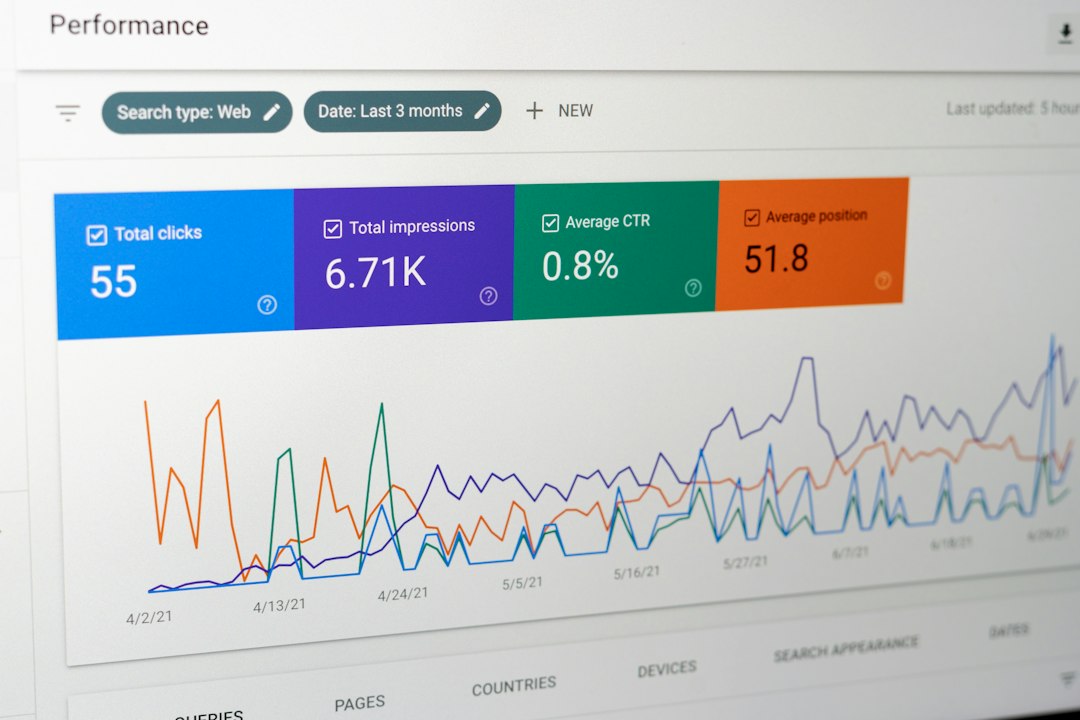
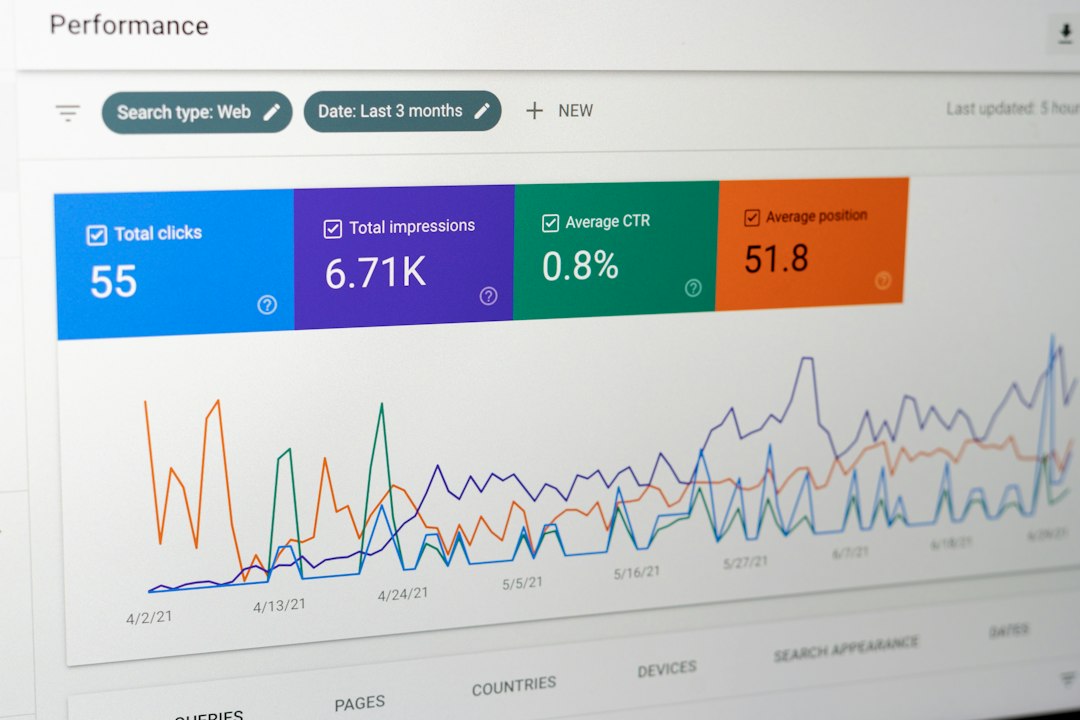
ASO gets messy when teams only check rankings after traffic drops. Weekly tracking keeps surprises smaller. It also helps teams catch competitor updates, seasonal changes, and keyword losses.
The most useful ASO dashboard should include:
- Keyword rankings for core search terms.
- Impressions from store search and browse traffic.
- Conversion rate from page view to install.
- Rating score and review volume.
- Competitor movements for similar apps.
A ranking gain is nice, but it means little if installs do not rise. A page can rank better and still convert poorly. That usually means the promise, visuals, or reviews are not strong enough.
Expect to waste time on messy exports in some tools. A few platforms still take extra clicks to compare two date ranges. Still, the data is worth it. Teams that check ASO weekly can react faster and avoid blind updates.

FAQ
-
What is App Store Optimization?
App Store Optimization is the process of improving an app’s store page so it ranks better and gets more installs. -
Which ASO tool is best for beginners?
AppTweak, MobileAction, and AppFollow are friendly starting points. The best choice depends on budget and the data the team needs most. -
How long does ASO take to show results?
Many teams see early movement within a few weeks, but stronger results often take several update cycles. -
Do screenshots affect rankings?
Screenshots mainly affect conversion. Better conversion can support stronger overall store performance over time. -
Should an app update keywords often?
Keywords should be reviewed often, but changed with care. Random edits can hurt rankings that already work.