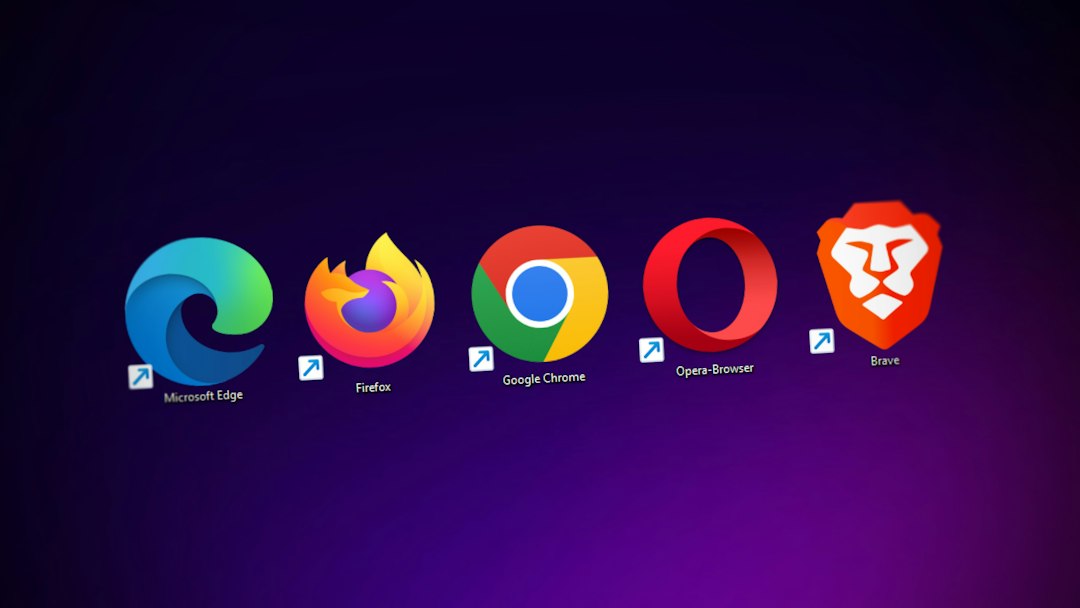
Brave is the best direct Opera GX alternative for most privacy-conscious users, while LibreWolf is the best pick for people who want stricter blocking and fewer built-in services. Opera has a small desktop share compared with Chrome, which still sits near the top of global browser usage [source: StatCounter], so switching does not mean losing access to the modern web.
TLDR: Brave suits users who want speed, tracker blocking, and easy setup. LibreWolf is better for stricter privacy, though it may break a few sites. Vivaldi is ideal for users who miss Opera GX’s customization, while Mullvad Browser and Firefox cover stronger anti-fingerprinting and balanced daily use. For example, a user who opens 30 gaming, shopping, and video tabs per day may see fewer ad scripts load in Brave or LibreWolf, with less page clutter and fewer annoying pop-ups.
Opera GX looks fun. It has CPU and RAM limiters, gaming themes, and sidebar tools. The catch is that privacy-focused users often want fewer extras, not more. A browser packed with accounts, promos, widgets, and side panels can feel noisy fast.
Here are the 5 best alternatives to Opera GX for users who care more about privacy than game-themed polish.

1. Brave: Best overall replacement
Brave is the easiest switch for most Opera GX users. It is based on Chromium, so Chrome extensions usually work without drama. It blocks many ads, trackers, and fingerprinting tricks by default. That makes it feel fast right away.
Brave also includes Shields, a simple control panel for blocking scripts, cookies, and trackers per site. Users who hate tweaking settings for 45 minutes will appreciate that. It also offers private windows with Tor, though that is not the same as using the Tor Browser.
- Best for: Everyday browsing with strong default privacy.
- Big win: Fast, familiar, and extension-friendly.
- Annoyance: Crypto features and rewards may need to be turned off.
Brave says its browser blocks trackers and ads by default [source: Brave]. That is a useful starting point, even if users should still check settings after install.
2. LibreWolf: Best for stricter privacy
LibreWolf is a hardened version of Firefox. It removes telemetry, disables many tracking features, and ships with privacy-first defaults. It is a strong choice for users who want less data collection without installing ten add-ons.
Honestly, it feels like LibreWolf is built for people who get irritated by browser “recommendations” and sponsored shortcuts. It strips much of that away. The trade-off is that some sites may complain. Streaming platforms, login pages, or payment forms can act weird until settings are adjusted.
- Best for: Privacy-first users who do not mind small fixes.
- Big win: Very clean defaults.
- Annoyance: Some websites need manual exceptions.
3. Vivaldi: Best for Opera GX fans who love customization
Vivaldi is the closest match for users who like Opera GX’s control and style. It has tab stacks, side panels, themes, keyboard shortcuts, mouse gestures, notes, and deep layout options. It is also Chromium-based, so extension support is strong.
Vivaldi is not as strict as LibreWolf. Still, it gives users more control than many mainstream browsers. It blocks trackers and ads, includes private windows, and avoids the “one layout fits all” feel.
- Best for: Power users who want privacy plus heavy customization.
- Big win: Excellent tab tools and layout control.
- Annoyance: Settings can feel crowded at first.
It drives people crazy when a browser hides basic controls. Vivaldi does the opposite. It gives almost too many switches, but that is better than having none.
4. Mullvad Browser: Best for anti-fingerprinting
Mullvad Browser was made with the Tor Project, but it is designed for use without the Tor network. Its main goal is to reduce browser fingerprinting. That means it tries to make users look more alike online, so sites have a harder time picking one person out of the crowd.
This is a strong option for users who care about tracking beyond cookies. Browser fingerprints can include screen size, fonts, time zone, canvas data, and other small details. Mullvad Browser limits many of those signals by default.
- Best for: Users worried about fingerprinting.
- Big win: Strong privacy model out of the box.
- Annoyance: Less convenient for normal daily browsing.
Mullvad explains that the browser was built to reduce fingerprinting when used with a trusted VPN [source: Mullvad].
5. Firefox: Best balanced choice
Firefox is still one of the best non-Chromium choices. That matters because most major browsers now depend on Chromium. Firefox gives users a real alternative engine, good add-on support, and solid privacy settings.
Its Enhanced Tracking Protection blocks many common trackers. Users can also add uBlock Origin, set stricter cookie rules, and adjust permissions for location, camera, microphone, and notifications. Firefox is not as locked down as LibreWolf, but it is easier for normal use.
- Best for: Users who want privacy without too much friction.
- Big win: Independent browser engine.
- Annoyance: Needs a few settings changes for stronger privacy.
Quick comparison
| Browser | Best use | Privacy level |
|---|---|---|
| Brave | Daily browsing | High |
| LibreWolf | Strict privacy | Very high |
| Vivaldi | Customization | Medium to high |
| Mullvad Browser | Anti-fingerprinting | Very high |
| Firefox | Balanced use | Medium to high |

FAQ
What is the best Opera GX alternative for privacy?
Brave is the best all-around choice. It is fast, easy to use, and blocks many trackers by default.
Is LibreWolf better than Brave?
LibreWolf is stricter. Brave is easier for daily browsing. The better choice depends on how much site breakage a user will tolerate.
Is Vivaldi private enough?
Vivaldi is more private than many mainstream browsers, but it is not the strictest option. It is best for users who want control, themes, and strong tab tools.
Should gamers avoid Opera GX?
Not always. Opera GX is useful for gaming features. Privacy-focused users may prefer browsers with fewer built-in services and cleaner defaults.
Which browser is best for fingerprinting protection?
Mullvad Browser is the strongest pick on this list for reducing fingerprinting, especially when paired with a trusted VPN.