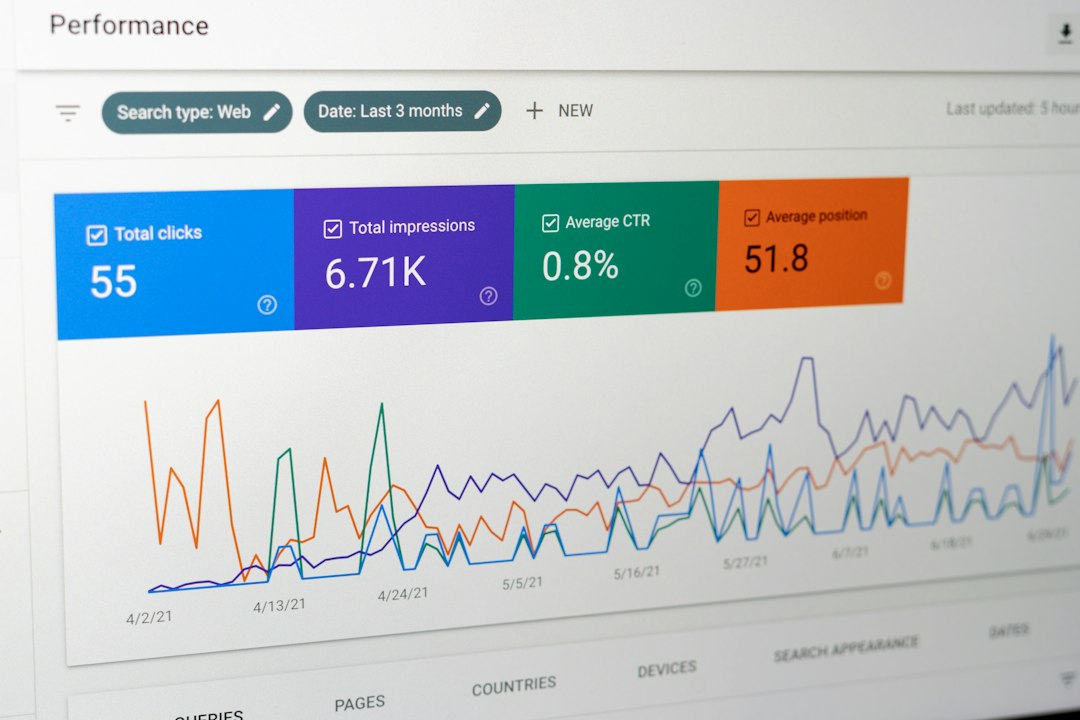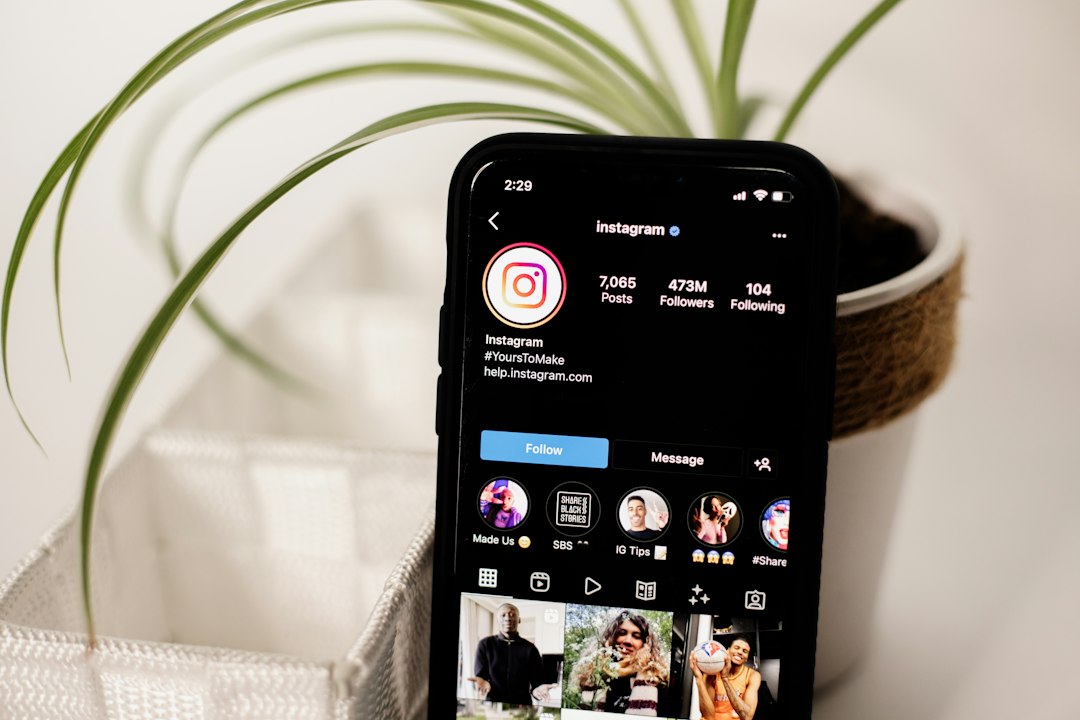
Start with Instagram Insights, then add one paid tool only if you post often or manage more than one account. Instagram Insights is free for professional accounts, and Meta says it can show reach, interactions, followers, and content results [source: Meta]. That is enough for many creators. But if you need reports, competitor checks, or team approval, the tools below can save your sanity.
TLDR: Use Instagram Insights for basic follower and engagement tracking. Use Later or Hootsuite if you schedule lots of posts. Use Sprout Social or Iconosquare if you need clean reports for clients. Example: if your account grows from 10,000 to 10,350 followers in 30 days, but engagement drops from 4.2% to 2.9%, your content is reaching new people but not exciting them yet.
1. Instagram Insights
Best for: Beginners, creators, small shops, and anyone who likes free stuff.
Instagram Insights lives inside the app. No extra login. No messy setup. You can see follower growth, reach, profile visits, website taps, and post engagement.
- Tracks: followers, reach, saves, shares, comments, likes, profile actions.
- Great for: finding your best posts and best posting times.
- Weak spot: older data can feel limited. Exporting reports is not fun.
It drives me a little crazy that you have to tap around so much to compare posts. Still, for a free tool, it does the job.
2. Meta Business Suite
Best for: people who post on both Instagram and Facebook.
Meta Business Suite is like Instagram Insights with a bigger desk. You can check content results, inbox messages, and account growth from one place. It also helps if you run ads.
- Tracks: content reach, engagement, audience trends, ad stats.
- Great for: brands that use Instagram and Facebook together.
- Weak spot: the layout can feel clunky. Some menus seem hidden for no good reason.
If you manage a small business page, this is useful. If you only care about quick post stats, Instagram Insights may feel faster.
3. Later
Best for: visual planners and content calendars.
Later is popular because it makes your feed planning feel simple. You can schedule posts, preview your grid, and check how each post performs. It is good for creators who care about how the feed looks.
- Tracks: follower growth, engagement rate, post clicks, best times to post.
- Great for: planning Reels, posts, Stories, and campaigns.
- Weak spot: deeper reports may need a paid plan.
Use Later if your week looks like this: Monday Reel, Wednesday carousel, Friday product post. You can plan it all without keeping 12 sticky notes on your desk.
4. Hootsuite
Best for: teams and busy social media managers.
Hootsuite tracks Instagram performance and supports many social platforms. If you also manage TikTok, LinkedIn, X, or Facebook, it can keep everything in one place.
- Tracks: engagement, follower trends, post results, team activity.
- Great for: agencies and companies with many accounts.
- Weak spot: it can feel like too much if you only have one Instagram account.
Honestly, it feels like bringing a suitcase to carry one sandwich if you only post twice a week. But for teams, it is powerful.
5. Sprout Social
Best for: client reports and serious social tracking.
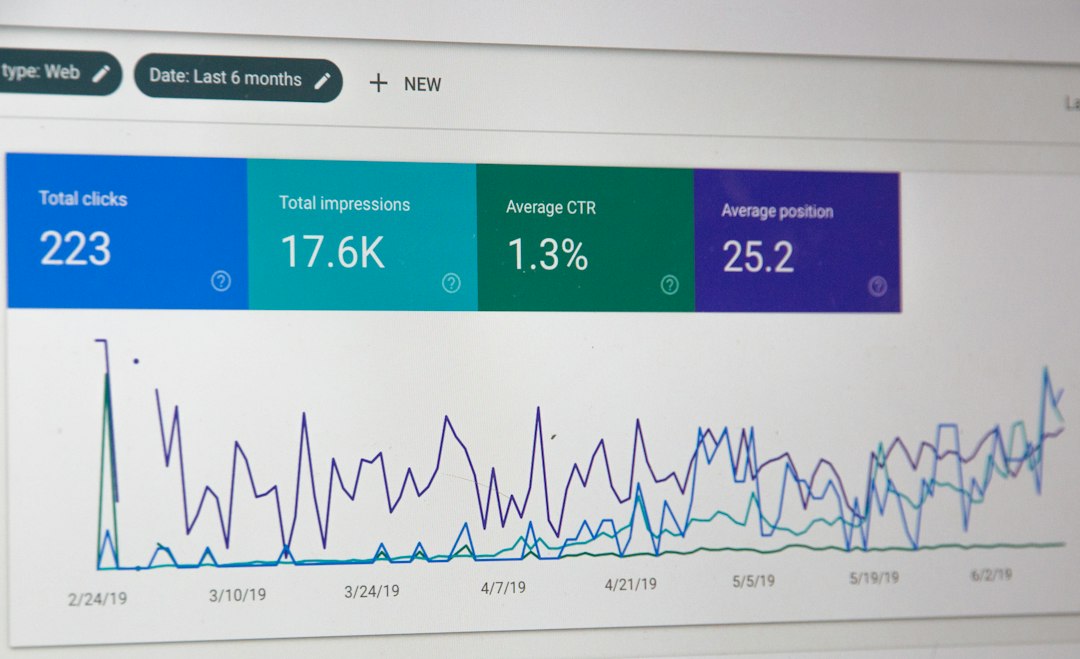
Sprout Social is polished. It gives clean reports, smart charts, and useful engagement data. It can also help with comments and messages, which is handy when your inbox gets loud.
- Tracks: audience growth, engagement rate, impressions, clicks, messages.
- Great for: agencies, brands, and marketing teams.
- Weak spot: pricing can be a lot for smaller creators.
This is the tool you use when someone asks, “Can we see what worked last quarter?” You can answer without panic.
6. Iconosquare
Best for: deep Instagram analytics without too much clutter.
Iconosquare is built for social stats. It gives detailed follower growth, engagement, reach, and content performance. It also has competitor tracking, which can be useful if you want to see how your account stacks up.
- Tracks: follower gains, engagement rate, reach, impressions, hashtag results.
- Great for: Instagram-focused brands and creators.
- Weak spot: it may feel more “analytics first” than “planner first.”
If you like charts, you will enjoy it. If charts make your eyes glaze over, start with the simple engagement reports.
What numbers should you watch?
Do not stare at follower count all day. That way lies madness. A bigger account is not always a better account.
Watch these numbers instead:
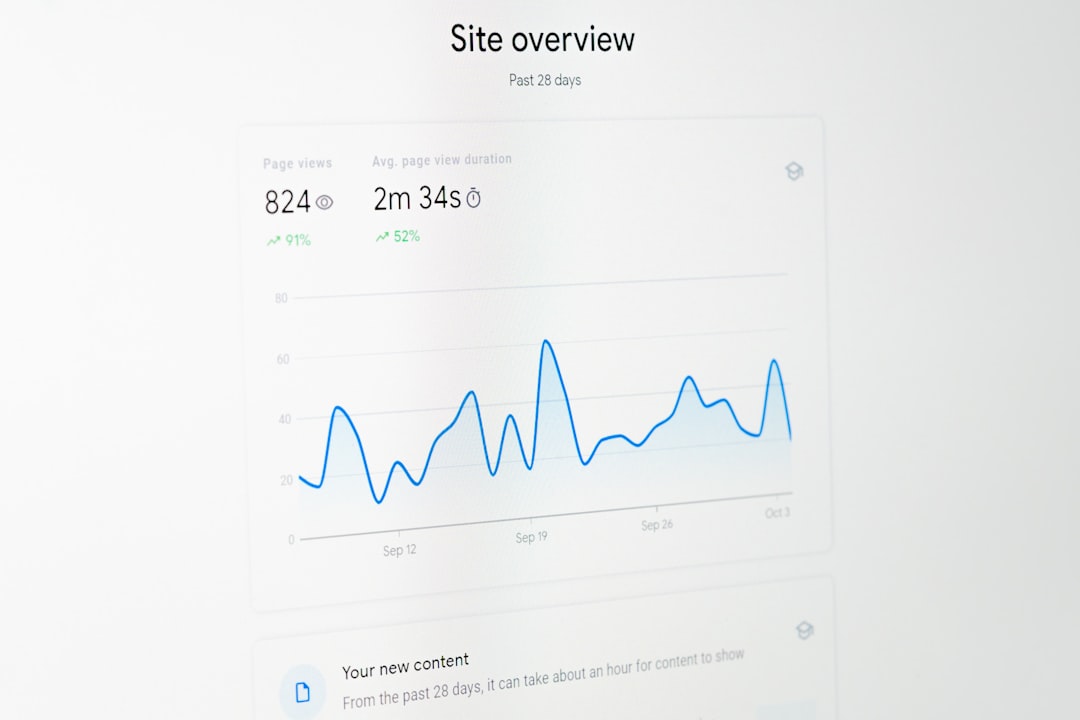
- Engagement rate: Are people liking, saving, sharing, and commenting?
- Follower growth: Are the right people sticking around?
- Reach: Are new people seeing your posts?
- Saves: Did your post help someone enough to keep it?
- Shares: Was it good enough to send to a friend?
- Profile actions: Did people tap your link, call button, or shop?
Quick pick guide
- Free and simple: Instagram Insights.
- Instagram plus Facebook: Meta Business Suite.
- Pretty content planning: Later.
- Many platforms: Hootsuite.
- Client reports: Sprout Social.
- Deep Instagram stats: Iconosquare.
The best tool is the one you will actually check each week. Pick one. Track the same numbers for 30 days. Then change one thing at a time. Try a new Reel format. Test a carousel. Post at a better time. Small tests beat wild guessing every time.