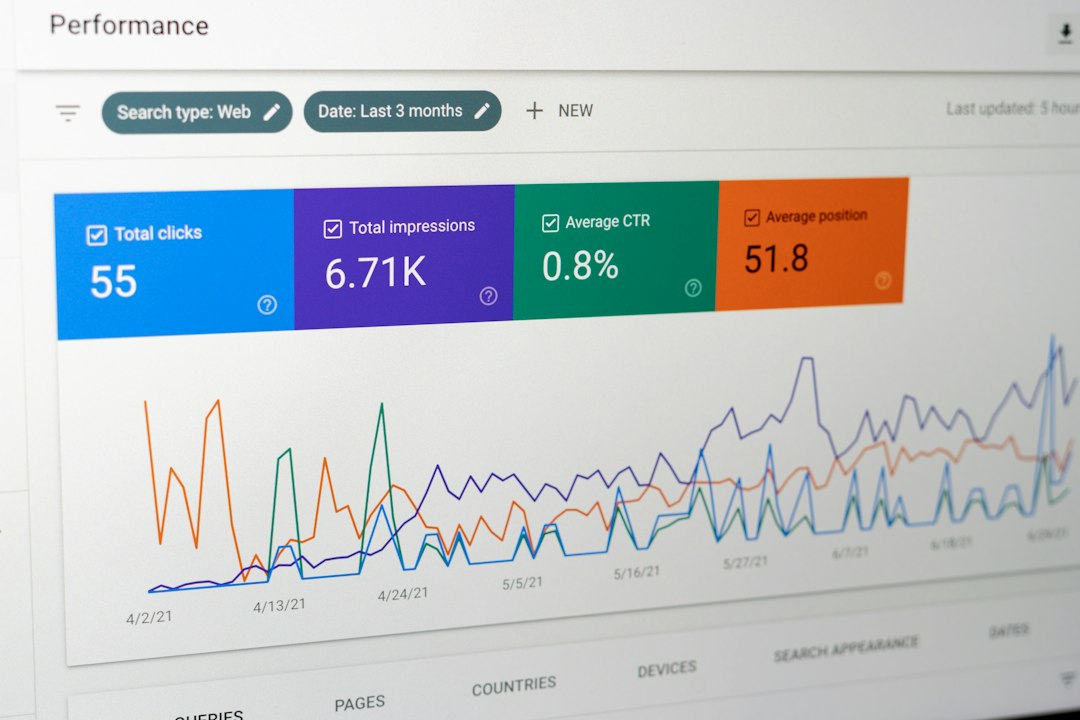
The safest first pick is Instagram’s own data download tool, then specialist exporters should fill the gaps for comments, analytics, leads, and reporting. Instagram allows account owners to request copies of their information through Accounts Center, including profile details, posts, messages, comments, and other account activity [source: Instagram].
TL;DR: Most creators and brands should start with Instagram’s built-in export, then use a reporting or scraping tool only when the official file is too raw. For example, a small shop tracking 90 days of Reels performance may save 3 to 5 hours by using a dashboard exporter instead of sorting JSON files by hand. If an agency manages 12 client accounts, even a 20% cut in reporting time can make weekly reports far less painful. The best tool depends on whether the goal is backup, analytics, comments, leads, or automation.
1. Instagram Download Your Information
Best for: full account backups and basic ownership records.
Instagram’s native export is the obvious place to start. It is free. It is official. It gives account owners a copy of their own data without relying on a third party. The export can include photos, videos, comments, messages, profile information, ad interests, connections, and activity records.
The catch is that the files are not pretty. Users may receive folders full of HTML or JSON files. That is fine for archiving. It is annoying for reporting. A manager who only wants monthly follower growth or top posts may spend far too long opening folders and matching dates.
- Pros: free, official, broad data coverage.
- Cons: weak reporting format, no clean dashboard, not built for teams.
- Best use: keeping a private backup before rebranding, selling an asset, or changing agencies.

2. Meta Business Suite
Best for: business performance reports and post-level insights.
Meta Business Suite is useful for brands that need Instagram data tied to content planning. It shows reach, engagement, audience growth, and content results. It also works well when Instagram and Facebook pages are managed together.
It is not a full account data dump. It is more of a performance hub. That makes it better for marketing teams than for legal, compliance, or archive work. Still, it is often the simplest option for a business that needs regular campaign numbers.
- Pros: official Meta product, strong for business insights, good for teams.
- Cons: limited raw data export, can feel slow, not ideal for deep archive pulls.
- Best use: weekly or monthly reporting for branded Instagram accounts.
3. Instagram Graph API
Best for: developers, agencies, and custom dashboards.
The Instagram Graph API is the serious option. It can pull data such as media metrics, comments, mentions, profile details, and insights for eligible professional accounts. It works best when a company has a developer or a data team.
Honestly, it feels like too much work for a solo creator. Permissions, app review, tokens, and rate limits can slow things down. But for a SaaS company, agency, or data-heavy brand, it is hard to beat. It turns Instagram data into something that can feed a CRM, warehouse, or custom report.
- Pros: flexible, scalable, good for automation.
- Cons: technical setup, account limits, permissions can be strict.
- Best use: building an internal dashboard for many Instagram business accounts.
4. Apify Instagram Scrapers
Best for: structured public data collection and research.
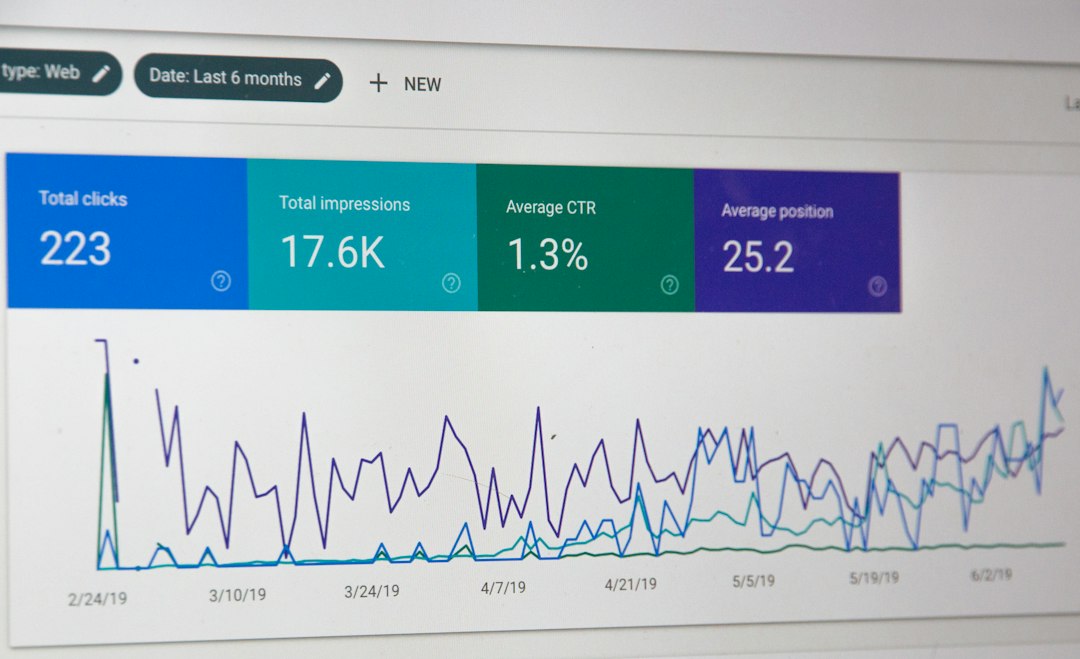
Apify offers ready-made actors that can collect public Instagram data, depending on the task and account access. Teams often use it for competitor tracking, hashtag research, influencer lists, or public post exports. Results can usually be saved as CSV, JSON, Excel, or sent into other tools.
This is powerful, but it needs care. Public data still has rules. Teams should respect platform terms, privacy laws, and consent. No tool should be used to grab private data or bypass access controls.
- Pros: many export formats, automation options, useful for research.
- Cons: requires careful setup, costs can rise with scale, compliance matters.
- Best use: collecting public post data for campaign research.
5. PhantomBuster
Best for: lead lists, profile exports, and light automation.
PhantomBuster is popular with growth teams because it can export public profile and engagement data into spreadsheets. It is often used for influencer discovery, prospect lists, and community tracking. A team might export commenters from a campaign post, clean the list, then add qualified public business profiles to outreach software.
Expect to waste time on setup if the workflow is vague. PhantomBuster works best when the user already knows the target list, output format, and daily limits. Without that, the tool can turn into a messy pile of half-useful spreadsheets.
- Pros: simple spreadsheet exports, useful automations, good for outreach workflows.
- Cons: not a full backup tool, needs careful limits, results need cleaning.
- Best use: building a public influencer or prospect list from Instagram activity.
How to Pick the Right Tool
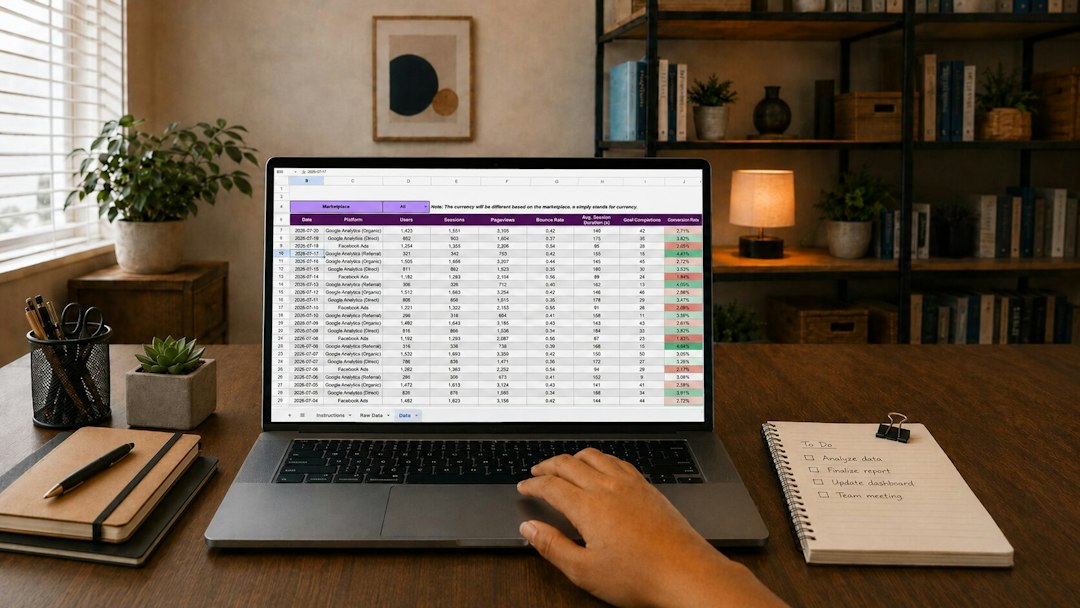
The choice should start with the job, not the tool. For a private archive, Instagram’s own export is enough. For campaign reports, Meta Business Suite is faster. For a custom data pipeline, the Graph API makes sense. For public research, Apify or PhantomBuster may be stronger.
A simple rule helps:
- Backup: Instagram Download Your Information.
- Reports: Meta Business Suite.
- Automation: Instagram Graph API.
- Research: Apify.
- Lead lists: PhantomBuster.
Teams should also check data rights before exporting anything. Account ownership matters. Consent matters. So does storage. A CSV full of usernames, messages, or customer details should not sit in a shared folder with no controls.
FAQ
-
Can an Instagram account owner export all account data?
Yes. The official Instagram data download is the best starting point for a broad copy of account information. -
Which tool is best for analytics?
Meta Business Suite is usually best for non-technical teams. The Instagram Graph API is better for custom dashboards. -
Can these tools export private account data?
They should not be used for private data without permission. Ethical use means exporting owned, authorized, or public data only. -
What export format is easiest to use?
CSV is usually easiest for spreadsheets. JSON is better for developers and databases. -
What is the best free option?
Instagram’s own Download Your Information tool is the best free option for a full account backup.