The safest pick for most teams is Instagram’s own Download Your Information, while Apify and Phantombuster fit larger recurring exports. Instagram lets account owners request a copy of their account information through Accounts Center, which can include follower and following data depending on the account and request settings [source: Instagram Help Center]. That native option is not flashy, but it is the cleanest place to start if you need compliant records for reporting, audits, or a tidy spreadsheet.
TLDR: If you only need your own follower list once a month, start with Instagram’s built-in data download. If you manage 5 to 20 accounts, tools like Apify or Phantombuster can save hours by exporting usernames, profile links, bios, and counts into CSV or Google Sheets. For example, cleaning a 12,000-follower export manually might take 3 hours, while a structured CSV can cut that by 70% if you already have tags and filters ready. Use these tools for owned accounts, approved client work, or public data checks, not spam lists.
Why export Instagram followers at all?
Follower exports are not just for vanity reports. They help you spot creators, customers, bots, brand fans, and inactive accounts. A clean export can answer useful questions:
- Who followed us after a campaign?
- Which followers mention our city, niche, or product in their bio?
- How many followers look like brands, creators, or real buyers?
- Which accounts should sales, PR, or community teams contact?
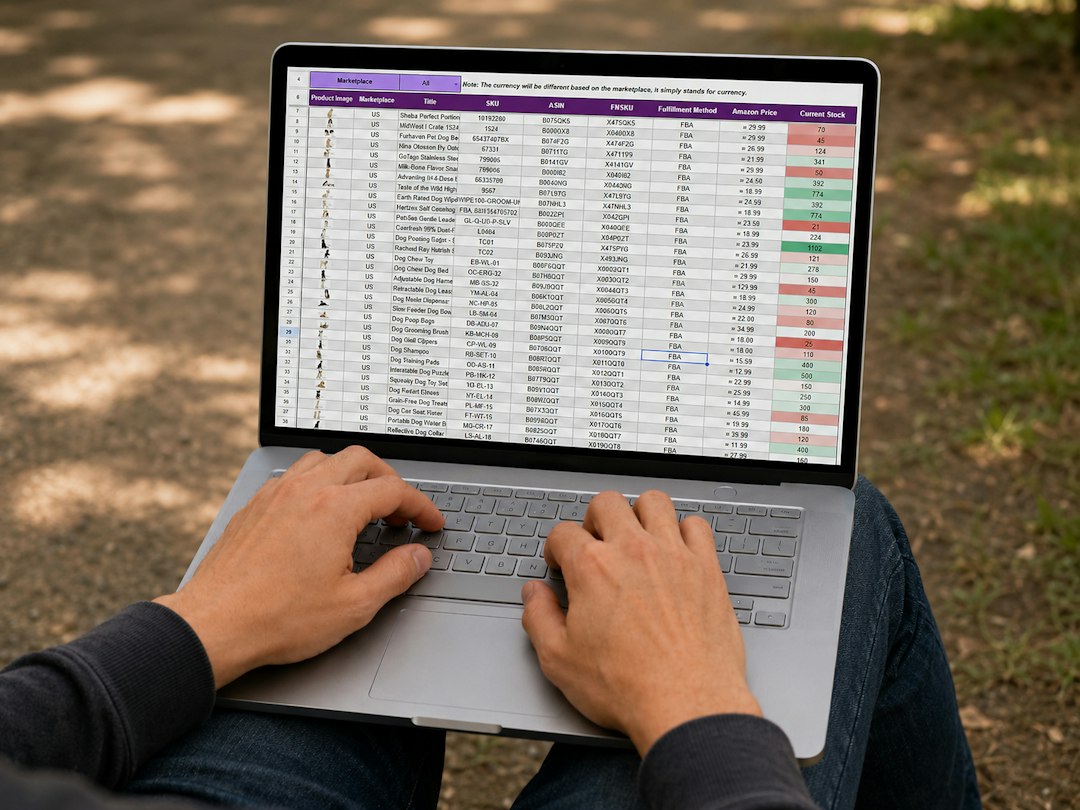
The catch is that Instagram was not built for neat spreadsheet people. Lists load slowly. Search is limited. Exports often need cleanup. Expect to waste time on duplicate rows, missing profile fields, and broken sessions if you pick the wrong tool.
Our 5 picks
| Tool | Best for | Typical output |
|---|---|---|
| Instagram Download Your Information | Owned account records | HTML or JSON files |
| Apify Instagram Followers Scraper | Recurring exports and larger datasets | CSV, Excel, JSON, API dataset |
| Phantombuster Instagram Follower Collector | Growth teams and repeat workflows | CSV and Google Sheets |
| IGExport | Quick browser-based exports | CSV |
| Data Miner | Custom scraping recipes and small jobs | CSV, Excel, Sheets |
1. Instagram Download Your Information
Best for: compliance-minded teams, creators, and clients who want their own account data.
This is the boring pick. Boring is good here. You request your data from Instagram, wait for the files, then open or convert them. It is slower than scraper tools, but it avoids many account safety headaches.
Use it when: you need a clean archive of your own followers and following list. It is also useful before a rebrand, account handoff, or agency audit.
Annoyance: the files are not always spreadsheet-ready. JSON is great for developers. For everyone else, it can feel like being handed a locked filing cabinet.
2. Apify Instagram Followers Scraper
Best for: larger exports, scheduled runs, and teams that like structured data.
Apify is strong when you want repeatable jobs. You can run scrapers, store datasets, and send results into other tools. It suits analysts who want more than a one-time CSV.
Use it when: you track follower changes weekly, compare several public accounts, or need exports that your reporting system can ingest.
Annoyance: setup takes focus. Honestly, it feels like the first run always requires one extra setting you missed. After that, it becomes much smoother.

3. Phantombuster Instagram Follower Collector
Best for: sales, influencer research, and community workflows.
Phantombuster is popular because it connects data collection with simple automation. You can collect follower data, push it to a sheet, then sort by bio keywords, follower counts, or profile links.
Use it when: your team wants a repeatable process without building code. For example, a coffee brand could export followers of its own profile, filter bios containing “barista” or “cafe,” then build a small partner shortlist.
Annoyance: run limits and account safety settings matter. Push it too hard and you may hit blocks or login checks. Slow settings are less exciting, but often smarter.
4. IGExport
Best for: quick CSV exports from the browser.
IGExport is a Chrome extension style tool. It is simple and fast when you need a list without building a full data pipeline. That makes it handy for solo marketers or creators.
Use it when: you need a fast follower or following export and plan to clean it in Google Sheets.
Annoyance: browser tools can be fragile. If Instagram changes the page layout, exports may slow down or fail. It drives me crazy that a task that took 40 seconds one week can take five minutes the next because the interface changed.
5. Data Miner
Best for: people who want a flexible scraper for many sites, not only Instagram.
Data Miner uses scraping recipes to pull information from pages into rows and columns. It is useful for small research jobs and custom formats. It is less “one click” than dedicated Instagram exporters, but more flexible.
Use it when: you need to grab visible public profile details, test a small sample, or build a custom export format.
Annoyance: recipes may need tweaking. If you dislike fiddly selectors and page reloads, pick a more focused tool.
How to keep exports useful
- Add columns for status: customer, creator, press, competitor, bot, unknown.
- Track export date: follower lists age quickly.
- Remove duplicates: especially when merging monthly files.
- Keep proof of permission: vital for agency and client work.
- Do not spam people: a follower export is not consent for cold blasts.
The best tool depends on your risk level and workflow. For trusted account records, use Instagram’s own export. For repeated reporting, use Apify or Phantombuster. For quick jobs, try IGExport. For custom scraping projects, Data Miner can work, as long as you are ready for cleanup.