Mosyle is a smart choice when schools or companies need to manage Apple devices without touching every iPad, Mac, or Apple TV by hand. It is built for Apple-first teams, with tools for device setup, app installs, security rules, user controls, and remote support. Mosyle says its Apple Unified Platform supports more than 45,000 organizations, which gives it a strong footprint in education and business IT [source: Mosyle].
TLDR: Mosyle helps IT teams set up, secure, and manage Apple devices from one web console. For example, a school with 1,200 iPads can push a testing app, block games during class, and apply Wi Fi settings without collecting the devices. A business with 300 Macs can enforce FileVault, install required apps, and wipe a lost laptop in minutes. It saves time, cuts manual work, and gives admins tighter control.

What Mosyle actually does
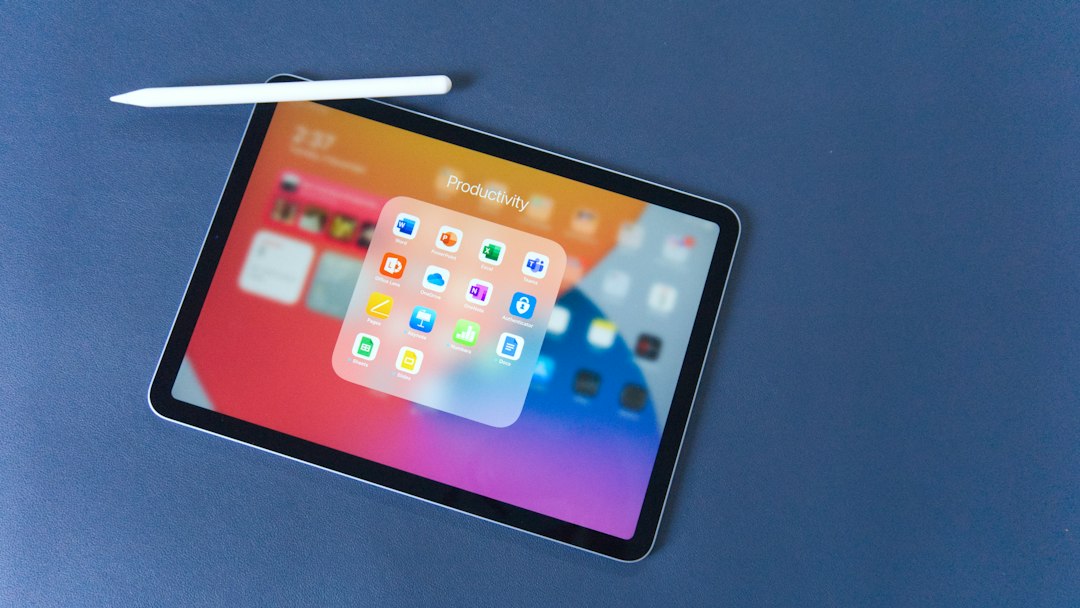
Mosyle is a mobile device management and security platform for Apple hardware. That includes Mac, iPad, iPhone, and Apple TV. It works especially well with Apple School Manager and Apple Business Manager, so devices can be assigned, enrolled, and configured before users even open the box.
This is often called zero touch deployment. The name sounds fancy, but the idea is simple. A Mac or iPad ships to a teacher, student, or employee. They turn it on. Mosyle applies the right settings, apps, restrictions, and security rules. No IT cart. No USB cable. No “bring it to the office first” routine.
Honestly, it feels like every IT team has lost hours to tiny setup tasks that should not exist. Typing Wi Fi passwords, installing the same apps again, checking encryption, renaming devices, and fixing missed settings gets old fast. Mosyle removes a lot of that repeated work.
Why schools use Mosyle
Schools have a tricky job. They need devices to be useful, safe, and easy to reset. They also need controls that fit different grades, classes, and testing rules. Mosyle is popular in education because it gives admins and tech coordinators simple tools for common school needs.
- Classroom app control: Push required apps to student iPads without asking students to install them.
- Web filtering: Help block harmful or distracting content during school hours.
- Shared iPad support: Useful when several students use the same device during the day.
- Lost device actions: Lock, locate, or wipe a missing iPad when needed.
- Testing mode: Restrict access during exams so students stay in the approved app or site.
A middle school, for example, could create one profile for sixth grade, another for teachers, and another for library iPads. Each group gets different apps and limits. That beats managing one giant pile of devices by spreadsheet.
Why businesses use Mosyle
For companies, Mosyle is less about classroom control and more about security, compliance, and speed. A growing business may start with ten MacBooks and end up with hundreds. Without a real management tool, things get messy. Fast.
Mosyle Business and Mosyle Fuse focus on keeping Macs and other Apple devices secure. Admins can require strong passwords, turn on FileVault encryption, manage software updates, install endpoint protection, and remove company data from lost devices.
The catch is that Apple management can feel simple until one setting fails on 80 laptops. Then you need reporting. Mosyle gives IT teams a clearer view of which devices are encrypted, which apps are installed, and which machines missed a policy. That visibility matters when audits or insurance forms show up.
Key features worth knowing
Mosyle has a lot of tools, but these are the ones most teams care about first:
- Automated enrollment: Devices can enroll during setup through Apple School Manager or Apple Business Manager.
- App management: Install, remove, or update apps across groups of devices.
- Security policies: Enforce encryption, passcodes, restrictions, and operating system rules.
- Inventory tracking: See device model, serial number, owner, OS version, and status.
- Remote commands: Lock, wipe, restart, or push settings without walking to the device.
- Identity and login tools: Help link users to the right devices and access rules.
For Apple-heavy teams, this focus is a strength. Mosyle is not trying to be a universal tool for every device type. It is built around Apple management, and that keeps many workflows cleaner.
Where Mosyle may annoy you
No tool is painless. Mosyle has many settings, and new admins may need time to understand profiles, groups, commands, and Apple enrollment rules. Expect to waste time on the first rollout if your Apple School Manager or Apple Business Manager setup is messy.
There is also the usual MDM delay problem. A command may not hit a sleeping Mac right away. An app install may wait until the device checks in. That is not always Mosyle’s fault, but it still feels irritating when someone is waiting at your desk.
Best fit
Mosyle is best for K 12 schools, colleges, nonprofits, and businesses that mostly use Apple devices. It is especially useful when devices are spread across buildings, campuses, or remote workers. If your team manages only a few Macs, basic Apple tools may be enough. Once you hit dozens or hundreds of devices, Mosyle starts to make much more sense.
Bottom line: Mosyle turns Apple device management from a hands-on chore into a controlled system. It helps schools keep students focused and safe. It helps companies protect data and prepare devices faster. If Apple is your main platform, Mosyle is well worth a serious look.