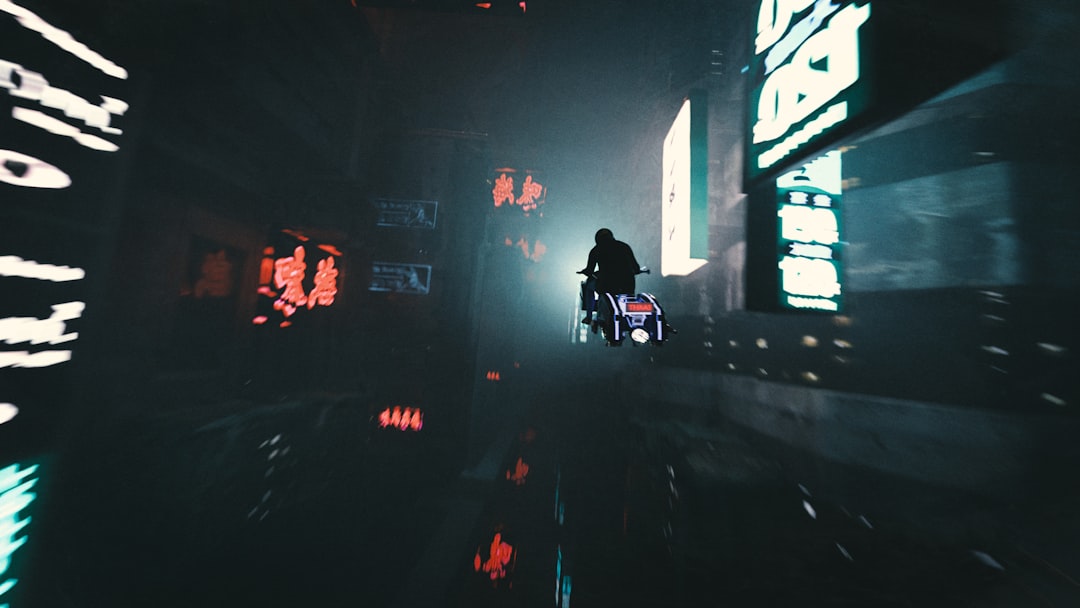
Perchance AI Image Generator has become a popular option for people who want to create images from text prompts without navigating a complicated design platform. It is part of the broader Perchance ecosystem, which is known for simple, browser-based creative generators. For artists, writers, marketers, hobbyists, and curious beginners, the tool offers a straightforward way to turn written ideas into visual concepts.
TLDR: Perchance AI Image Generator is a web-based tool that allows users to create AI-generated images by entering descriptive text prompts. It is valued for its simplicity, accessibility, and usefulness in brainstorming visual ideas. Strong results depend on clear prompts, thoughtful style descriptions, and repeated experimentation. It is best suited for concept art, inspiration, character ideas, mood boards, and creative exploration.
What Is Perchance AI Image Generator?
Perchance AI Image Generator is an online image creation tool that uses artificial intelligence to transform written prompts into pictures. A user enters a description, and the generator interprets that description to produce an image. The result may look like digital art, photography, illustration, fantasy concept art, anime, painting, or another visual style depending on the prompt.
Unlike complex professional design software, Perchance tends to focus on speed and simplicity. It is often used by people who want quick visual outputs rather than advanced editing controls. Instead of building an image manually, the user explains the desired scene, subject, style, mood, colors, and composition through text.
For example, a prompt such as “a lonely lighthouse on a stormy cliff at sunset, cinematic lighting, realistic style” may produce a dramatic coastal image. A more specific prompt, such as “a young wizard reading an ancient glowing book in a candlelit library, fantasy illustration, rich detail,” gives the generator more information and usually leads to a more focused result.
How Perchance AI Image Generator Works
The tool works through a process commonly known as text to image generation. In simple terms, artificial intelligence has been trained on large collections of images and captions. When a new prompt is entered, the system predicts what kind of visual content matches the words and creates a new image based on that interpretation.
The process usually involves three main stages:
- Prompt input: The user writes a description of the desired image.
- AI interpretation: The generator analyzes the prompt and connects it with visual patterns, styles, objects, and compositions.
- Image output: The system produces one or more images based on the prompt.
The exact behavior of Perchance-based AI tools can vary because Perchance hosts many community-created generators and interfaces. Some versions may include options such as image size, style selection, negative prompts, or multiple outputs. Others may remain extremely simple, with only a prompt box and a generate button.
Key Features and Benefits
Perchance AI Image Generator is often appreciated because it removes many barriers that surround digital image creation. It can be useful even for people with no drawing, photography, or graphic design experience.
- Easy access: It generally runs in a web browser, so users do not need advanced software skills.
- Fast experimentation: Multiple ideas can be tested quickly by changing a few words in a prompt.
- Creative flexibility: It can generate many styles, from realistic portraits to surreal landscapes.
- Useful for brainstorming: Writers, game masters, designers, and content creators can visualize scenes before developing them further.
- Beginner friendly: The interface is usually simple enough for new users to understand in minutes.
Its greatest strength is not necessarily perfect image production, but creative exploration. It helps users see possible versions of an idea. Even when the first result is imperfect, it can inspire a better prompt or a new direction.
How to Write Better Prompts
The quality of a generated image depends heavily on the prompt. A vague prompt may create a generic picture, while a detailed prompt gives the AI more guidance. Strong prompts usually describe the subject, setting, action, style, lighting, color, and mood.
A basic prompt might be:
“A robot in a city.”
A stronger prompt would be:
“A friendly silver robot walking through a rainy neon city at night, reflections on wet pavement, cinematic cyberpunk style, highly detailed, dramatic lighting.”
The second prompt gives the generator more useful information. It includes the subject, environment, weather, time of day, color mood, artistic style, and lighting. This increases the chance of receiving a more interesting result.
Useful Prompt Elements
- Subject: The main person, animal, object, or scene.
- Setting: The location or background, such as a forest, castle, city, ocean, or bedroom.
- Style: Realistic, watercolor, anime, oil painting, 3D render, comic book, or cinematic.
- Lighting: Soft light, golden hour, neon glow, candlelight, studio lighting, or dramatic shadows.
- Mood: Peaceful, mysterious, joyful, dark, magical, futuristic, or romantic.
- Details: Clothing, textures, colors, facial expression, weather, architecture, or props.
Using Negative Prompts
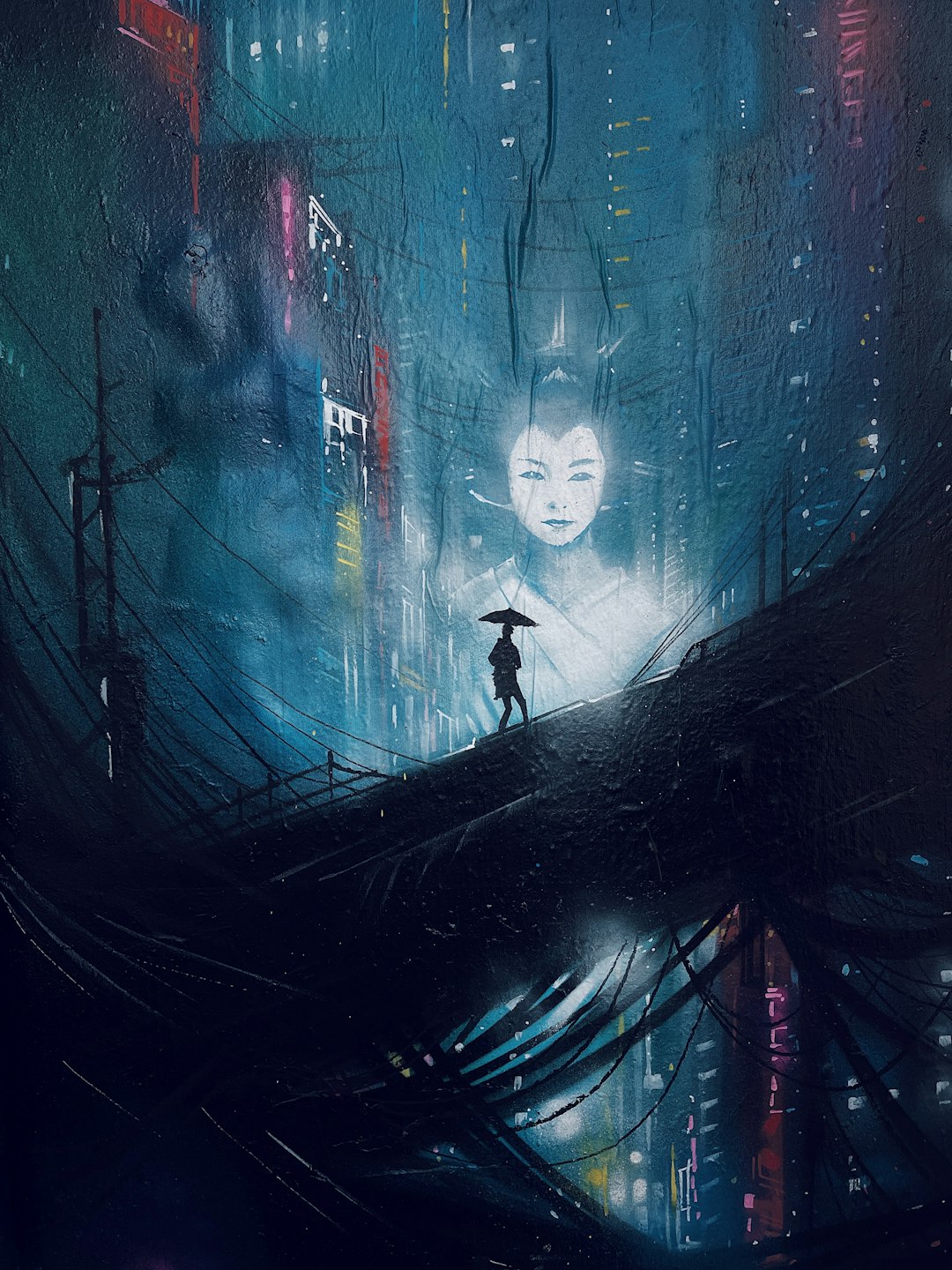
Some versions of AI image generators include a negative prompt field. A negative prompt tells the AI what should be avoided. This can be helpful when images contain unwanted details, distorted anatomy, blurry faces, strange text, extra fingers, or random objects.
Common negative prompt terms may include:
- blurry
- low quality
- extra limbs
- distorted face
- bad anatomy
- watermark
- text
Negative prompts are not perfect, but they can improve results when used carefully. If an image repeatedly includes an unwanted element, adding that element to the negative prompt may help reduce it.
Best Uses for Perchance AI Image Generator
Perchance AI Image Generator can support many creative workflows. It is especially useful when visual inspiration is needed quickly.
1. Character Design
Writers, role-playing game players, and storytellers can use the generator to create character concepts. A prompt can describe age, clothing, personality, setting, and style. For example, a fantasy author might generate images of a desert queen, a wandering knight, or a forest spirit.
2. Worldbuilding and Environment Ideas
Game masters, novelists, and concept artists often need locations. The generator can help imagine alien planets, medieval villages, futuristic cities, haunted mansions, or peaceful gardens. These images may not become final artwork, but they can form a strong visual starting point.
3. Social Media and Content Inspiration
Creators can use AI-generated visuals to brainstorm themes, color palettes, and image concepts. However, they should always check platform rules, copyright considerations, and usage rights before publishing images commercially.
4. Mood Boards
A mood board is a collection of visuals that communicates a style or feeling. Perchance can help create images for themes such as “cozy autumn café,” “dark academic library,” “retro space travel,” or “minimalist beach house.”
5. Learning Visual Language
Using the generator can help beginners understand how words affect images. By changing terms such as “soft lighting,” “wide angle,” “close up portrait,” or “watercolor texture,” users can learn how visual descriptions influence results.
Tips for Getting Better Results
Although Perchance AI Image Generator is simple to use, better results often come from a more deliberate approach. The following practices can help users improve their outputs:
- Start specific: A detailed prompt is usually better than a one-word idea.
- Change one thing at a time: Adjusting only the style, lighting, or setting makes it easier to understand what changed.
- Use style references carefully: Describing broad styles such as “baroque painting” or “cinematic fantasy” can be useful.
- Generate multiple versions: AI image creation is unpredictable, so several attempts may be needed.
- Combine strong outputs: A user may like the lighting in one result and the composition in another, then refine the prompt accordingly.
- Avoid overcrowding: Too many subjects and details can confuse the generator.
Prompt writing is a skill. The most effective users treat the generator as a creative collaborator rather than a machine that always produces perfect images on the first try.
Limitations to Understand
Perchance AI Image Generator can be powerful, but it has limitations. AI-generated images may include odd hands, inaccurate objects, unreadable text, or inconsistent facial features. The generator may misunderstand complex prompts or merge details in unexpected ways.
Another important consideration is originality and rights. Users should review the rules of the specific generator they are using, especially for commercial projects. AI image tools may have different policies for ownership, public sharing, and acceptable content. Since Perchance may host community-built tools, terms and behavior can vary from one generator page to another.
Ethical use also matters. Users should avoid generating harmful, misleading, or non-consensual images. When images are used publicly, transparency may be appropriate, particularly in professional, educational, or journalistic contexts.
Perchance AI Image Generator vs. Traditional Design Tools
Traditional design tools give users precise control over every element. They are better for final layouts, branding systems, technical editing, and professional production. Perchance AI Image Generator, by contrast, is more useful for fast ideation and visual discovery.
The difference can be summarized simply:
- AI image generation: Best for creating new visual concepts from text.
- Design software: Best for editing, arranging, refining, and preparing final assets.
Many creators may use both. An AI-generated image can serve as an inspiration piece, reference image, or draft concept. Later, a designer or artist can refine the idea manually with professional tools.
Who Should Use It?
Perchance AI Image Generator can be useful for a wide range of people. A novelist may use it to picture a fictional castle. A tabletop game master may generate portraits for non-player characters. A student may explore visual styles for an art project. A small content creator may use it to brainstorm thumbnails or background ideas.
It is especially appealing to users who want low-friction creativity. The tool does not require advanced technical knowledge, and it rewards curiosity. Anyone willing to test prompts, revise descriptions, and compare outputs can benefit from it.
Practical Prompt Examples
Here are several sample prompts that show how different wording can guide the generator:
- Fantasy scene: “An ancient stone bridge crossing a glowing river in an enchanted forest, misty atmosphere, fantasy concept art, soft blue and green lighting.”
- Portrait: “A thoughtful elderly astronomer with round glasses, standing beside a brass telescope, warm candlelight, realistic painted portrait.”
- Product concept: “A sleek futuristic smartwatch on a dark reflective surface, studio lighting, premium technology advertising style.”
- Children’s book style: “A small fox wearing a red scarf in a snowy village, gentle watercolor illustration, charming and cozy mood.”
These examples show that strong prompts combine concrete details with style direction. The more clearly the image is described, the more likely the result will match the intended idea.
Conclusion
Perchance AI Image Generator is a practical and accessible tool for turning imagination into visuals. It is not a replacement for skilled artists or full design software, but it is a valuable creative companion for brainstorming, concept development, and experimentation. Its greatest value lies in how quickly it can help users explore ideas that would otherwise remain abstract.
With clear prompts, patient refinement, and responsible use, Perchance AI Image Generator can support many creative projects. Whether someone is building a fictional world, designing a character, planning a mood board, or simply exploring visual ideas, the tool offers a simple way to begin.
FAQ
What is Perchance AI Image Generator?
Perchance AI Image Generator is a browser-based tool that creates images from written text prompts. Users describe what they want to see, and the AI generates an image based on that description.
Is Perchance AI Image Generator easy for beginners?
Yes. It is generally considered beginner friendly because it usually requires only a prompt and a generate action. Better results come with practice and more detailed descriptions.
What kinds of images can it create?
It can create many types of images, including portraits, landscapes, fantasy scenes, character concepts, realistic images, paintings, anime-style art, and surreal compositions.
How can users improve image quality?
Users can improve results by writing specific prompts, adding style and lighting details, using negative prompts when available, and generating several versions before choosing the best one.
Can Perchance AI images be used commercially?
Commercial use depends on the rules of the specific generator and any related terms of service. Users should review the applicable usage rights before using generated images in products, advertising, or paid projects.
Why do AI-generated images sometimes look strange?
AI image generators may misinterpret prompts or struggle with details such as hands, text, symmetry, and complex objects. This is a common limitation of text to image systems.
Is prompt writing important?
Yes. Prompt writing is one of the most important parts of AI image generation. Clear, detailed prompts usually produce more accurate and visually appealing results than vague prompts.

Leave a Reply