Treat brute force and password spraying as different attacks because they fail in different ways and leave different clues. Brute force hammers one account with many password guesses. Password spraying flips the pattern: one or a few common passwords are tried across many accounts. That difference matters because Microsoft reported that password attacks rose to about 4,000 attacks per second, a scale that makes weak sign-in defenses painful very quickly [source: Microsoft].
TLDR: Brute force attacks guess many passwords against one account, while password spraying guesses one common password against many accounts. For example, an attacker may try 10,000 guesses against “alex@company.com,” or try “Winter2026!” against 10,000 employees. In a small company of 200 staff, even a 2% weak-password rate means four accounts may be exposed. The best protection is multi-factor authentication, strong password rules, login monitoring, and quick lockout alerts.
What is a brute force password attack?
A brute force attack is the blunt instrument of credential theft. The attacker picks a username, then runs through password guesses until one works or the defense blocks them. It may use a simple list such as “password123,” “qwerty,” and “companyname2026.” It may also use huge wordlists built from leaked passwords.
The attack can be slow and careful, or fast and noisy. A basic brute force attempt may trigger hundreds of failed logins in minutes. A smarter version may spread guesses across time, IP addresses, and devices to look less suspicious.
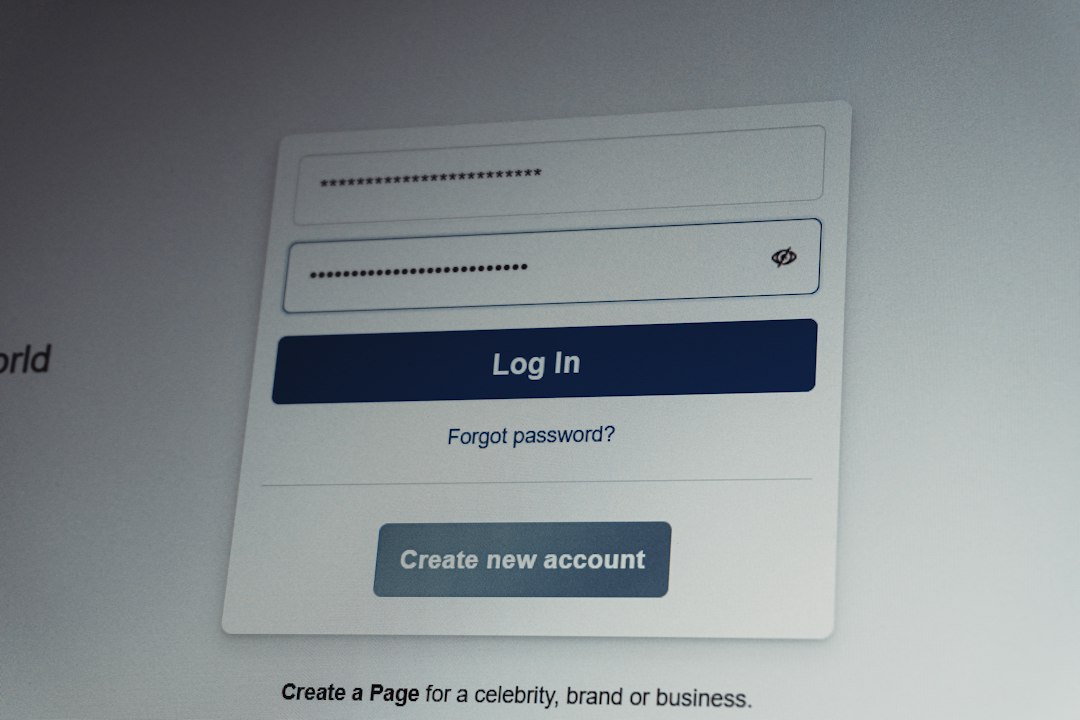
Brute force succeeds when the target has weak passwords, no rate limits, or old systems with poor monitoring. It also works well against exposed services such as remote desktop, VPN portals, SSH, email login pages, and admin panels. Honestly, it feels like some login systems were built to wait politely while attackers keep trying forever.
What is password spraying?
Password spraying is quieter and often more annoying for defenders. Instead of attacking one account with many guesses, the attacker tries one password against many accounts. Then they wait. Later, they try another common password against the same group.
For example, the attacker may gather 5,000 employee emails from LinkedIn, old breaches, company pages, and public documents. Then they try passwords such as:
- Welcome1
- Spring2026!
- Companyname123
- Password1!
- Letmein2026
This method avoids the classic account lockout problem. If a lockout starts after five bad attempts, the attacker only uses one or two guesses per account. That keeps the attack under many older alert thresholds.
The catch is that password spraying often looks boring at first. One failed login for Sara. One for Miguel. One for Priya. Nothing dramatic. Then one account works, and suddenly the attacker has email, files, chat history, and maybe VPN access.
Brute force vs password spraying: the key differences
The easiest way to remember the difference is this: brute force goes deep, password spraying goes wide.
- Target pattern: Brute force targets one or a few accounts. Password spraying targets many accounts.
- Password pattern: Brute force uses many password guesses. Password spraying uses a few common passwords.
- Noise level: Brute force is usually loud. Password spraying is often quiet.
- Lockout risk: Brute force often triggers lockouts. Password spraying tries to avoid them.
- Best clue: Brute force shows many failures on one user. Password spraying shows the same failed password pattern across many users.
Why attackers still use these methods
These attacks work because people reuse passwords. They also pick seasonal passwords, company names, sports teams, keyboard walks, and slightly changed old passwords. Attackers know this. They do not need magic. They need patience, scripts, and lists.
Credential leaks make the problem worse. If an employee used the same password on a breached shopping site and on the work portal, the attacker may not need to guess much at all. That becomes credential stuffing, a cousin of brute force. It uses known username and password pairs from breaches.
Attackers also use automation. A script can test thousands of logins while the person running it sleeps. Cloud servers, proxy networks, and infected machines help hide the source. Defenders then see login attempts from many countries, devices, and IP addresses. Expect to waste time separating real travelers from fake traffic if logging is weak.
A short user case scenario
Picture a 300-person accounting firm. The attacker finds 260 employee emails online. They try “Welcome2026!” against all of them on Monday morning. Three accounts work. That is only a 1.15% success rate, but it is enough.
One account belongs to a junior employee. The attacker reads email threads and finds invoice templates. Another belongs to a manager with access to client folders. The third has no special access, but it is useful for internal phishing. By Wednesday, fake payment requests are sent from a real mailbox. That is why even one sprayed password can become expensive.
Signs of a brute force attack
Brute force attacks often create clear signals if the organization collects the right logs. Watch for:
- Many failed logins for one account in a short time.
- Repeated attempts against admin accounts.
- Login attempts from unusual countries or hosting providers.
- Failures followed by one successful login.
- Attempts against disabled or old accounts.
Security teams should pay close attention to privileged accounts. A successful brute force attack against an admin account can lead to password resets, mailbox access, data theft, or system changes.
Signs of password spraying
Password spraying is easier to miss because the failure count per user may stay low. Better detection looks across the whole organization. Watch for:
- The same IP address trying many usernames.
- Many accounts receiving one failed login each.
- Login failures spread across regular intervals.
- Attempts using legacy authentication, such as old email protocols.
- Successful login after a wave of low-volume failures.
Legacy authentication deserves special attention. Older protocols may not support MFA well, which gives attackers an easier path. Many security teams now block basic authentication for this reason.
How to reduce the risk
The strongest defense is multi-factor authentication. MFA does not make passwords irrelevant, but it usually stops a stolen or guessed password from being enough. App-based prompts, hardware keys, and passkeys are stronger than SMS codes.
Next, use controls that slow attackers down without punishing normal users too much:
- Rate limits: Slow repeated attempts from the same source.
- Smart lockouts: Lock risky attempts, not every typo from a real user.
- Password screening: Block common and breached passwords.
- Conditional access: Challenge risky locations, devices, and behavior.
- Alert tuning: Detect patterns across many accounts, not just one account.
- Disable legacy login methods: Remove weak paths attackers love.
User training still helps, but do not rely on it alone. People forget. People rush. People choose “Summer2026!” because the system allows it. A good security setup assumes that some users will make weak choices and blocks the worst ones automatically.
What good monitoring looks like
Useful monitoring ties together username, IP address, device, location, time, protocol, and result. A single failed login may mean nothing. Two hundred single failures across two hundred users may mean a password spray attack.
Good alerts also include context. “50 failed logins” is vague. “One IP tried 50 users with one attempt each, then one login succeeded from a new country” is useful. That tells the team what happened and where to act first.
The practical takeaway
Brute force and password spraying are not advanced in theory, but they remain effective because weak passwords and exposed login pages are everywhere. Brute force attacks shout. Password spraying whispers. Both can open the same door.
Defend against both with MFA, blocked common passwords, rate limits, legacy protocol shutdowns, and alerts that spot patterns across accounts. If you only monitor one user at a time, password spraying may slip past you. If you ignore repeated failures on one account, brute force may do the same.